58 TP-00347-01
Chapter 4: Operation
Setting Date/Time
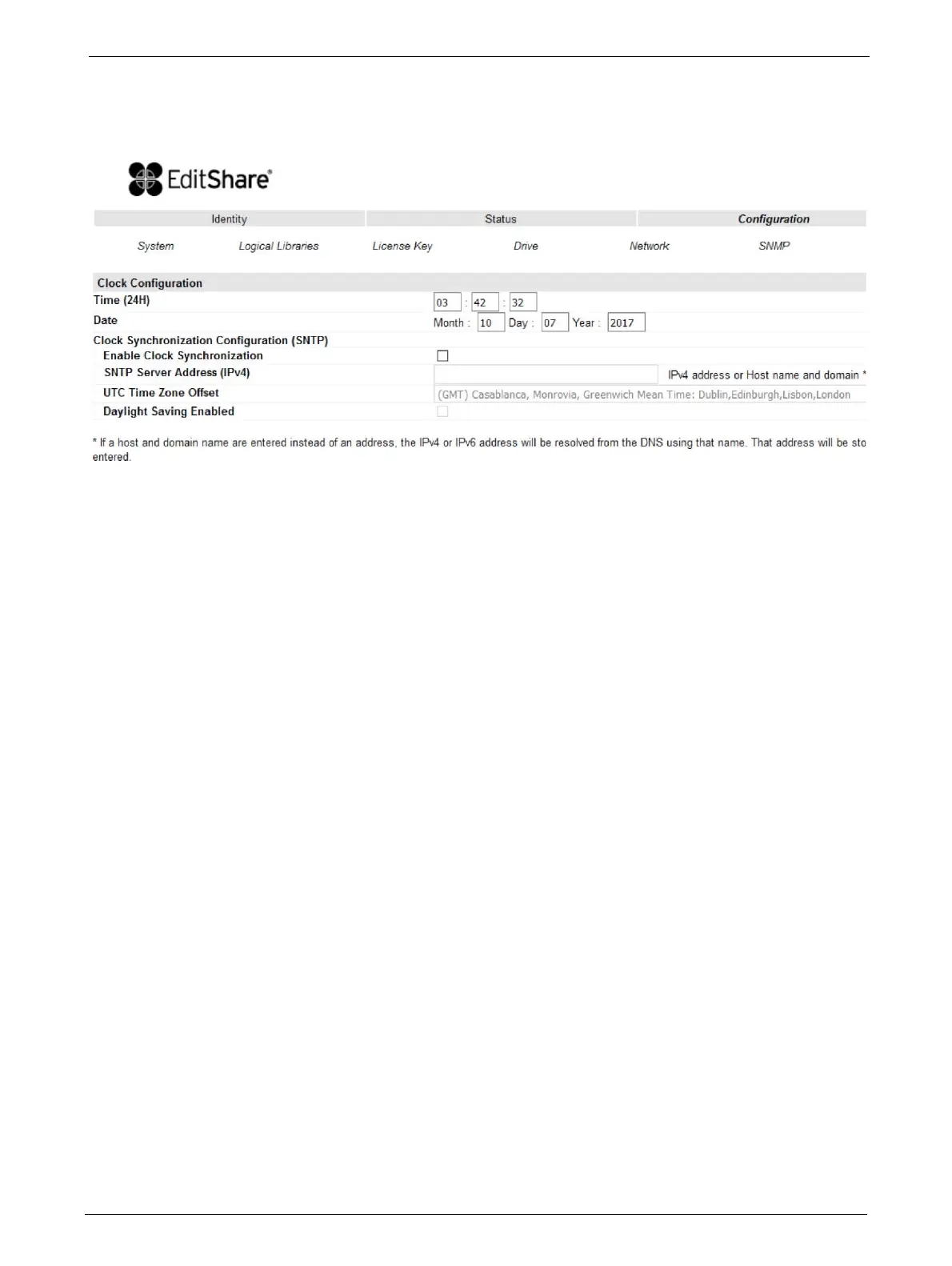
This page allows the user to set the time and date, and how it displays.
Changes that can be made are:
Clock Configuration
• Time (24 hour format): hh:mm:ss
•Date: MM:DD:YYYY
• Clock Synchronization Configuration (SNTP):
• Enable Clock Synchronization: If checked the unit will attempt
to synchronize its clock
with an external time source. The following apply:
• SNTP Server Address (IPv4): This is the IP address of the network
SNTP time server, the
address may be a maximum of 40 characters.
• UTC Time Zone Offset: This drop down menu allows the administrator to select the appro-
priate time zone offset so that the time wi
ll be displayed in the actual local time.
• Daylight Saving Enabled: Provides for automatic offset of daylight
savings time.



 To Next Page