TP-00347-01 53
Overview
6) Select Language: - The select language menu allows the user to specify the language
displayed by the RMU interface. The default display language is English. Possible alternate
language selections are German, Italian, Spanish, and French. In order for the selection to
take affect the desired language must be selected in the drop down menu and the apply
button pushed. The web screen must then be refreshed.
Changes will only be applied after the <Refresh> or the <Apply> button is selected. After doing so,
a wa
rning page will inform the user of the impact of the proposed change. In some cases, a pop-up
screen will ask the operator to confirm the change. Many changes will also require a reboot.
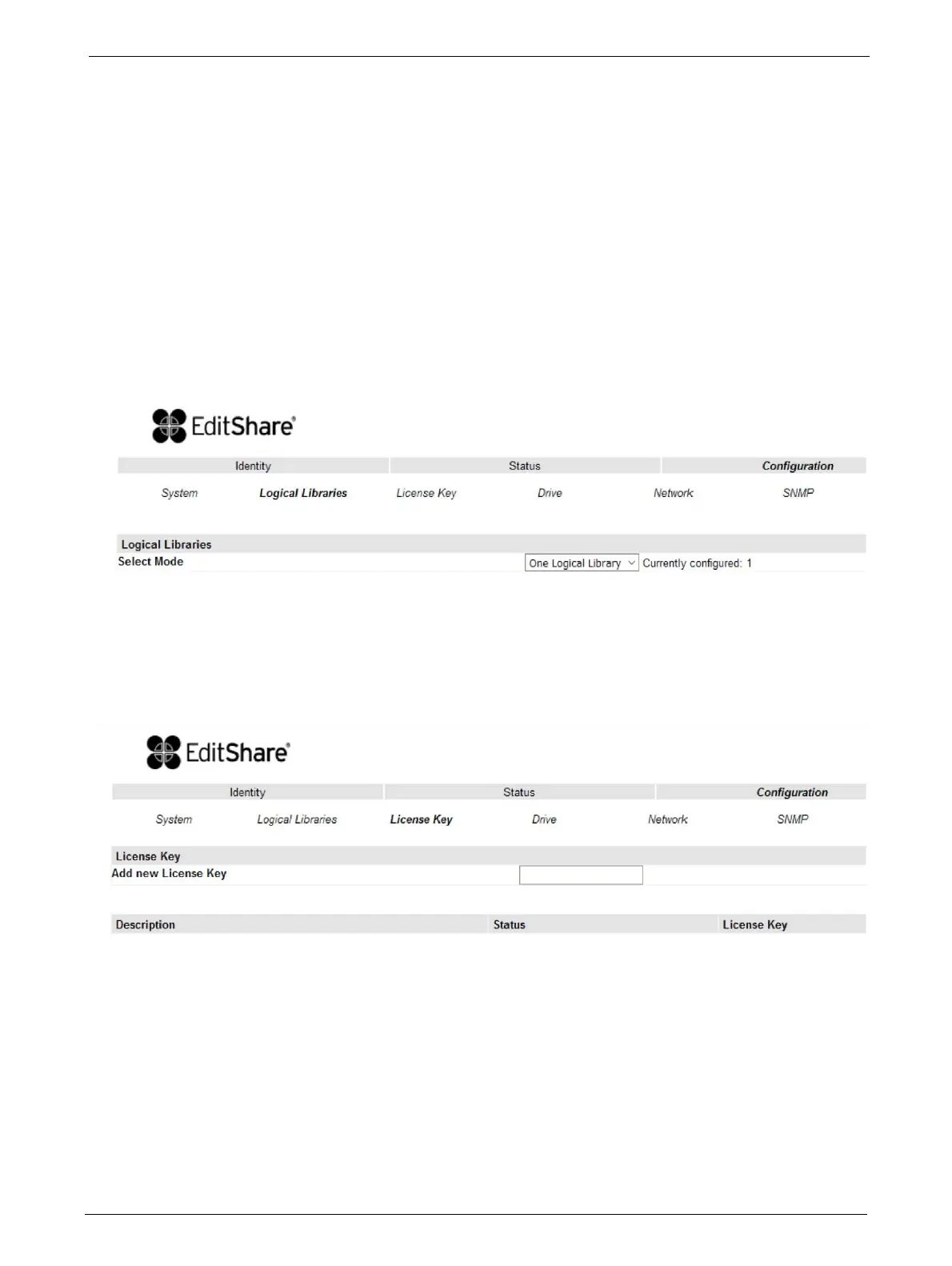
Configuring Logical Libraries
The logical libraries drop down allows the user to partition one library into smaller "logical
libraries". Each logical library must contain at least one tape drive. For more information on this
feature, see "Partitioning the Library" on page 66.
Changing the License Key Configuration
This page allows the user to add additional functionality to the unit by entering license key
information. License keys are not required EditShare Ark
Tape Libraries.



 To Next Page