54 TP-00347-01
Chapter 4: Operation
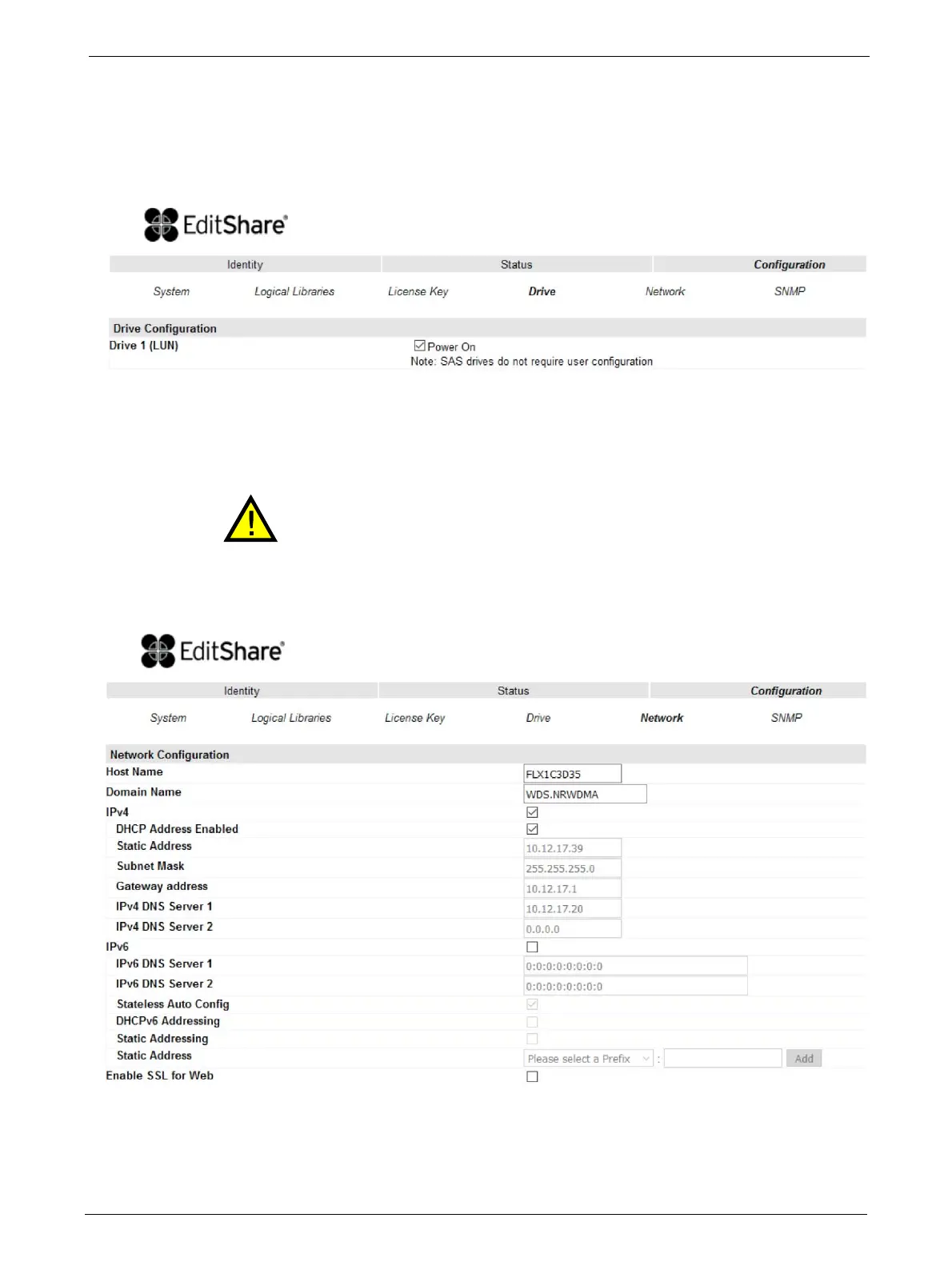
Changing the Drive Configuration
This page shows the current configuration of all tape drives in the library and allows modification
to the configuration. The user is also able to select the <Power On> check box through this page
to activate the
drive.
Changing the Network Configuration
Changes in this menu may affect the ability to access the RMU interface unless
the correct IP Address is resolved.
This page shows the current network configuration of th
e library related to the RMU access and
allows modification to the configuration. When a change is requested, a pop-up window will ask
you to confirm the
changes.



 To Next Page