TP-00347-01 47
Overview
The following information displays:
1) Library Information
• Serial Number
•Product ID
• Currently installed library firmware
• Boot code firmware revision
•Barcode Reader
• Library Mode
• World Wide Node Name
2) Extended logical library information: If the unit has more than one partition, the properties
of each logical library display as above.
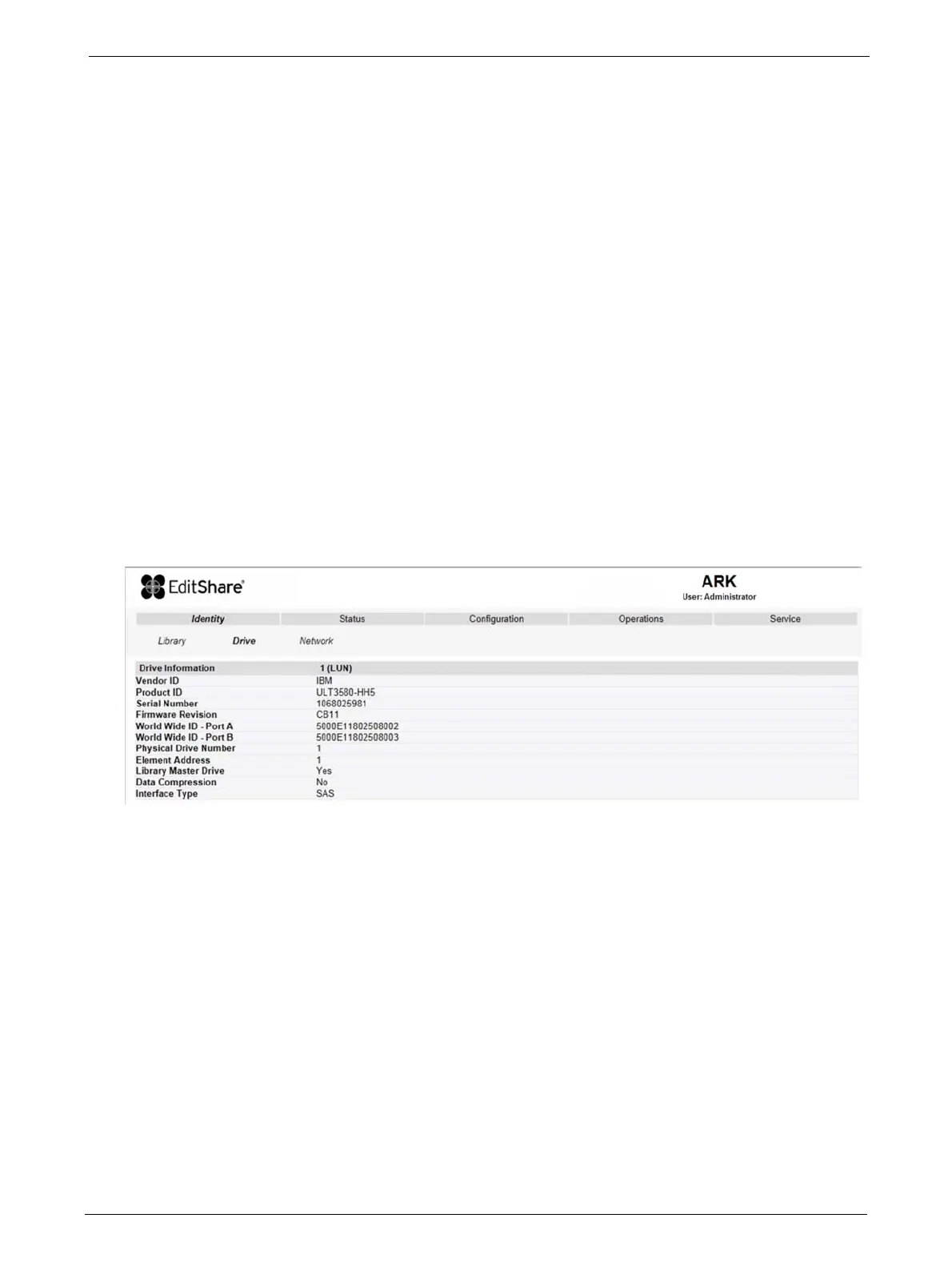
Viewing Static Drive Identity
This page provides access to the static information about the drive(s). No changes can be made
from this page.
If two tape drives are installed in the library, the information will be shown by selecting the
appropriate drive from the pull down menu.
The following information is displayed:
1) Drive information:
• Vendor ID = Drive manufacturer
• Product ID = Model identification of the drive
• Serial Number = Serial number of the drive
• Firmware Revision = Operating firmware level of the drive
• Physical Drive Number = Number indicating drive's physical position within the library
• Element Address = Number indicating the logical identification of the drive
• Library Master Drive = Indicates if library's logical interface is hosted by this drive
• Data Compression = Indicates if drive hardware data compression is enabled
• Interface Type (SAS or FC) = Indicates drive's physical interface connection type
2) Additional drive information (up to 4 x half-height tape drives for the Q48)



 To Next Page