99 Installation and Service Guide: Printer Controller EB-34
Troubleshooting
Each cable required is:
• Present
• The correct type
• Installed in the correct connector
• Well-seated
• Appears undamaged (including connectors)
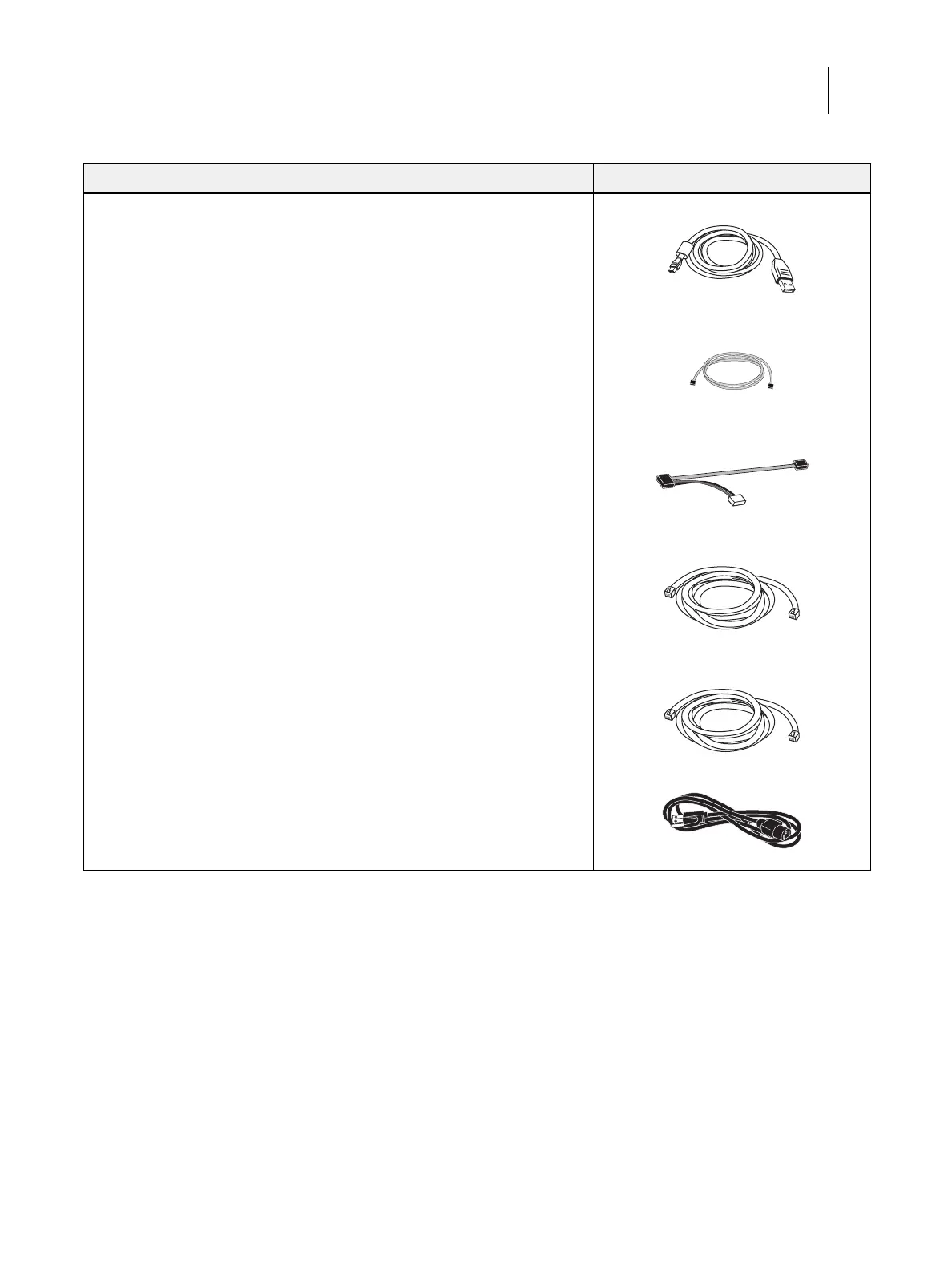
UIB cable, Figure 9 on page 37
Hard disk drive data cable, Figure 9 on
page 37
DVD drive power and data combination
cable, Figure 9 on page 37
Network cable (straight-through Ethernet
cable), Figure 6 on page 34
Copier interface cable (crossover Ethernet
cable), Figure 6 on page 34
Power cable(s), Figure 10 on page 38
Table 2: Verifying the system
Conditions to verify Part and additional page references



 To Next Page