1-58
58 | Setting Up the Printer
Examining the UNI-D ALL Alignment Pattern
Follow these steps when the UNI-D ALL patterns finish printing:
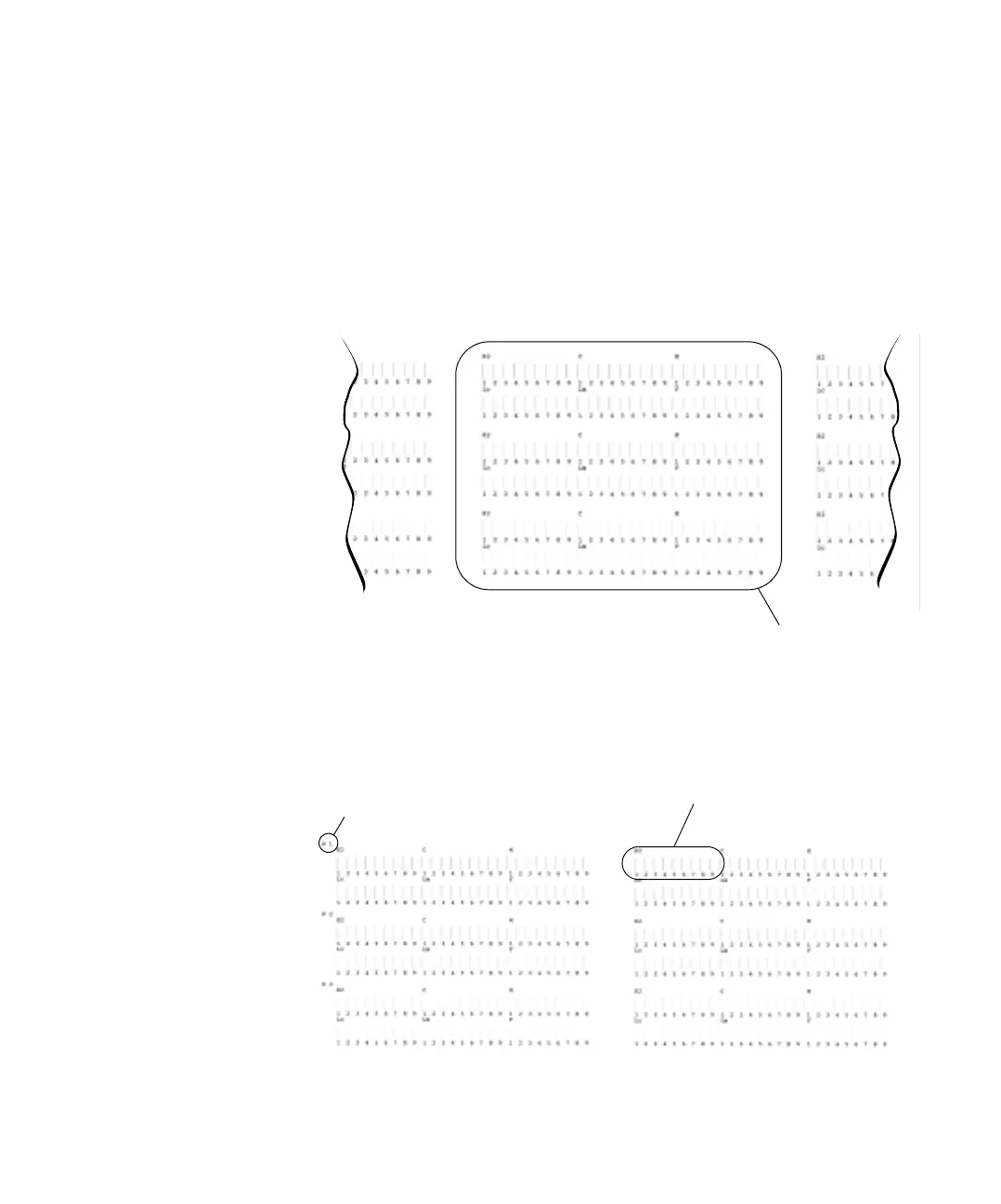
1. Depending on the width of the paper loaded in the printer, more than
one set of patterns may be printed. Locate the patterns in the middle of
your printout. In the steps that follow, refer to those patterns to make
your adjustments, instead of the ones printed toward the left or right.
2. Look at the display screen on the printer. Notice that it is prompting
you to choose the best line in the group labeled
K2 in row #1.
Refer to middle set of
patterns when making
adjustments
Look at this group
Row #1














 To Next Page