78
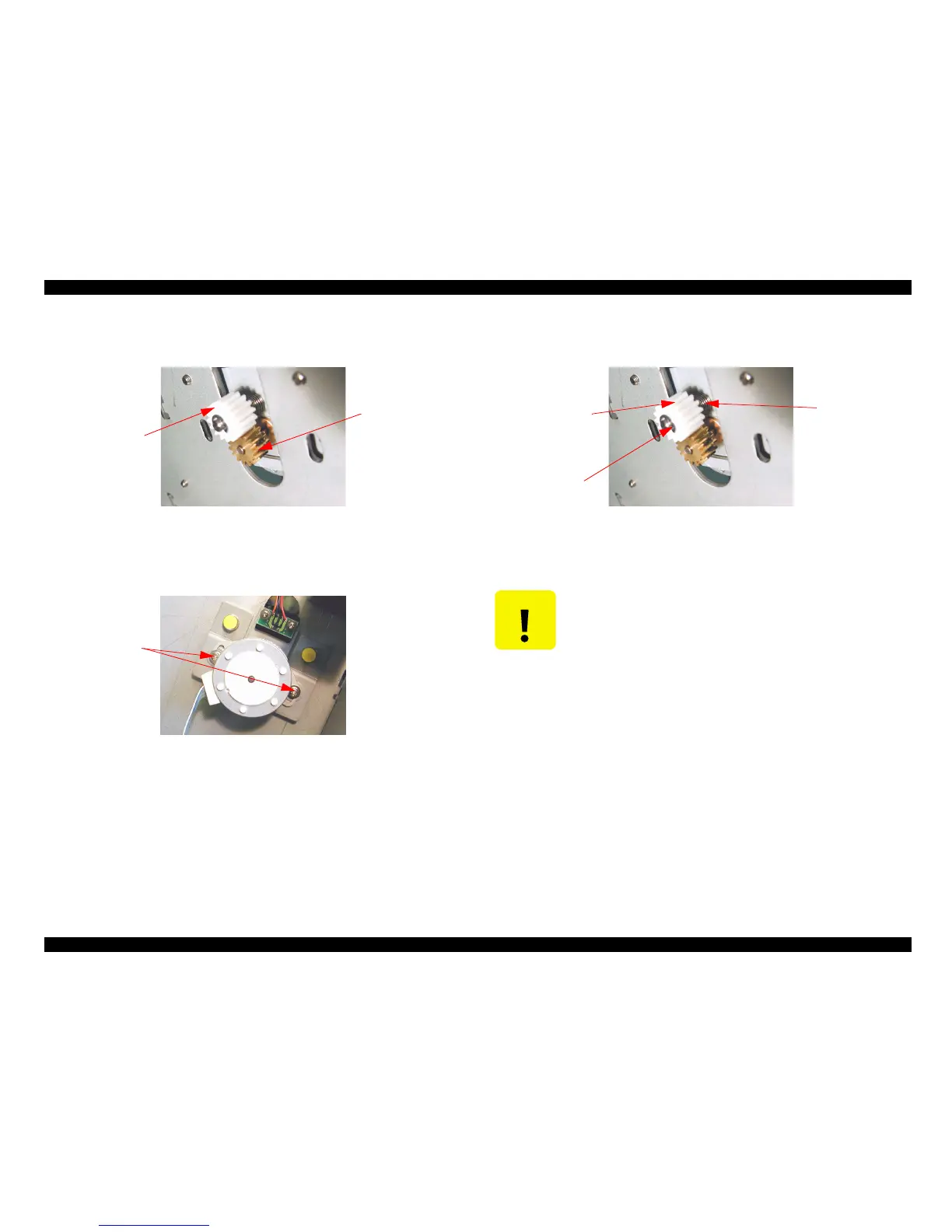
5. Confirm the fixing location of the motor gear of inside. (Confirm the size of the
backlash with the drive gear.)
Figure 4-153.
6. Remove two screws fixing the PG motor, then remove the PG motor.
Figure 4-154.
7. In the case that remove the drive gear : Remove the E ring with holding down the drive
gear, then remove the drive gear.
Figure 4-155.
Drive gear
Motor gear
Screw
C A U T I O N
When remove the drive gear, pay attention because the drive gear
closes have jumped by the spring, when remove the E ring without
holding down the drive gear.
Ering
Drive gear
Spring



 To Next Page
 Loading...




