EasyManua.ls Logo

Epson StylusPro 10000 - Actuator

Epson StylusPro 10000
323 pages
Print Icon
To Next Page IconTo Next Page
To Previous Page IconTo Previous Page
Loading...
EPSON Stylus Pro 10000/10000CF Revision B
Adjustment
S
elf-Diagnostics
2
25
Figure 5-35.
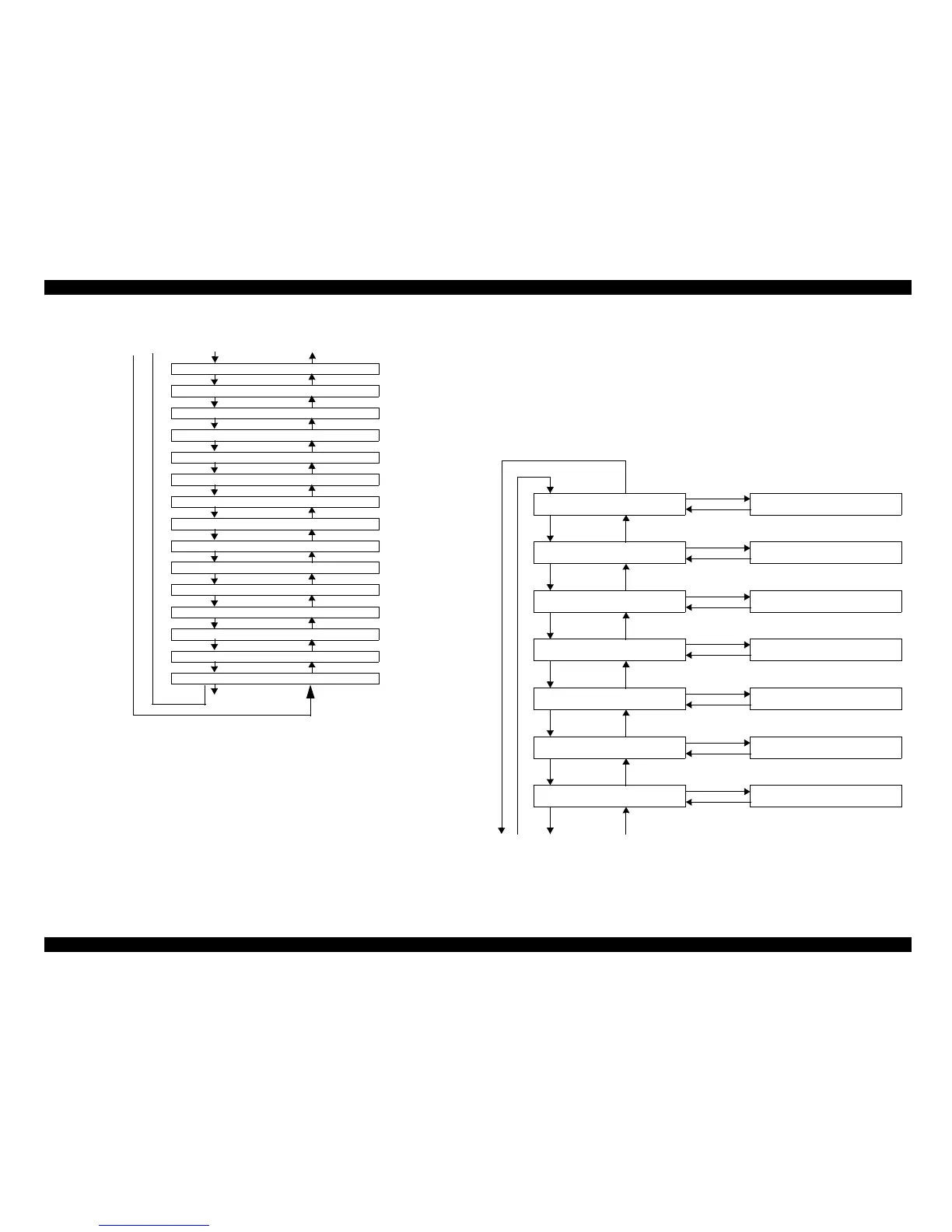
5.3.3.11 Actuator
Move the various solenoid.
Pay for the attention to the "Ink valve Solenoid" test.
o Pump air is not compressed: The ink will flow to the cartridge directions.
o Pump air is compressed: The ink will flow to the sub tank directions
Following figure showing Actuator menu sequence.
Item
SelecType
K19 : xx
K1A : xx
K1B : xx
K1C : xx
K1D : xx
K1E : xx
K1F : xx
K20 : xx
K21 : xx
K22 : xx
K23 : xx
K24 : xx
K25 : xx
K26 : xx
K27 : xx
1
2
34
SelecType
SelecType
SelecType
SelecType
SelecType
SelecType
SelecType
SelecType
SelecType
SelecType
SelecType
SelecType
SelecType
SelecType
Item
Item
Item
Item
Item
Item
Item
Item
Item
Item
Item
Item
Item
Item
Item
Item
Item
Item
Item
Item
Item
SelecType
SelecType
SelecType
SelecType
SelecType
SelecType
SelecType
Enter
Enter
Enter
Enter
Enter
Enter
Enter
Lever Lock Sol
Cutter Sol
Regulator Sol
Ink Valve Sol, K
Ink Valve Sol, C
Ink Valve Sol, M
Ink Valve Sol, LC
Pause
Pause
Pause
Pause
Pause
Pause
Pause
End with "Pause" key
Endwith"Pause"key
End with "Pause" key
Endwith"Pause"key
Endwith"Pause"key
12 3
4

Table of Contents

Related product manuals