26
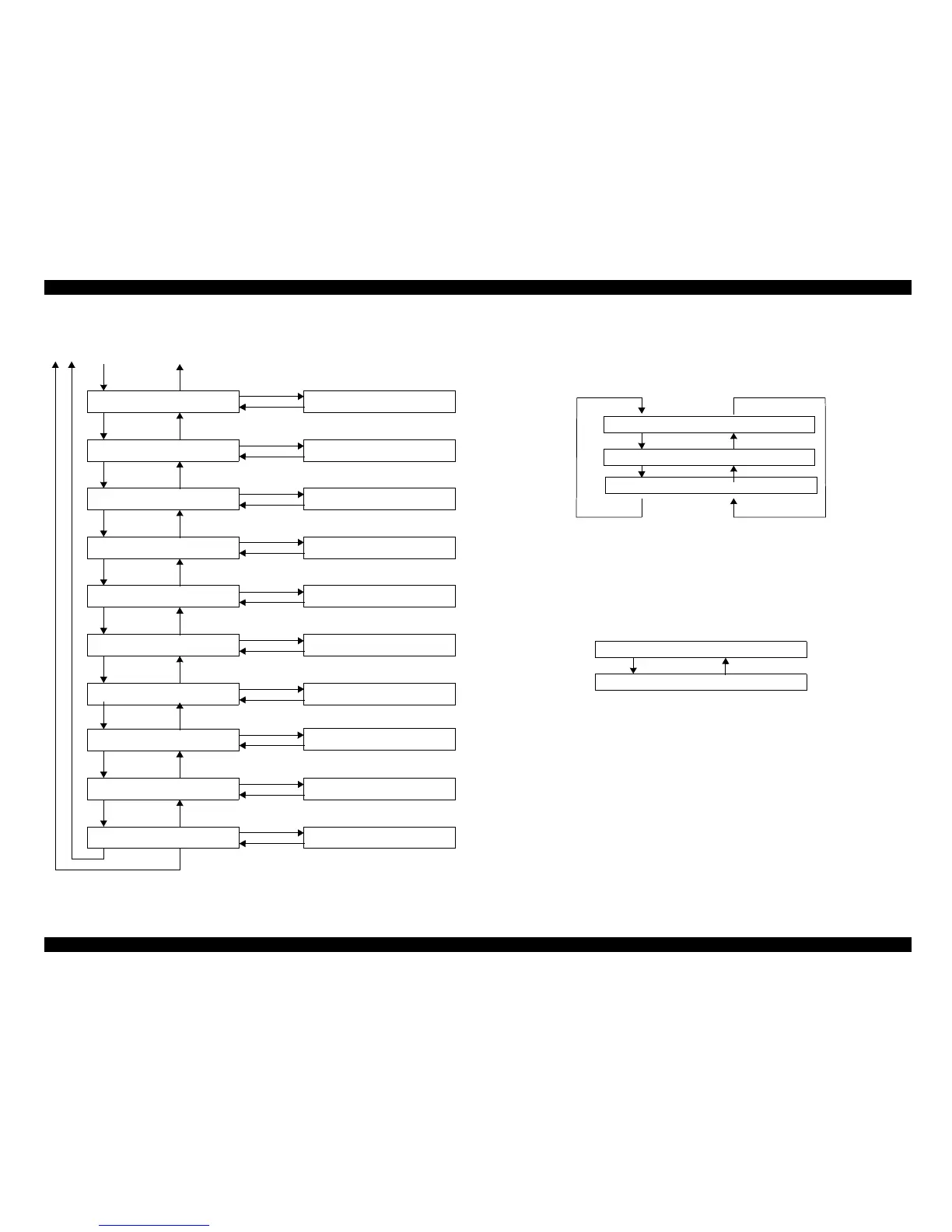
Figure 5-36.
1. Shutter
Change the shutter position with panel operation.
Following figure showing shutter menu.
Figure 5-37.
2. Cutter
Up and Down the cutter with panel operation.
Following figure showing cutter menu.
Figure 5-38.
o
"Paper feed -" key is inactivated during the "Cutter Up "display.
o "Paper feed+-" key is inactivated during the "Cutter Down "display.
Item
Item
Item
Item
Item
Item
Item
Item
SelecType
SelecType
SelecType
SelecType
SelecType
SelecType
SelecType
SelecType
SelecType
SelecType
Enter
Enter
Enter
Enter
Enter
Enter
Enter
Enter
Enter
Enter
InkValve Sol,LM
Ink Valve Sol,Y
Slide Motor
Shutter Motor
Cap Motor
Ink System Motor
Pump Motor
Laser
Shutter
Cutter
Pause
Pause
Pause
Pause
Pause
Pause
Pause
Pause
Pause
Pause
Endwith"Pause"key
Endwith"Pause"key
Endwith"Pause"key
Endwith"Pause"key
Endwith"Pause"key
Endwith"Pause"key
Endwith"Pause"key
Endwith"Pause"key
Shutter : Open
Cutter : Up
43
21
Shutter : Close
Shutter : Close
Shutter : Open
Paper Feed -
Paper Feed -
Paper Feed -
Paper Feed -
Paper Feed +
Paper Feed -
Paper Feed -
Paper Feed -
Cutter : Up
Cutter : Down
Paper Feed +
Paper Feed -



 To Next Page
 Loading...




