7 • Test programs
42 / 144
Art.-Nr.: 80116-271
04.06
Description of test programs
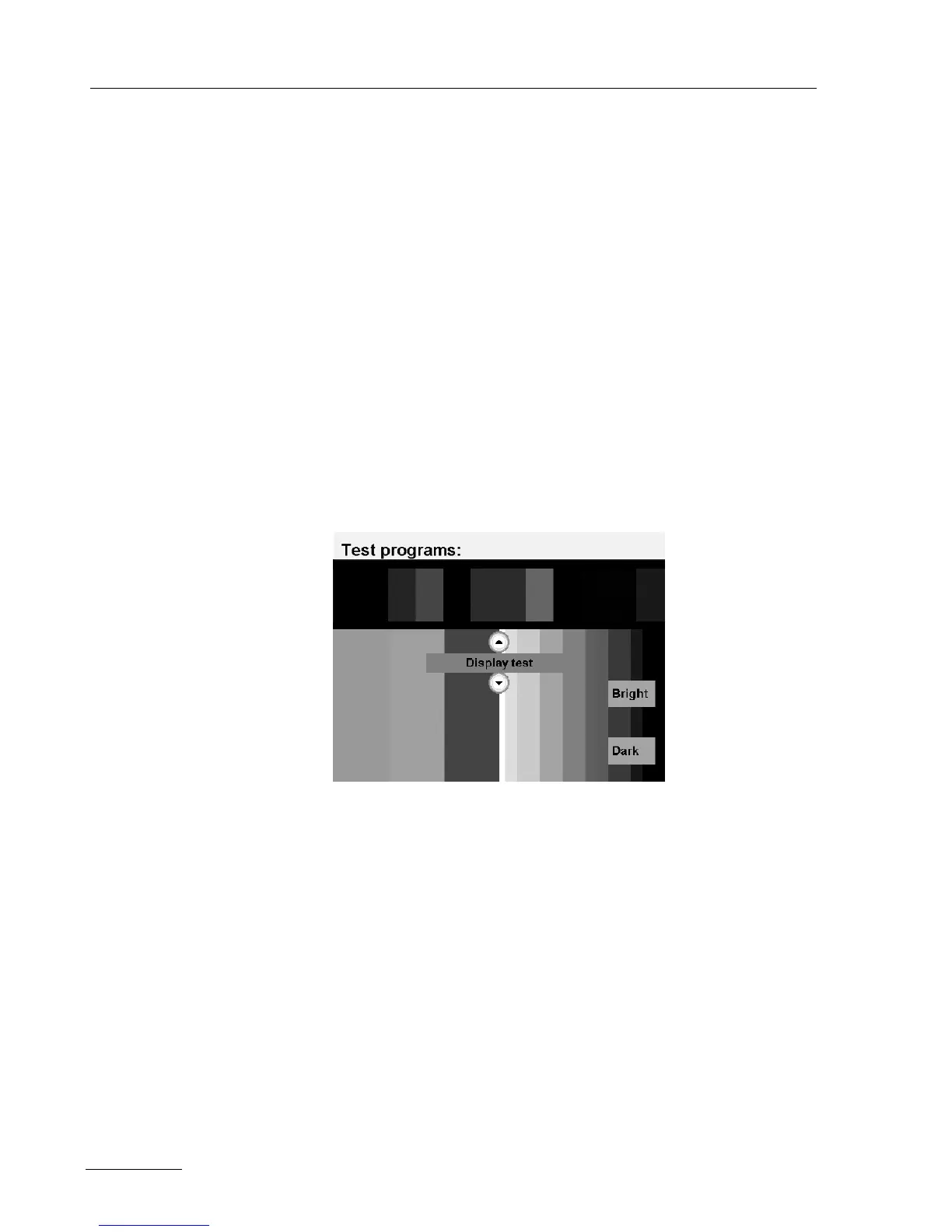
Test program "Display test"
This test program allows the brightness of the display to be changed.
The current setting is displayed visually according to the color scale
of red/ green/ blue and various shades of gray. On the socket covers
all LEDs (focus buttons, pilot lamps for footswitches and for neutral
electrodes) are switched on for control purposes.
The brightness of the display can be adjusted with the "Bright" and
"Dark" buttons.
Increase brightness Pressing the "Bright" button will increase the brightness level. When
the button is pressed, an acknowledgement tone will be heard at min
-
imum volume.
Reduce brightness Pressing the "Dark" button will decrease the brightness level. When
the button is pressed, an acknowledgement tone will be heard at
maximum volume.
Fig. 7-3



 To Next Page