39 / 144
7 • Test programs
Art.-Nr.: 80116-271
04.06
CHAPTER 7
Test programs
Call up Test programs
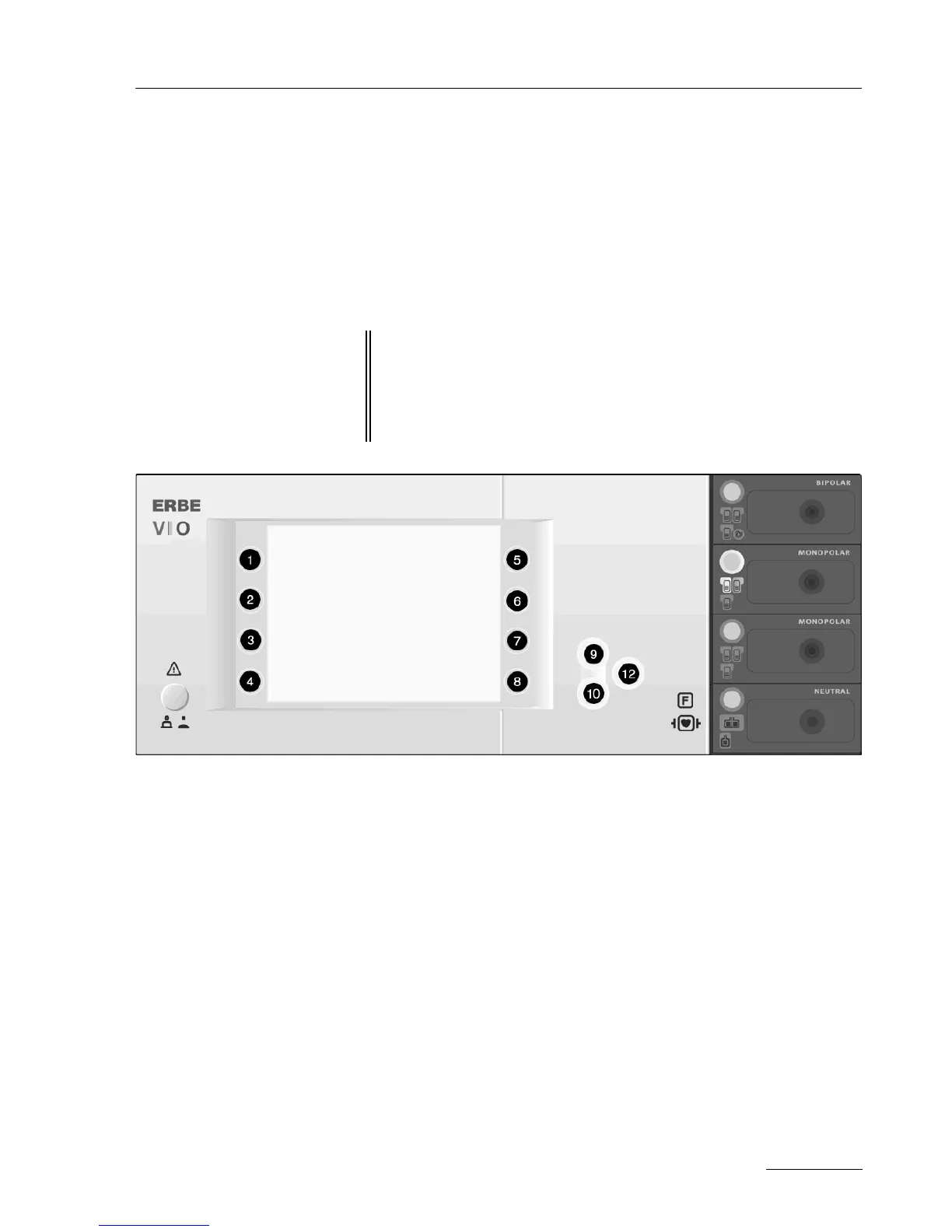
Fig. 7-1
When the unit is OFF 1. When switching on the unit keep the Down button (10) pressed.
The unit switches directly to the test program mode.
2. Use the Up/Down buttons (9/10) to select the required test pro-
gram.
3. Start the required test program using the Enter button (12).
IMPORTANT! As from Version 1.3.x there are various methods of scrolling for-
wards within a menu:
(a) with the Down button
or
(b) with the selection button next to the menu item “More”.
In the service manual, the variant (a) is used.



 To Next Page