SMART-2 Multi Functional Wireless Weighing Indicator User Manual
________________________________________________________________________________________________
Page 20
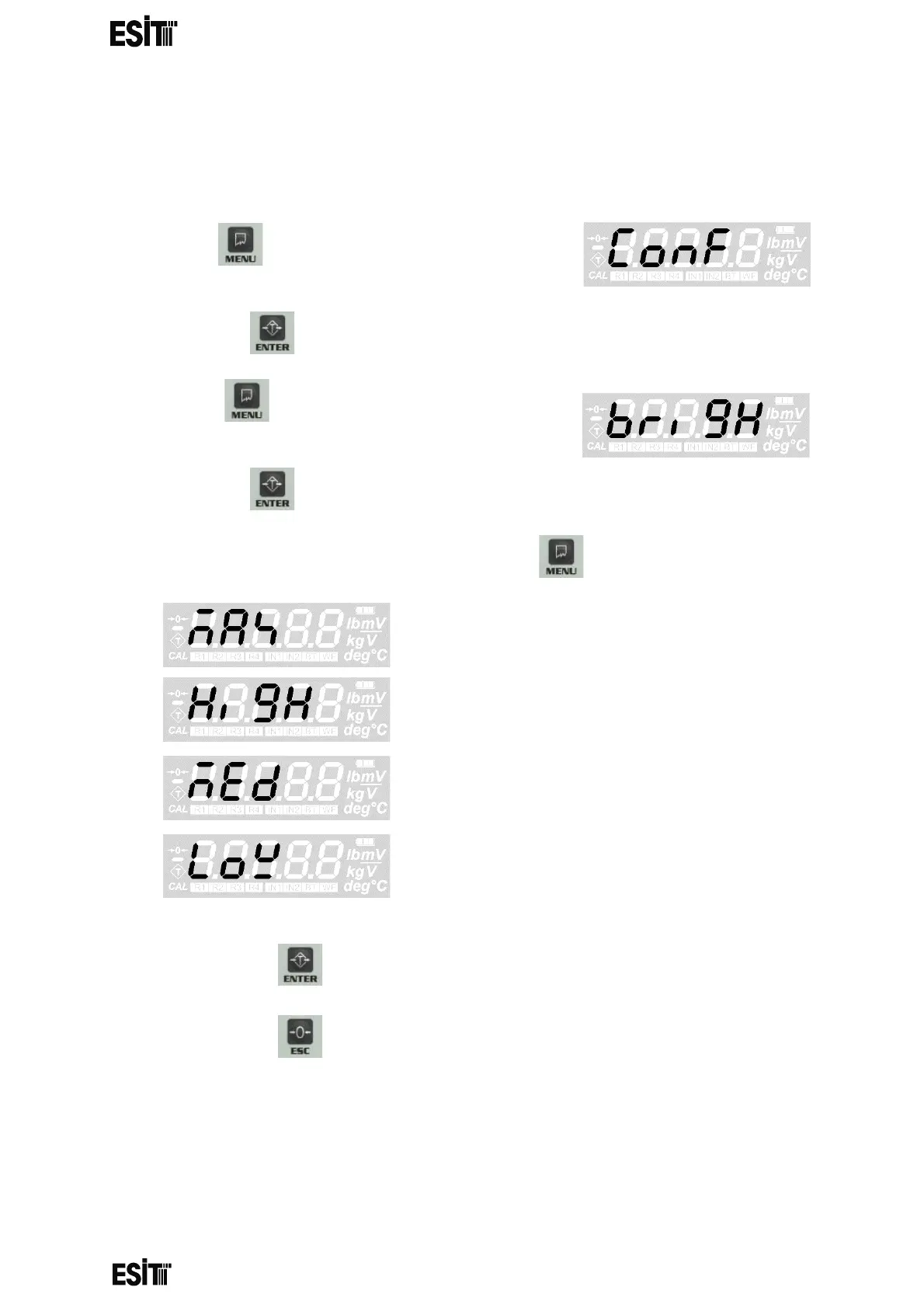
DISPLAY BRIGHTNESS SETTING
With this value you can change the backlight brightness. Higher values consume
more energy.
(1) Press key until you reach the 'Configuration
Settings' menu
(2) Press the key to confirm the menu
(3) Press key until you reach the "Display
Brightness" menu.
(4) Press the key to confirm the menu
(5) Set the display brightness as you desire with menu key.
then Maximum
then High
then Moderate
then Low
(6) Press the key to save the changes.
(7) Press the key to go back to the measurement screen.



 To Next Page