SMART-2 Multi Functional Wireless Weighing Indicator User Manual
________________________________________________________________________________________________
Page 51
CONNECTIONS AND MODE SELECTIONS
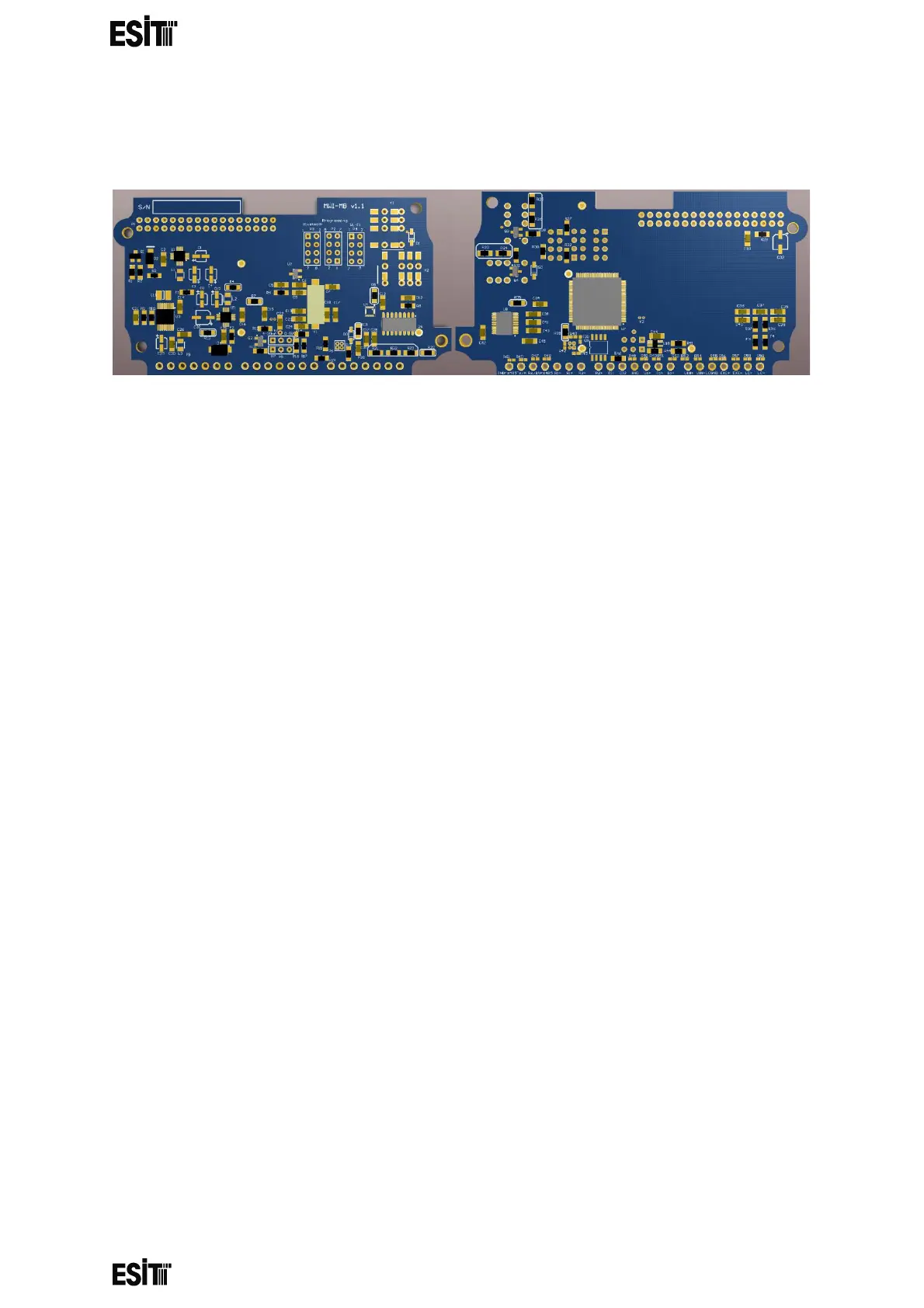
CALIBRATION SWITCH (P2)
The calibration switch P2 must be switched on to change and calibrate the
display settings of the device.
The display settings can be accessed and saved values can be displayed while
P2 is shorted but the changes made cannot be saved and the error code 'Err50'
is displayed on the screen.
The calibration menu cannot be accessed while P2 is closed circuit and the
error code 'Err50' is displayed on the screen



 To Next Page