9. Step: Linking to the software
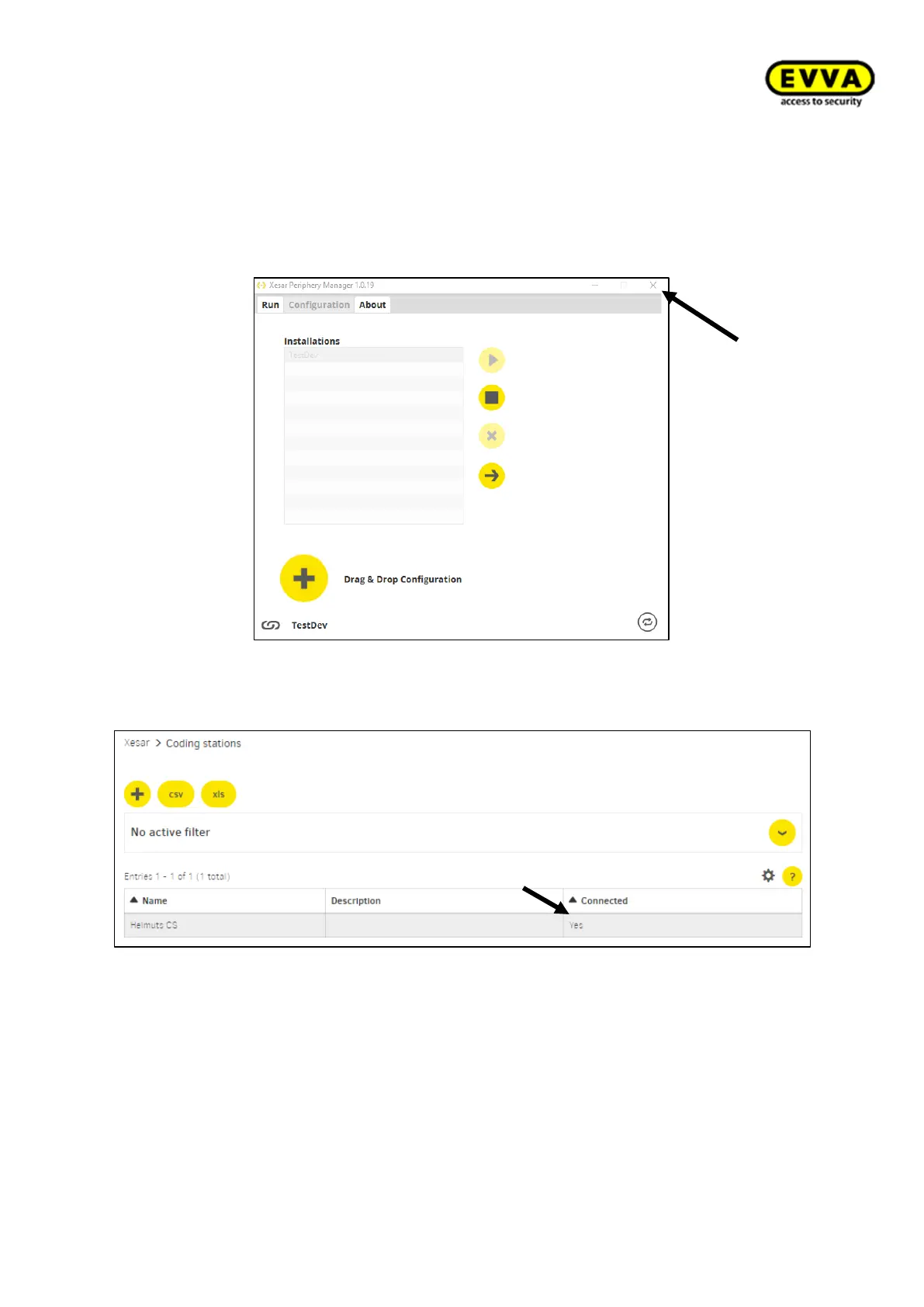
a. Update the Xesar interface in the browser (press F5 or CTRL+R). The coding station
has now been linked to the browser. (Figure 96 – Coding station – connected status:
Yes)
b. Close the Periphery Manager (continues to run in the background).
Figure 93 - Periphery Manager close
Figure 94 – Coding station – status connected: Yes
Your coding station is now ready to use!



 To Next Page