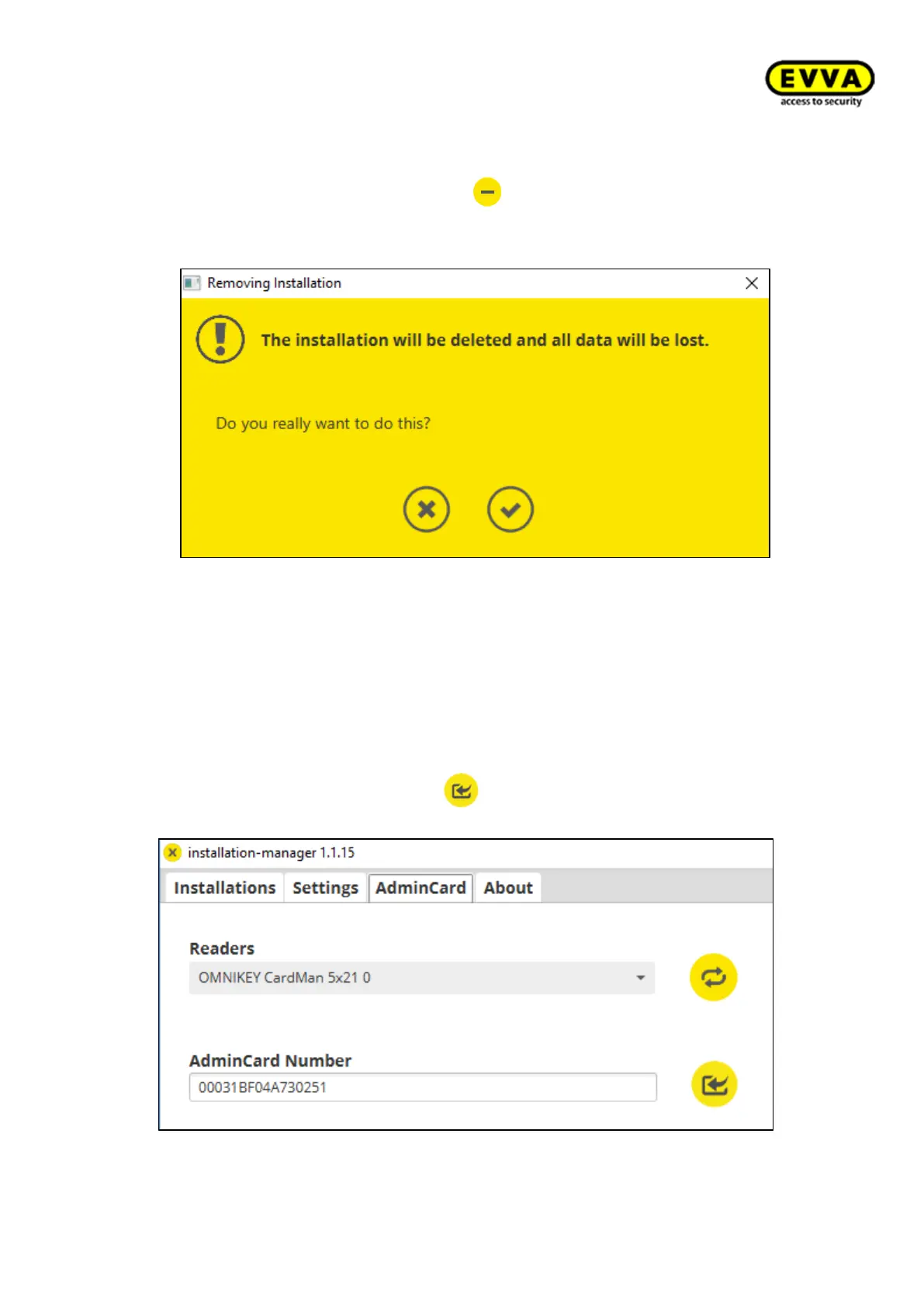
2. Step: Delete the system by clicking on .
Confirm to accept the following warning:
The successful deletion of the system data is confirmed.
The following steps are necessary to restore successfully:
3. Step: Reinstall the Installation Manager and start it.
• Insert the Admin Card belonging to the existing system in the coding station.
• Select the contact-based coding station's reading unit.
• Load the AdminCard by clicking on .
• The AdminCard number will be displayed.



 To Next Page