8.14.1.2 Components' battery status
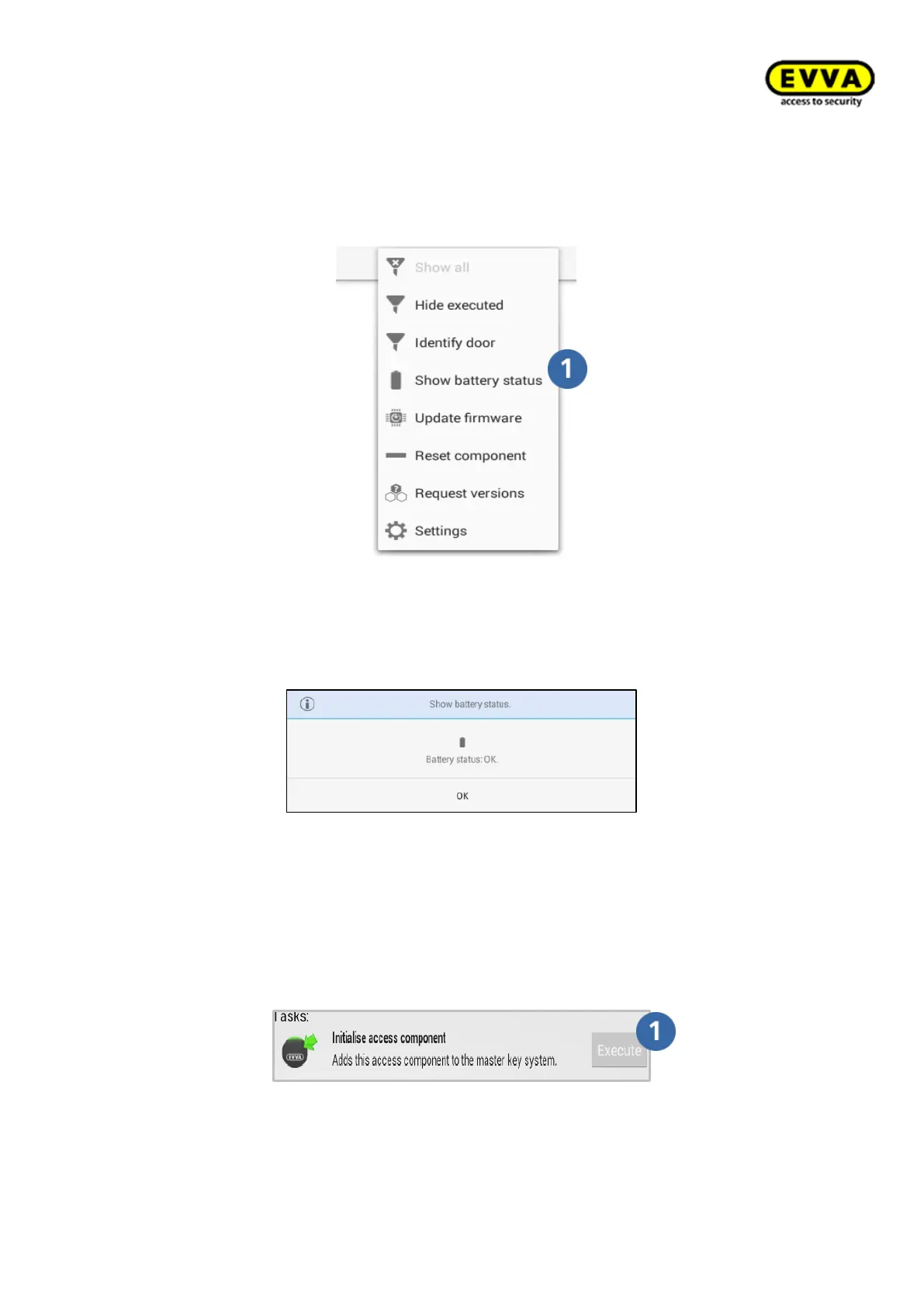
Connect the programming unit to the component to manually check the battery status of
a component using the programming unit.
Figure 230 – Showing the battery status
Select the button Show battery status in the dropdown menu.
The battery status is then shown on the programming unit.
Figure 231 – Xesar tablet battery status OK
8.14.1.3 Initialise access components
You must initialise access components in construction site mode to connect them to a
system. You must have created an installation location with an access component before-
hand. See: → 7.7 Access points
Figure 232 – Initialising access components
Connect the supplied connection cable to the component and the programming unit, select
the maintenance task and click "Execute" to "initialise" the access component.



 To Next Page