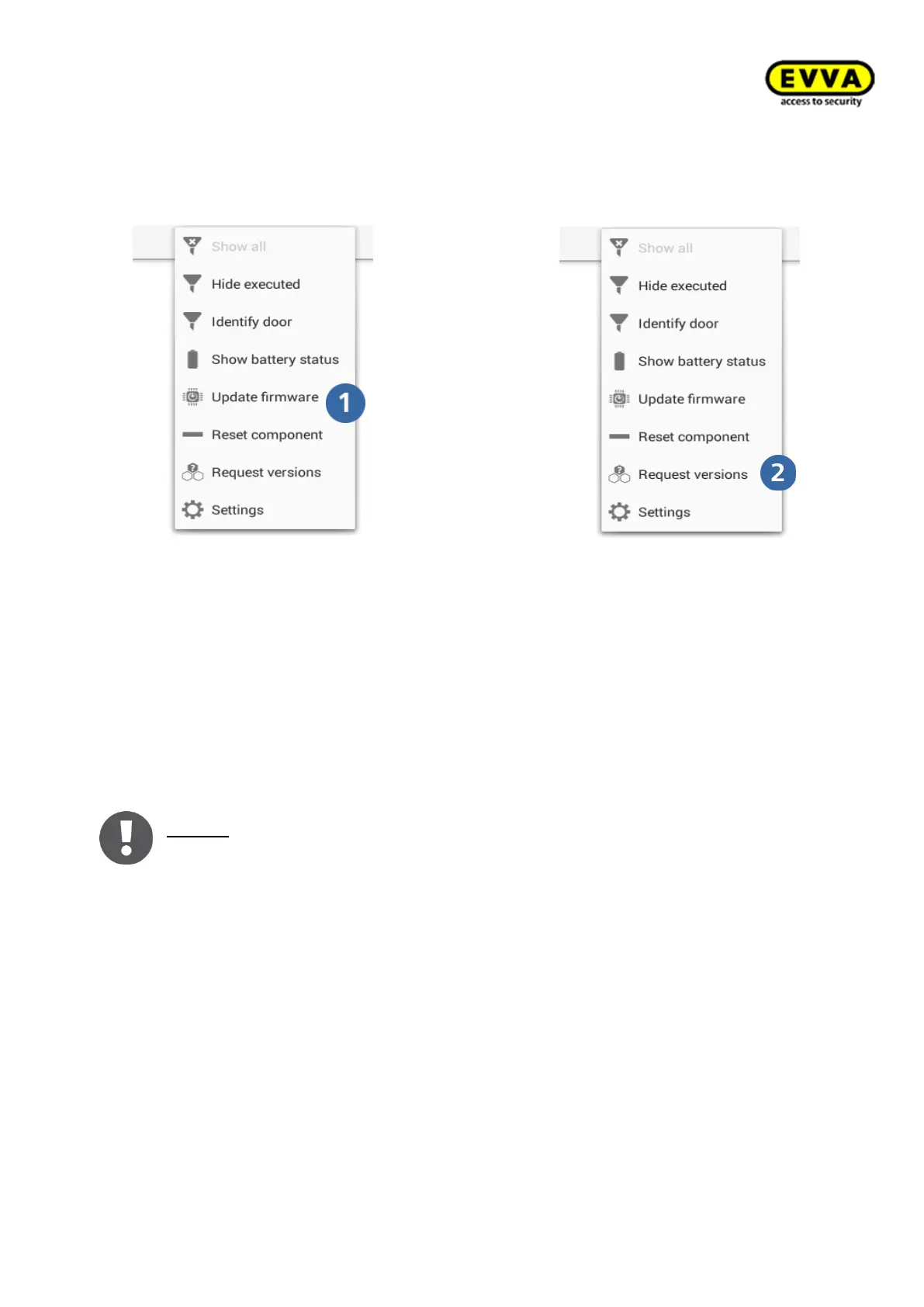
8.14.1.1 Update firmware
The firmware of access components can be updated both in construction site mode and
when installed.
If the component is in construction mode, connect the Xesar tablet to the access compo-
nent using the connection cable for a firmware update, then select "Update firmware".
If the component is in system mode, the firmware update is carried out via a maintenance
task.
Notice: Open the "Request version" menu item to check the firmware version
of the component.



 To Next Page