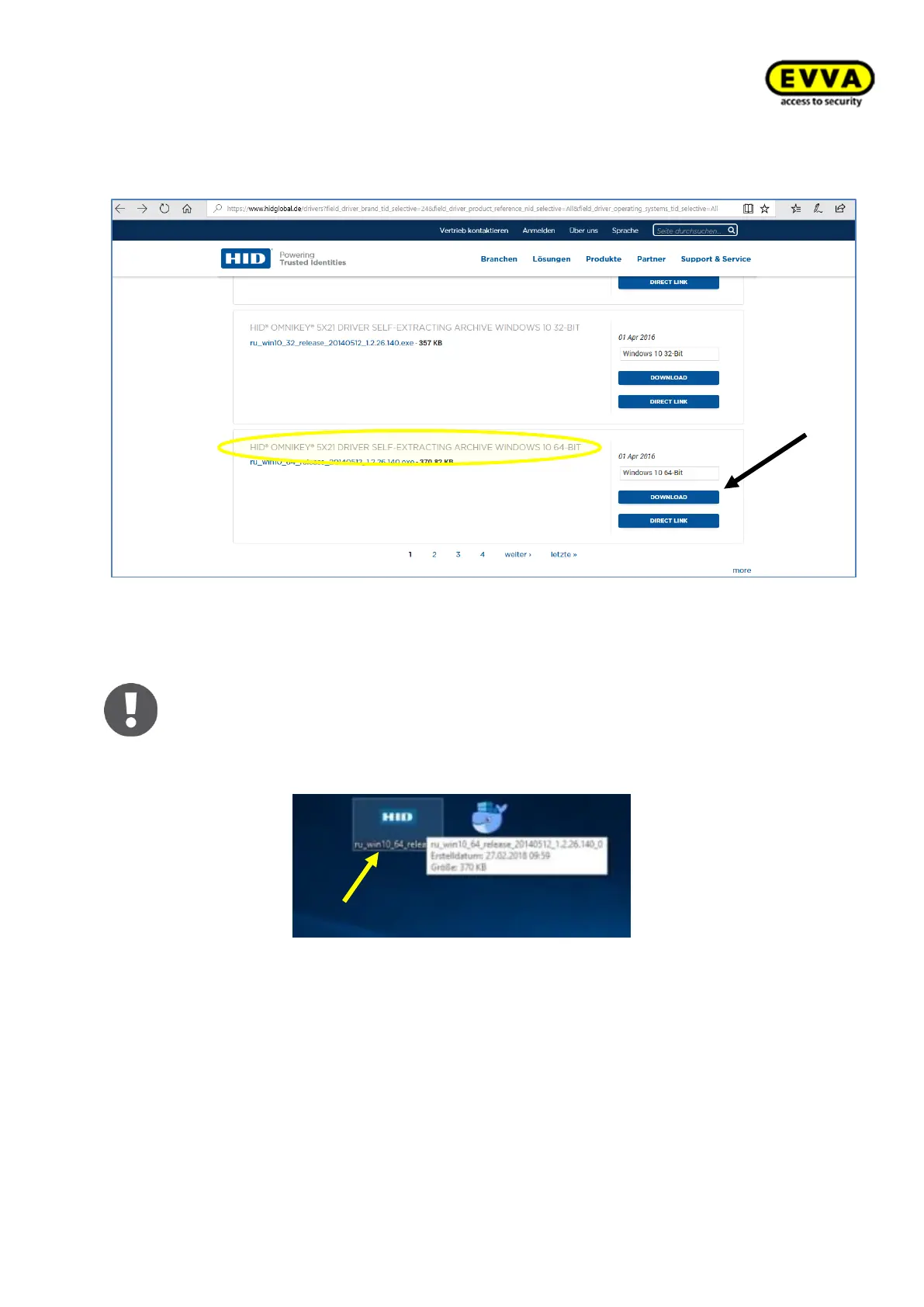
3. Step: Scroll to the Windows 10 Pro driver designated as "SELF-EXTRACTING AR-
CHIVE".
Figure 42 – Coding station download package
You may see a warning message regarding EULA, please accept it!
Click "Run" in the browser to directly open the file and start the process – conse-
quently skip the next step in these instructions.
4. Step: double-click the file.
Figure 43 – Coding station – driver installation application



 To Next Page