User Manual HOW TO … February 16, 2010
Xynergi Media Production Centre Page 35
Edit Marks
Press the green Setup Megamode button and press the edit marks button. Alternatively, stay in
the Edit Megamode, hold down the BLUE key and press the
Mark button.
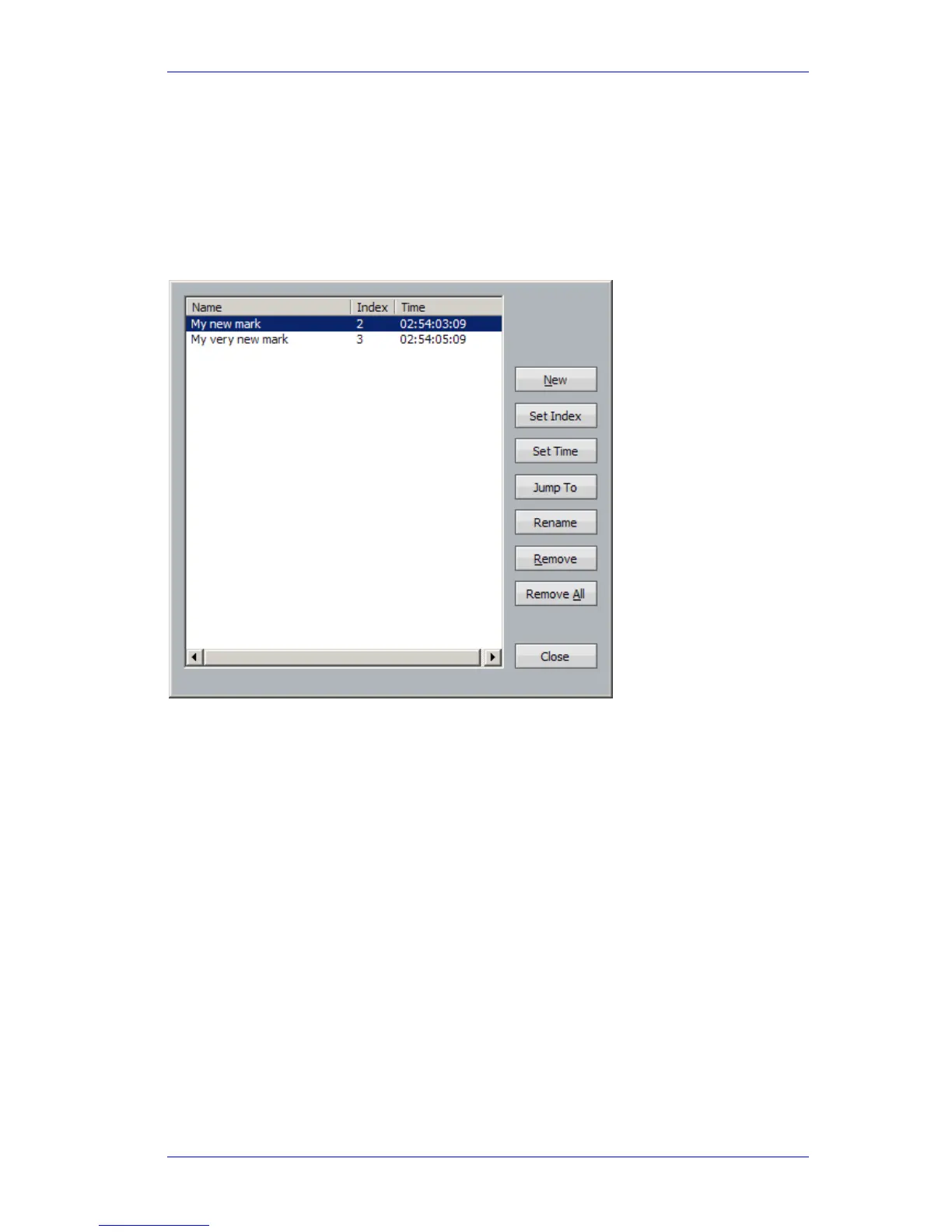
A list of marks is shown in a dialog over the Edit Screen.
To select a Mark, use the
Jog Wheel, the + and – buttons, click with the mouse, or type the index
number on the Numpad. Press
Enter to locate there, or click the Jump To button if you want to
keep the dialog open.
To change the timecode stored in the mark, press the
Set Time soft key, or click the Set Time
screen button and type in a timecode, then press
Enter.
To rename the mark, press the
Rename soft key, or click the Rename screen button and type in a
name, then press
Enter.
To change the mark index, click the
Set Index screen button and type in a Index number, then
press
Enter.
Other buttons/soft keys allow you to jump to the currently selected mark, or remove it from the
list.
Solo and Mute
Xynergi has a number of ways to solo and mute. Briefly, here they are:
Xynergi Surface
Press the Solo button in the Editor or Mixer Megamode to toggle solo on the current path.
Hold down the
Solo button in the Editor or Mixer Megamode for a couple of seconds to display
the Solo Menu with 48 signal paths that you can select after releasing Solo.
Press
ctrl+Solo button in the Editor or Mixer Megamode to toggle the whole selection of soloed
signal paths on and off. The
All Solo button does the same thing.



 To Next Page