User Manual HOW TO … February 16, 2010
Xynergi Media Production Centre Page 36
Press the Mute button in the Editor or Mixer Megamode to toggle mute on the current path.
Hold down the
Mute button in the Editor or Mixer Megamode for a couple of seconds to display
the Mute Menu with 48 signal paths that you can select after releasing Mute.
Press
ctrl+Mute button in the Editor or Mixer Megamode to toggle the whole selection of muted
signal paths on and off.
After pressing
SEL, you can select Solo or Mute to display the Solo Menu and Mute Menu
mentioned above.
Editor Screen
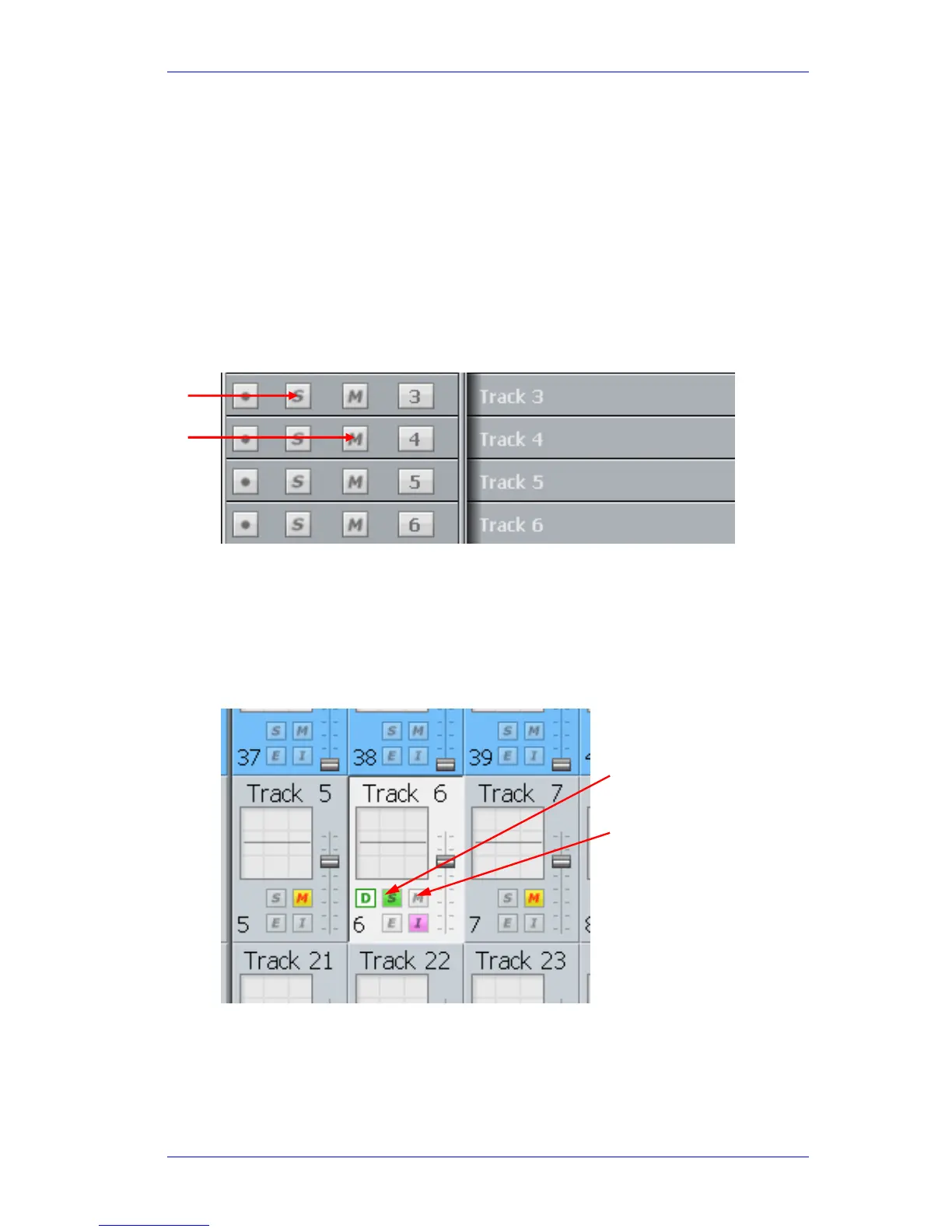
Click a Solo button in the Editor Screen to toggle solo on any track.
Click a
Mute button in the Editor Screen to toggle mute on any track.
Click a
Solo button and drag up or down to solo lots of tracks.
Click a
Mute button and drag up or down to mute lots of tracks.
Mixer Screen
Click a Solo button in the Mixer Screen to toggle solo on any track.
Click a
Mute button in the Mixer Screen to toggle mute on any track.
Solo Safe
When a channel is soloed, it works by muting all the other (unsoled) channels. Sometimes you
want to prevent this e.g. when channels returning reverb or other signals that affect the sound of
the current channel.
Solo ON / OFF
Mute ON / OFF



 To Next Page