User Manual HOW TO … February 16, 2010
Xynergi Media Production Centre Page 37
Solo safe means “cannot be muted by soloing another channel”. Channels can be prevented from
being soloed in three ways.
Using the Edit Safe Menu
Step 1 Press the Edit Safe button in the Editor Megamode.
Step 2 Select channels to make them safe.
Using the Virtual Channel
Using the Pad
Step 1 Press the Path button in the Editor or Mixer Megamode
Step 2 Press it a second time to engage the PadLock menu.
Step 3 Press the
Solo Safe soft key.
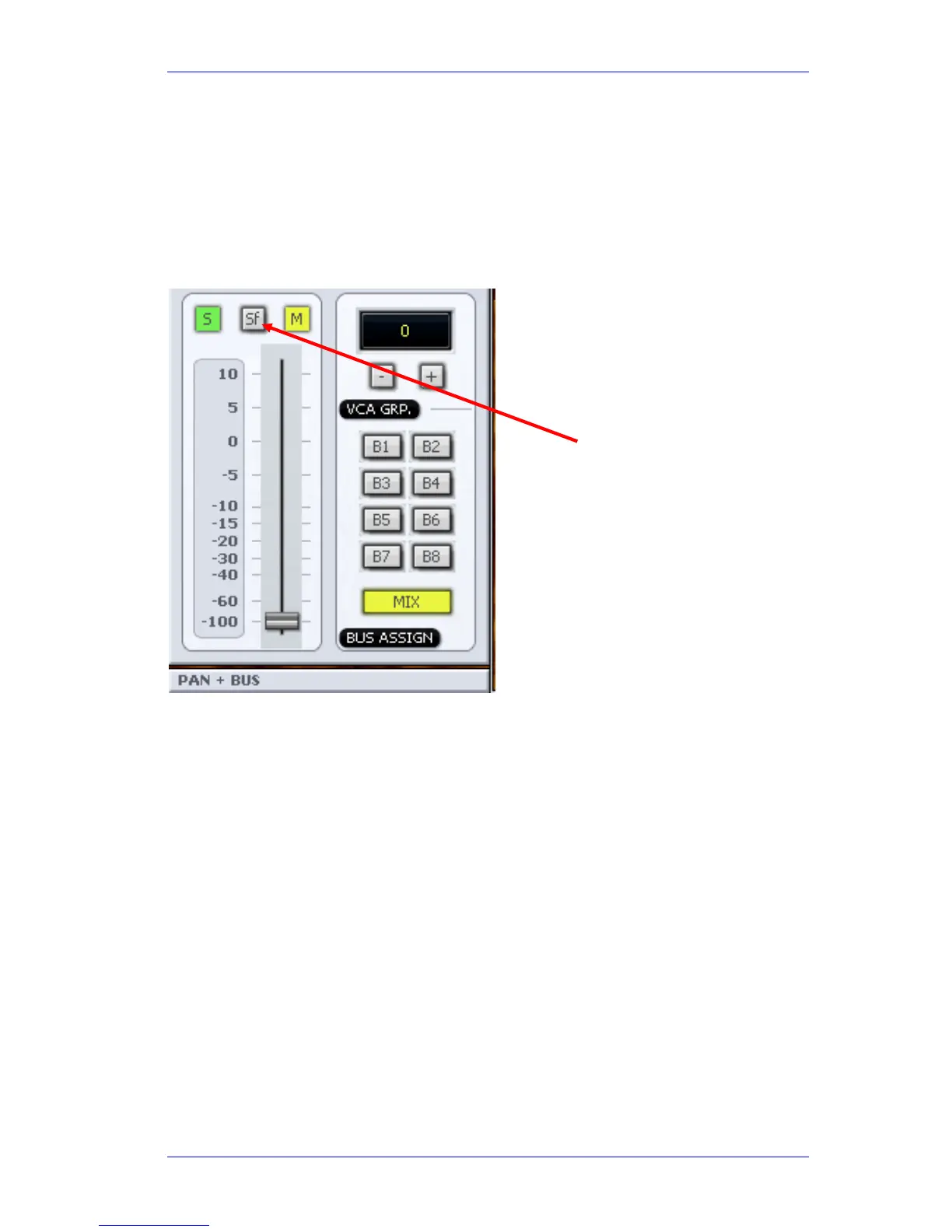
Using the Fader
Each fader strip includes a Solo button that affects the channel being controlled by the fader.
Solo – Mute Swap
Constellation XCS allows you to swap all your mutes for soloes, or vice versa. This is very useful in
a complicated edit session, when you want to isolate a particular set of sounds. You can solo
them to make sure you’re hearing the right thing, then mute them to make sure the sound is not
somewhere else as well.
To move channels from Solo to Mute:
Step 1 Engage the Solo menu by either holding down the
Solo button, or pressing the SEL
button and then the
Solo Menu button



 To Next Page