RESTRICTED USE ONLY Fargo Electronics, Inc.
DTC300/DTC300M Card Printer/Encoder User Guide (Rev. 2.2)
4-42
Resolving the Card Surface Debris problems
All Troubleshooting procedures assume that only factory-authorized supplies are in use in
the Printer.
Step Procedure
1 Review the following information.
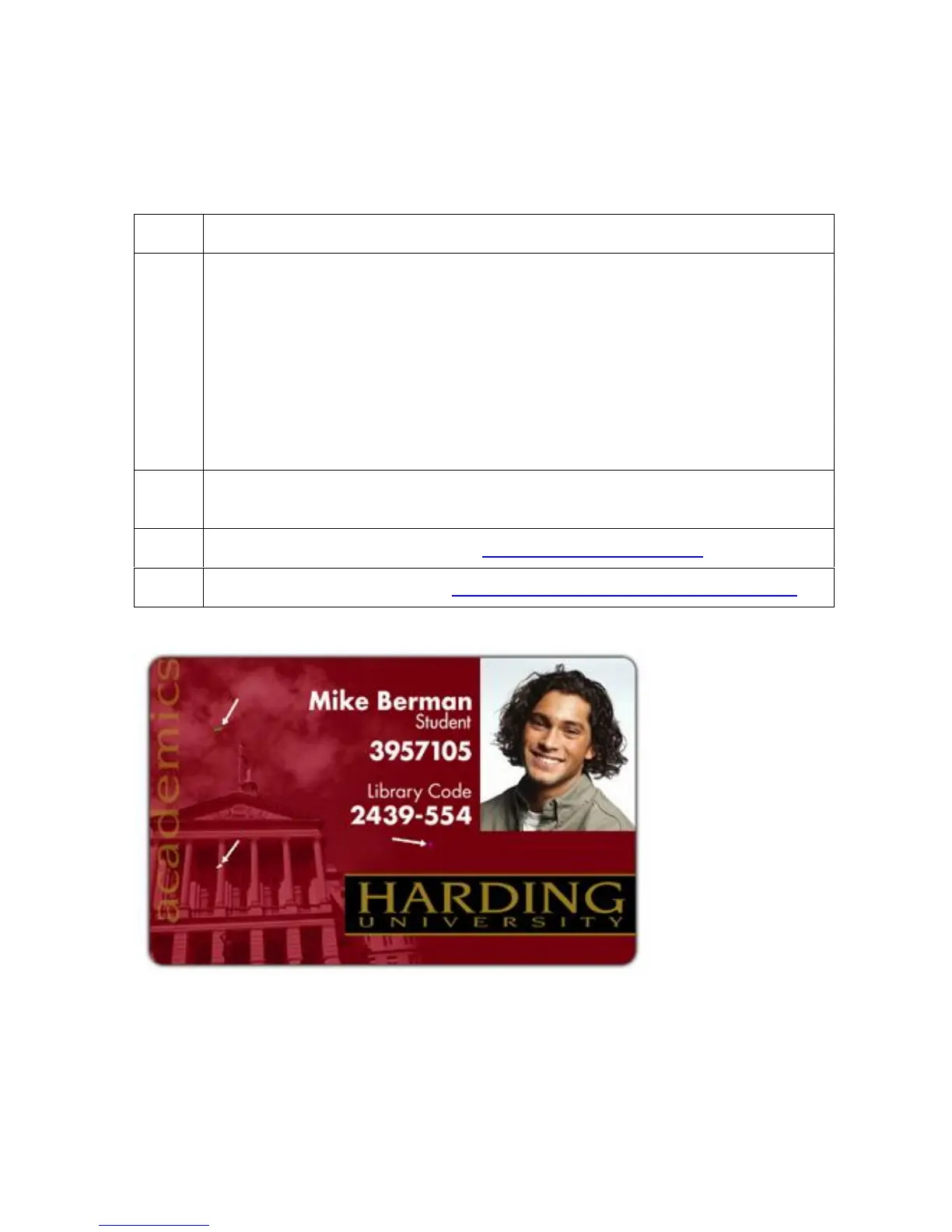
Symptom: Prints have spots (white or colored voids) and/or dust on them
(See sample image below).
Printer Error State: None
LCD Error Display: None
Driver Monitor Error Display: None
2 Ensure the cards are clean and stored in a dust-free environment. Do not use
cards with embedded contaminants in the surface.
3 Clean the inside of the Printer. See Cleaning the Printer's Interior.
4 Clean the Cleaning Roller. See Cleaning the Card Feed and Cleaning Rollers.



 To Next Page