RESTRICTED USE ONLY Fargo Electronics, Inc.
DTC300/DTC300M Card Printer/Encoder User Guide (Rev. 2.2)
3-14
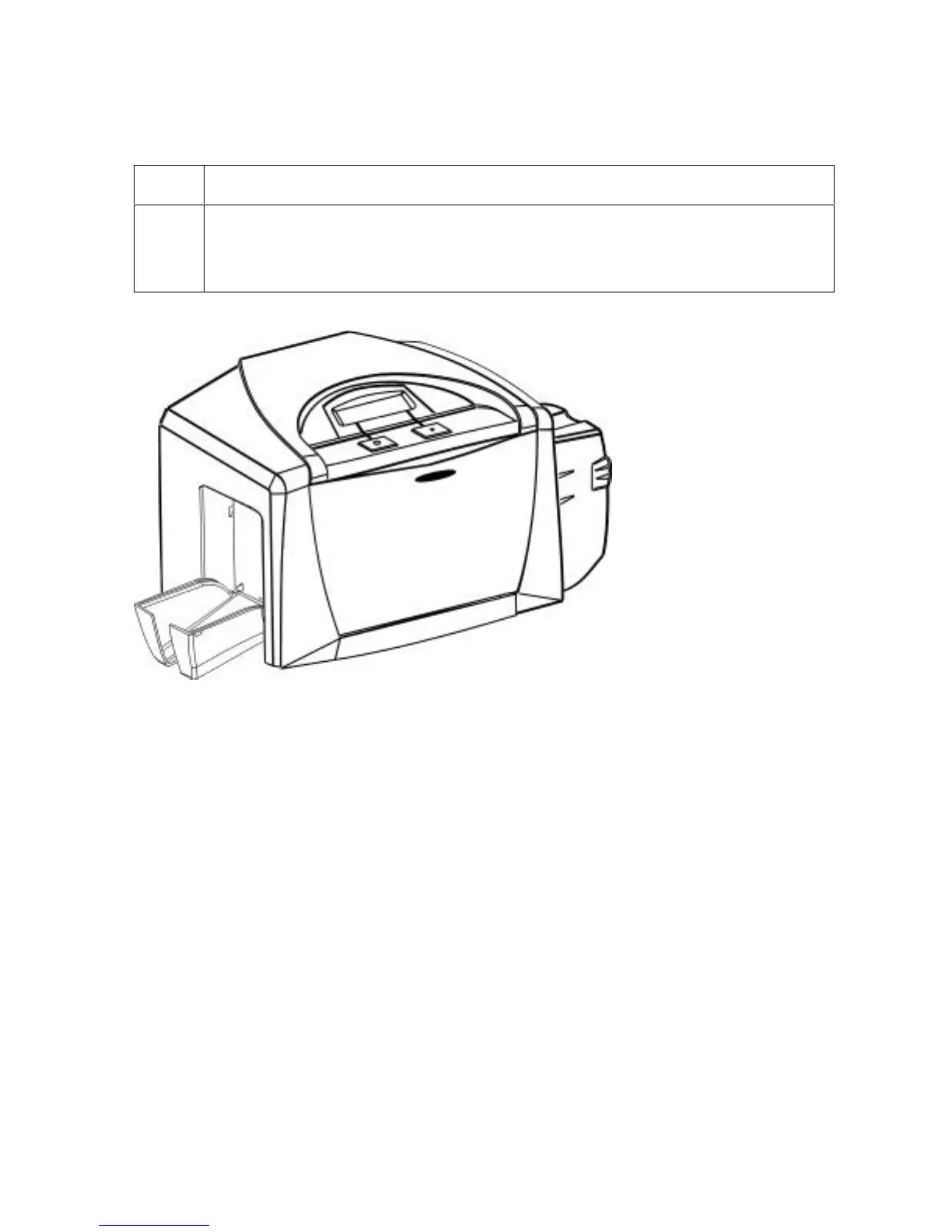
Lowering the Card Output Hopper
Step Procedure
1 The Fargo DTC300/DTC300M comes with a Card Output Hopper (to hold cards
after they have been printed).
Pull on the Output Hopper and lower its Cover down until it snaps into place.



 To Next Page