RESTRICTED USE ONLY Fargo Electronics, Inc.
DTC300/DTC300M Card Printer/Encoder User Guide (Rev. 2.2)
3-15
Flipper Table Module Installation
Additional, related links are provided below:
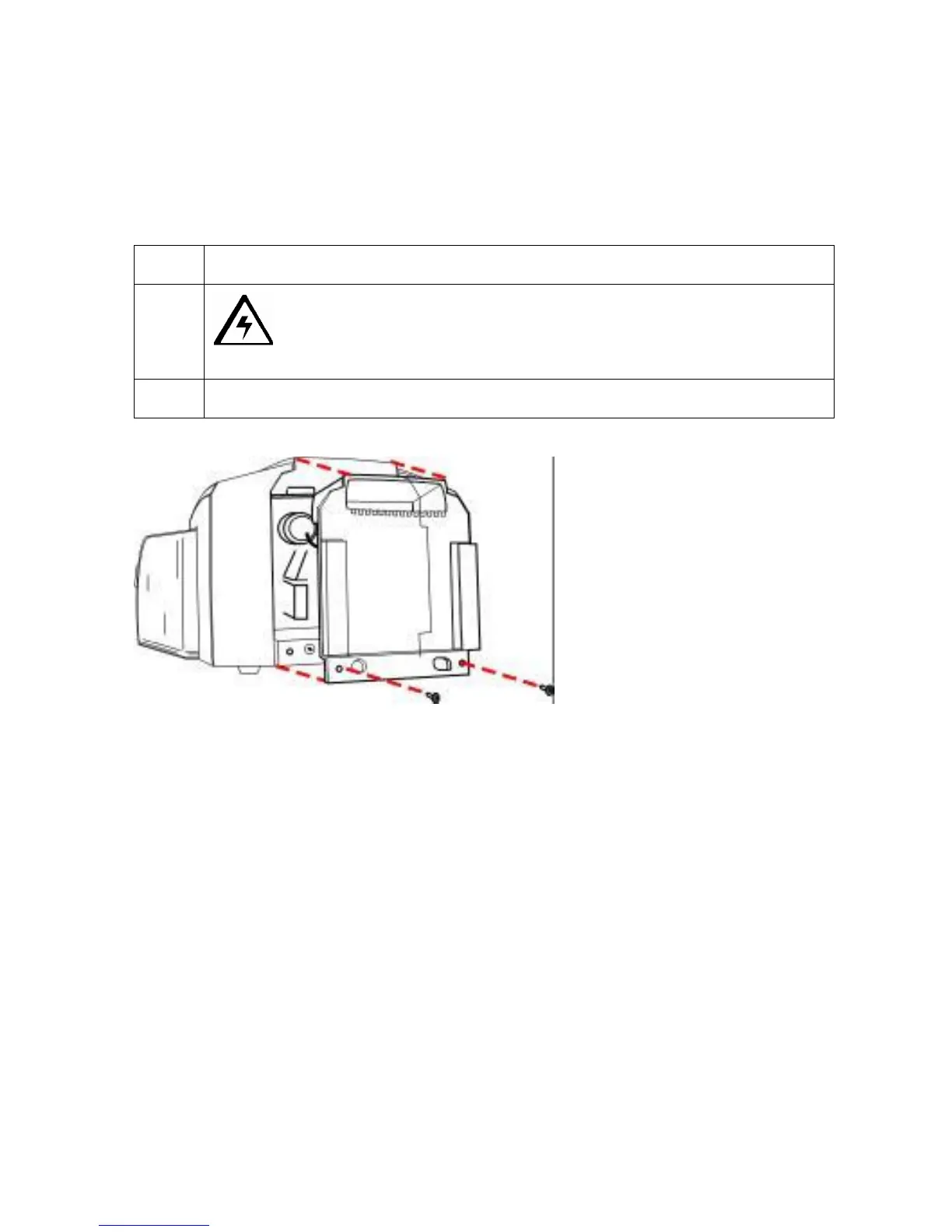
Installing the Flipper Table Module Assembly (D900200)
Step Description
1
Caution: Turn off the Printer and unplug the power cord from the
Printer.
2 Remove the Rear Cover (D90066) to the Printer.



 To Next Page