RESTRICTED USE ONLY Fargo Electronics, Inc.
DTC300/DTC300M Card Printer/Encoder User Guide (Rev. 2.2)
3-8
Installing the Print Ribbon Cartridge
The Fargo DTC300/DTC300M Card Printer uses a one-piece, disposable Ribbon Cartridge
load system. Every full color Ribbon Cartridge contains a 250 “full color card count” Ribbon
and a Card Cleaning Roller.
Step Procedure
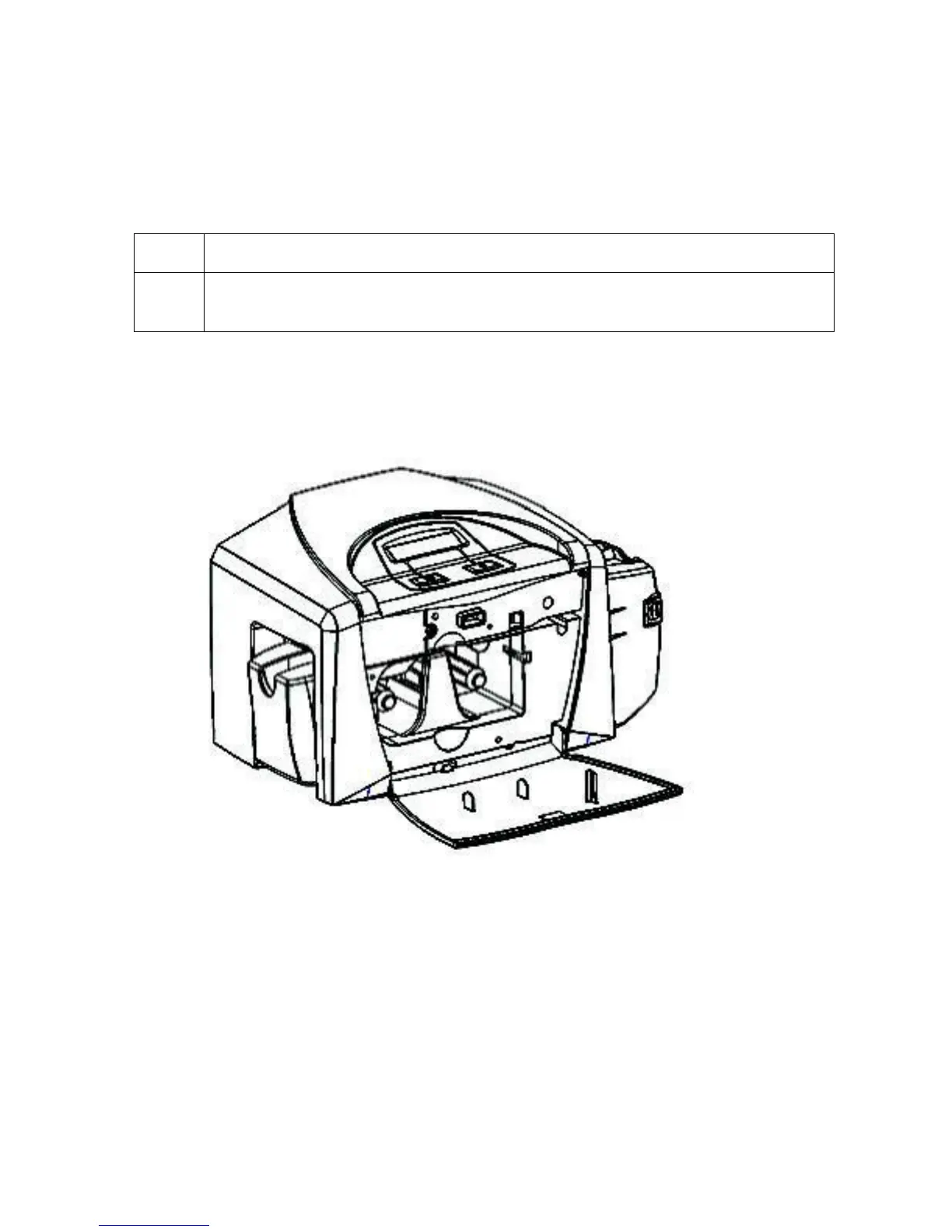
1 To install the Ribbon Cartridge, simply open the front Cover by pressing the
black rubber pad or touch pad and lowering the Cover down, as shown below.



 To Next Page