RESTRICTED USE ONLY Fargo Electronics, Inc.
DTC300/DTC300M Card Printer/Encoder User Guide (Rev. 2.2)
5-78
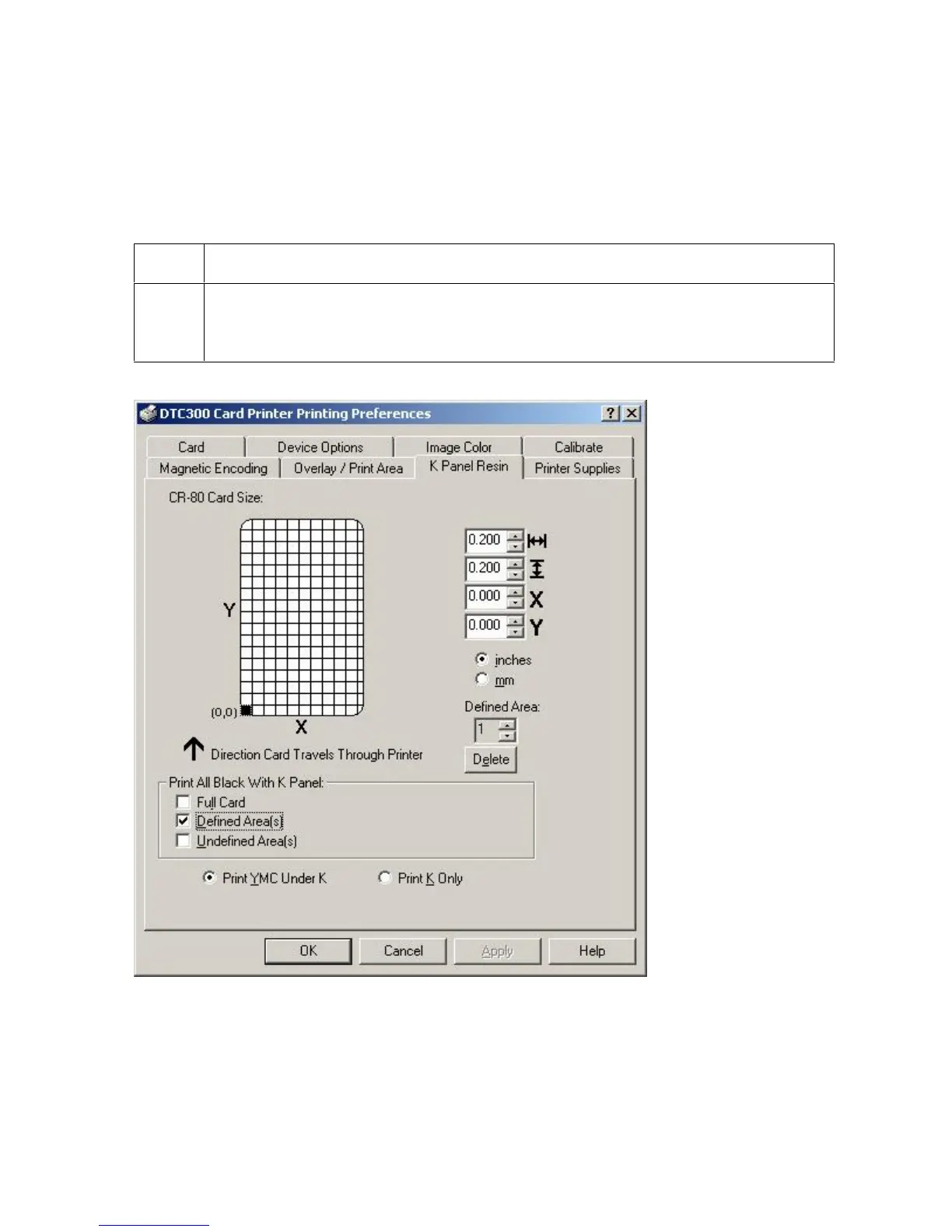
Selecting from the Print All Black With K Panel options
Select one of the three options listed under Print All Black With K Panel if the black text or
bar codes are not TrueType fonts and/or are not printing with the resin black panel. (Note:
The Printer Driver will print areas of the image where it finds black coloring with the print
Ribbon's resin black (K) panel as specified by each of the following options.
Step Procedure
1 When none of the options within this window are selected, the Printer Driver will
automatically print all TrueType black text and bar codes only with the Resin
Black (K) Panel of the print Ribbon.



 To Next Page