RESTRICTED USE ONLY Fargo Electronics, Inc.
DTC300/DTC300M Card Printer/Encoder User Guide (Rev. 2.2)
4-41
Diagnosing Image Problems
Resolving the Pixel Failure problems
All Troubleshooting procedures assume that only factory-authorized supplies are in use in
the Printer.
Step Procedure
1 Review the following information.
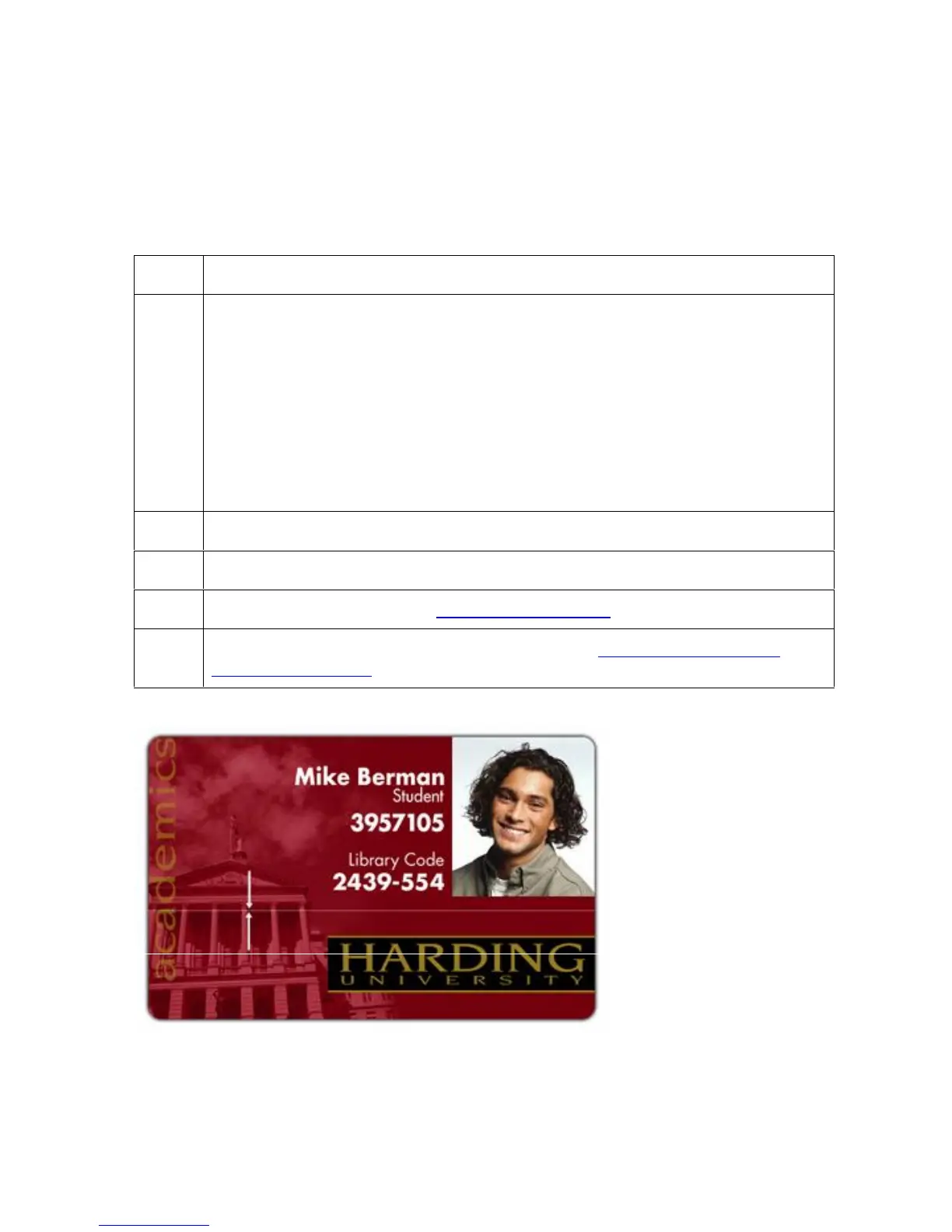
Symptom: A thin line or scratch travels the entire length of the card (See
sample image below).
Printer Error State: None
LCD Error Display: None
Driver Monitor Error Display: None
2 Check the card stock for scratches. Replace the cards (as needed).
3 Examine the Printhead for visible damage.
4 Clean the Printhead. See the Cleaning the Printhead procedure.
5 Replace the Printhead if the problem persists. See Replacing the Printhead
Assembly (D900023).



 To Next Page