RESTRICTED USE ONLY Fargo Electronics, Inc.
DTC300/DTC300M Card Printer/Encoder User Guide (Rev. 2.2)
10-19
Sending the Firmware File
Step Procedure
1 Ensure that the Printer LCD displays this message:
Upgrade Firmware Send File Now
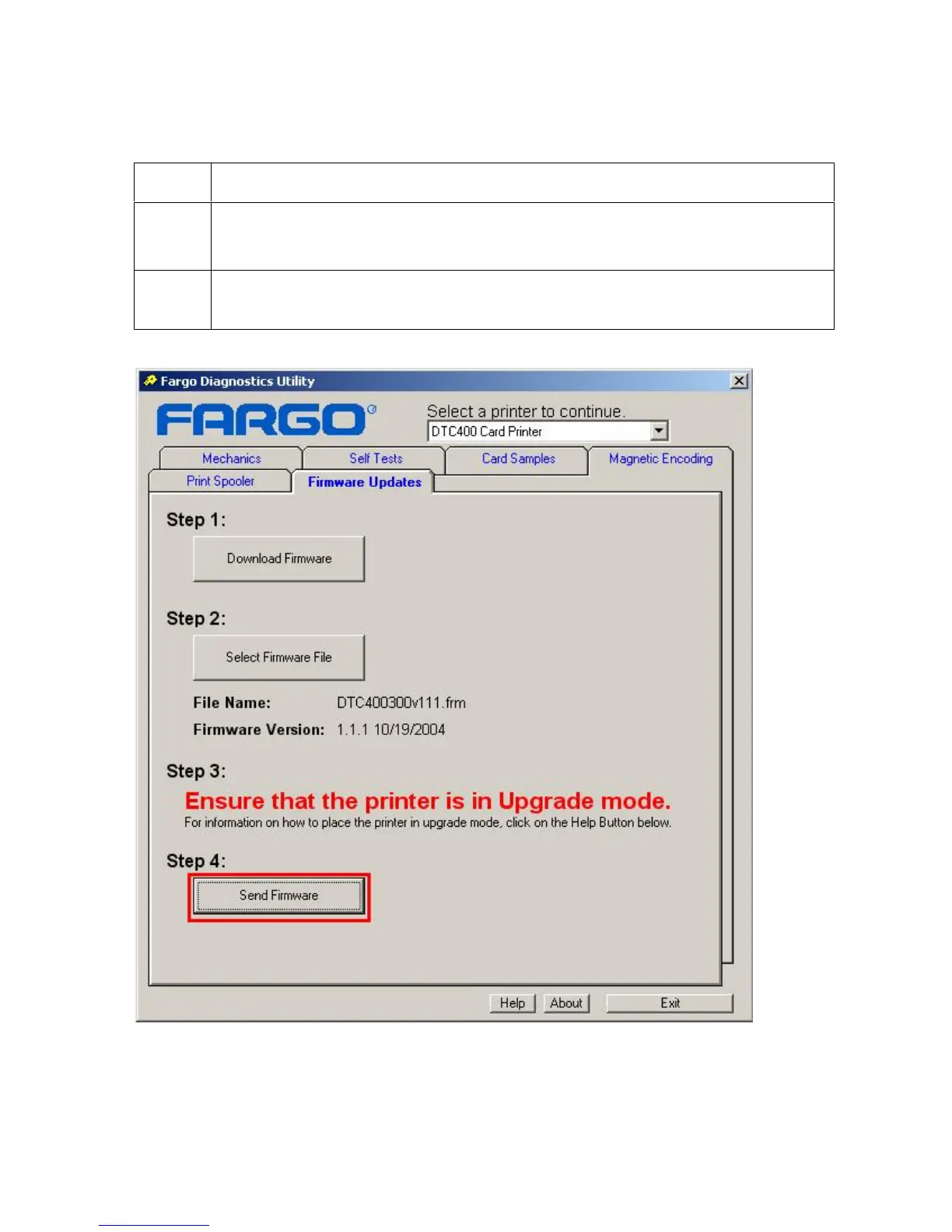
2 From the Fargo Diagnostic Tool click on the Send Firmware button, as shown
below.



 To Next Page