RESTRICTED USE ONLY Fargo Electronics, Inc.
DTC300/DTC300M Card Printer/Encoder User Guide (Rev. 2.2)
5-68
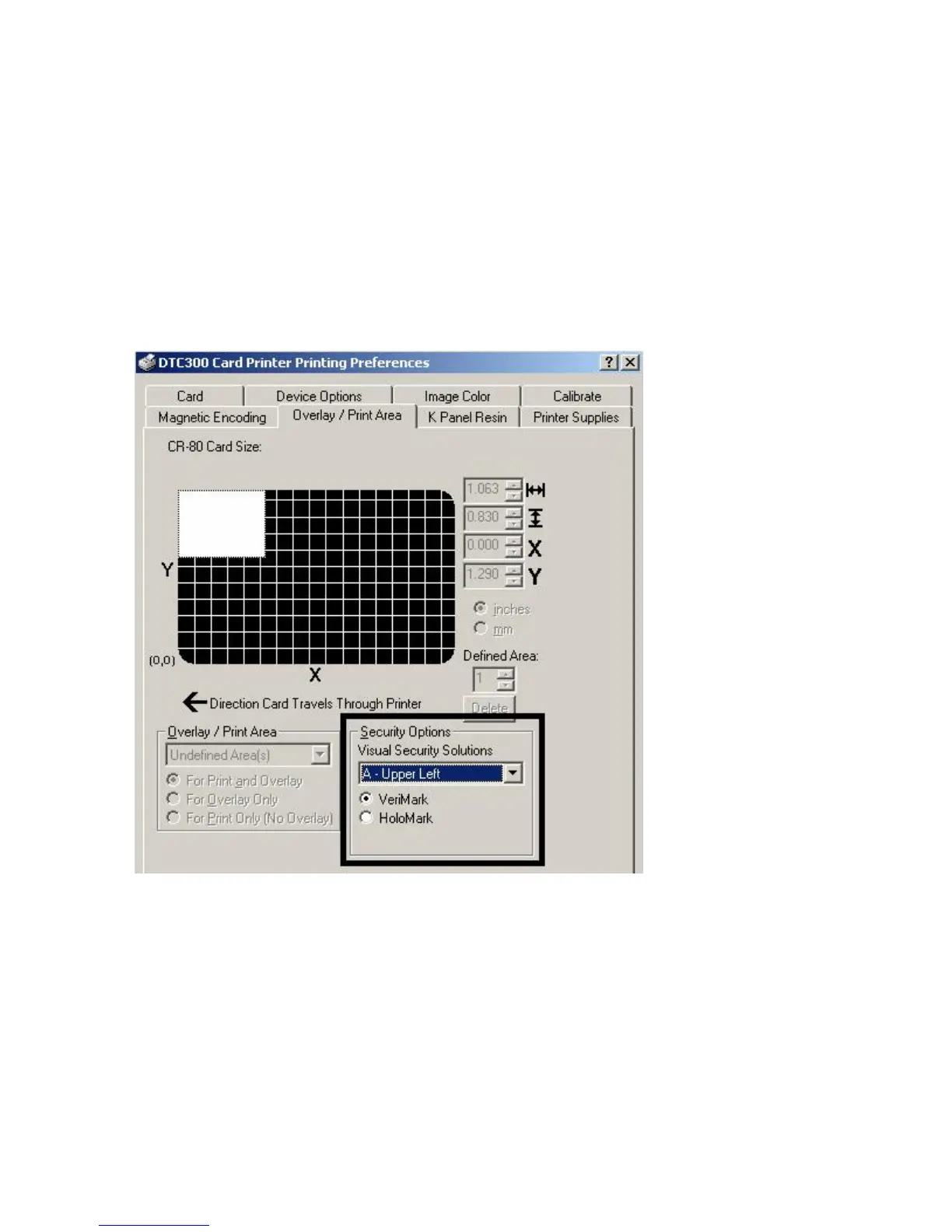
Using Security Options (Visual Security Solutions)
The Visual Security Solutions dropdown menu list will be used to enable and select which
type of visual security will be used. The Visual Security dropdown list will be selectable only
on the Front side (see below). Visual Security is not an option for the back side.
The following actions will occur when one of the Visual Security locations is selected.
The Overlay / Print Area will be disabled.
The Security Options become selectable.



 To Next Page