RESTRICTED USE ONLY Fargo Electronics, Inc.
DTC300/DTC300M Card Printer/Encoder User Guide (Rev. 2.2)
3-28
Installing the Printer Driver (continued)
Step Procedure
12
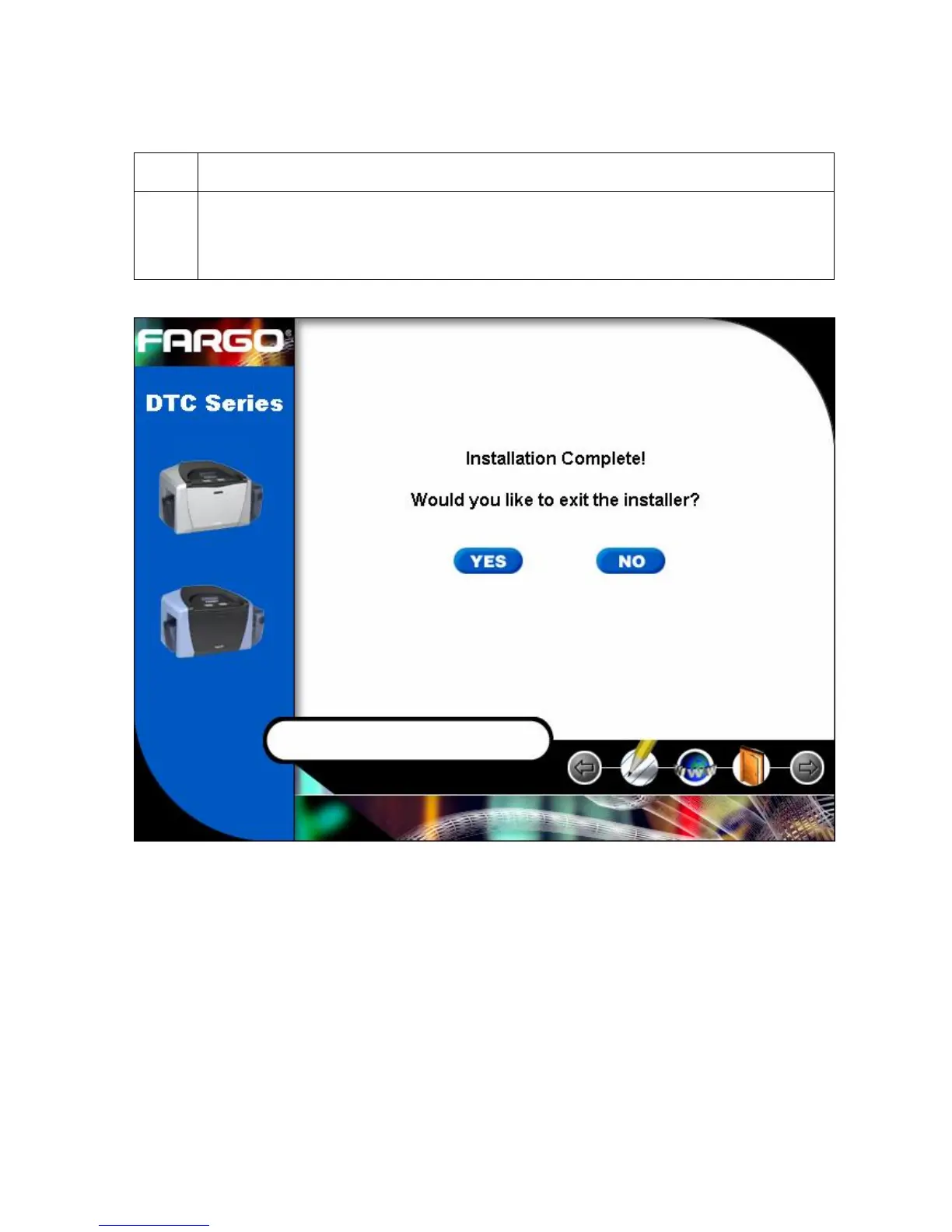
a. Click on the Yes button to exit the installer, as shown below.
b. Click on the No button to return to the installer’s main menu to install
additional software components.
Continued on the next page



 To Next Page