RESTRICTED USE ONLY Fargo Electronics, Inc.
DTC300/DTC300M Card Printer/Encoder User Guide (Rev. 2.2)
10-6
Downloading Firmware (continued)
Step Procedure
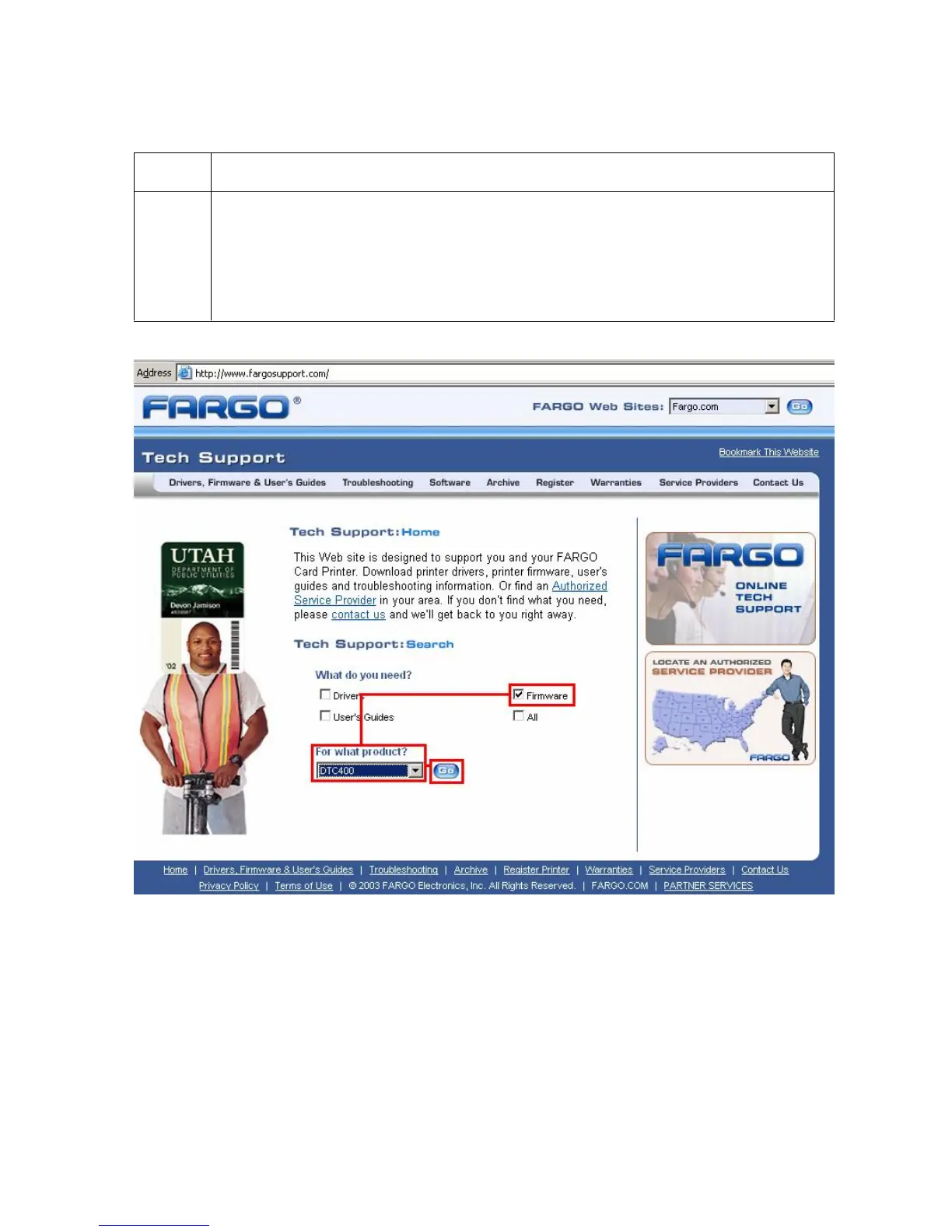
4 This will launch the Fargo Support page
Click on the Firmware selection box.
Using the drop down menu select the Printer.
Click on the Go button, as shown below.



 To Next Page