RESTRICTED USE ONLY Fargo Electronics, Inc.
DTC400 Card Printer/Encoder User Guide (Rev. 2.2)
6-22
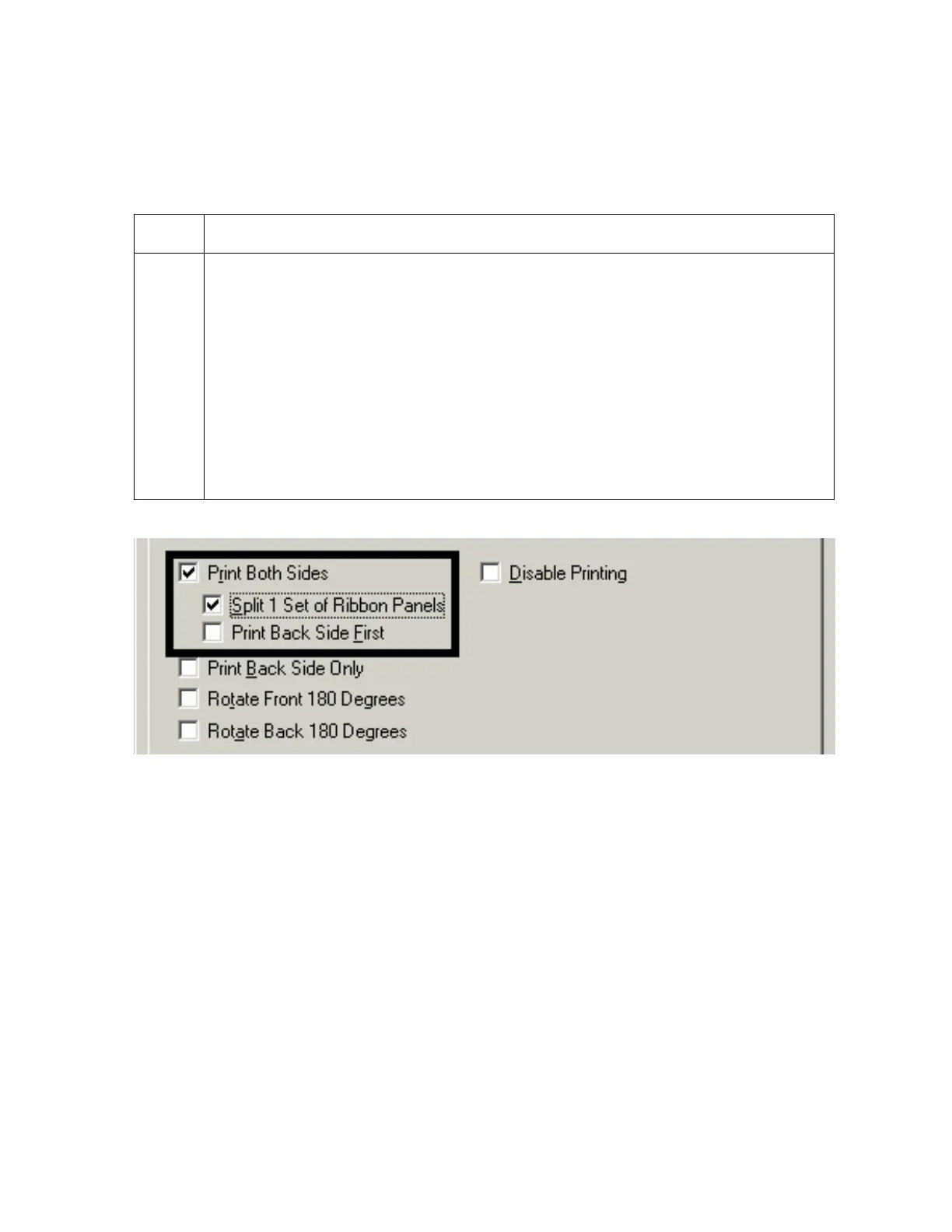
Using the Split 1 Set of Ribbon Panels option
Use this option to provide the most economical means of printing a dual-sided card since a
single set of ribbon Panels will be split to print both the front and backsides of a card.
Step Procedure
1 Select this option to automatically print full-color on the front of a card and resin
black on the back of a card (using either of the Full-color YMCK or YMCKK Print
Ribbons).
If using a YMCKO ribbon type, the front of the card is printed with the
ribbon's YMC Panels and the back is printed with the K Panel, and the O
Panel is printed on the front.
If using a YMCKOK ribbon type, the front of the card is printed with the
YMCK Panels and the back is printed with the second K Panel.
(Note #1: This option is automatically enabled when the YMCKOK ribbon type
is selected.)



 To Next Page