RESTRICTED USE ONLY Fargo Electronics, Inc.
DTC400 Card Printer/Encoder User Guide (Rev. 2.2)
6-45
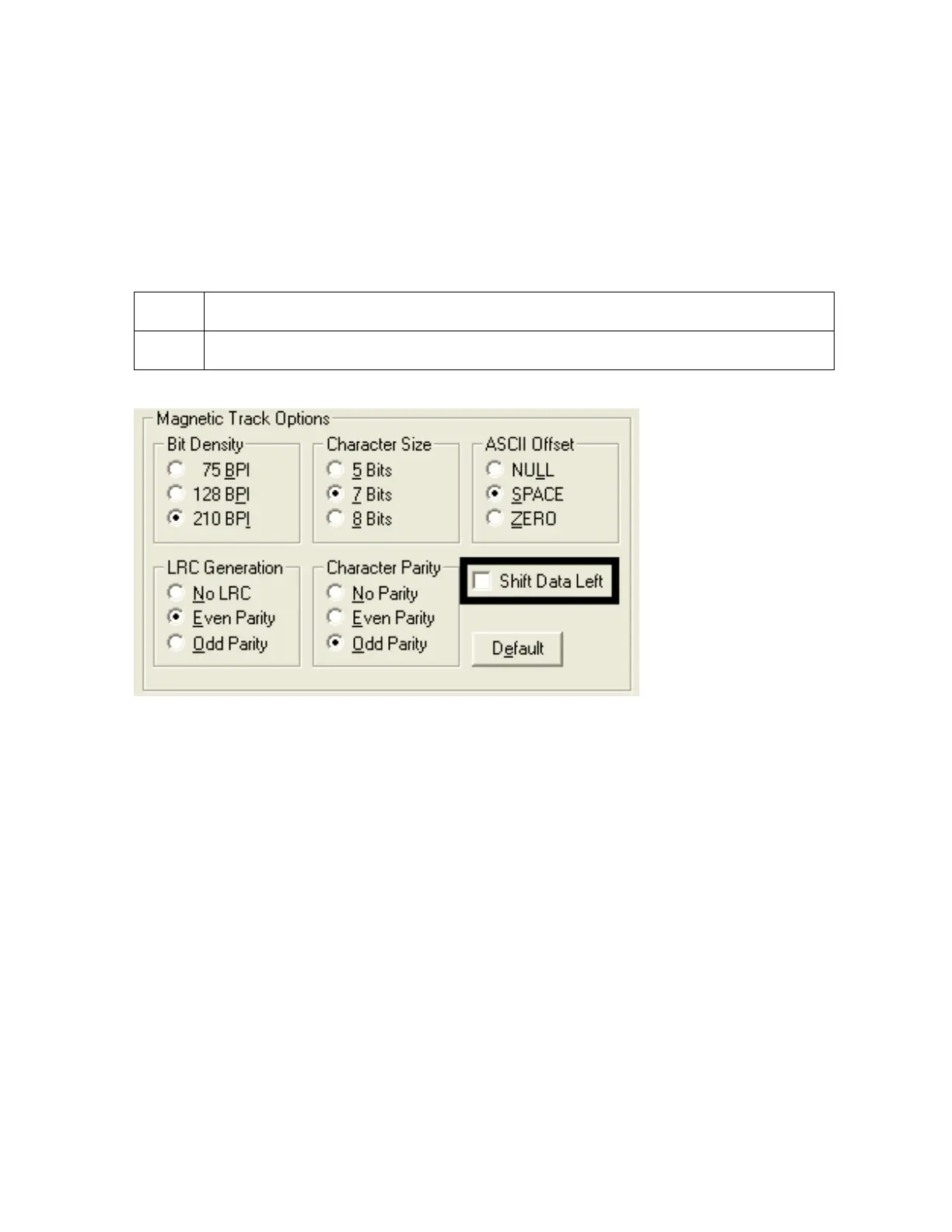
Using the Shift Data Left checkbox
Use this option to shift the recorded magnetic data to the left-hand side of the card's
Magnetic Stripe.
OR
Use this option for situations that require cards to be readable with insert type readers that
may be unable to read the right-hand side of the card.
Step Procedure
1
Select the Shift Data Left checkbox option to apply to all tracks.



 To Next Page