RESTRICTED USE ONLY Fargo Electronics, Inc.
DTC400 Card Printer/Encoder User Guide (Rev. 2.2)
6-60
Using the Defined Area Option (continued)
Step Procedure
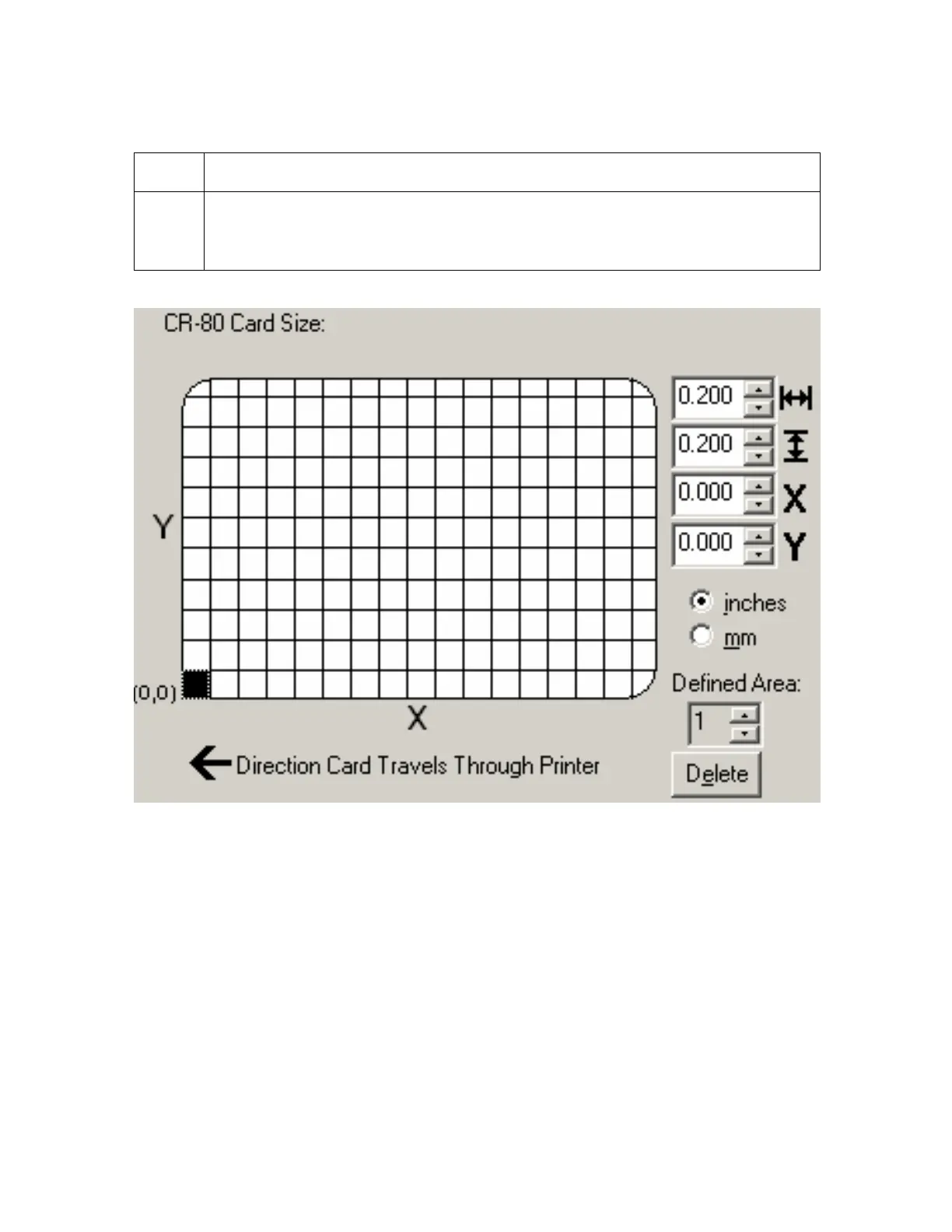
4 Measure from the lower left corner of the card up and over to the lower left
corner of for the defined area to begin and enter these values into the X and Y
boxes. (Note: The card grid lines are spaced at .2 inch / 5mm intervals.)



 To Next Page