RESTRICTED USE ONLY Fargo Electronics, Inc.
DTC400 Card Printer/Encoder User Guide (Rev. 2.2)
6-91
Using the Printer Calibration Utility (DTC400)
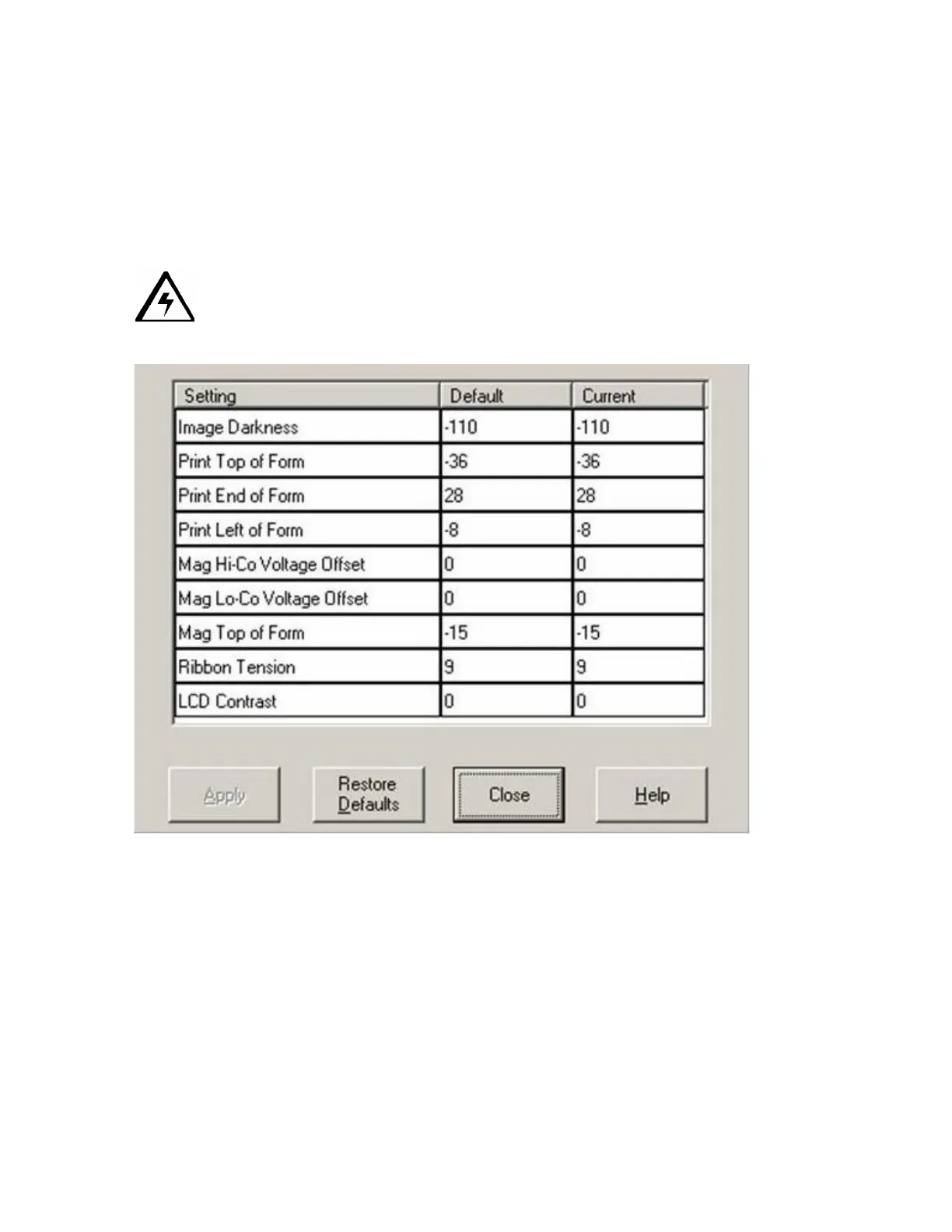
Access the Settings dialog box via the Settings button on the Calibrate tab. Use the
adjustment mode to change the Printer's internal settings. (Note: The Card Printer is
equipped with an internal adjustment mode programmable through the Settings dialog box.
This dialog box is accessible only if the Printer is powered ON, it is in Ready Mode and it is
properly connected to the PC.)
Caution! These settings are optimized at the factory. In most cases, these settings
can be used without changing them.



 To Next Page