RESTRICTED USE ONLY Fargo Electronics, Inc.
DTC400 Card Printer/Encoder User Guide (Rev. 2.2)
3-23
Installing the Printer Driver (continued)
Step Procedure
8
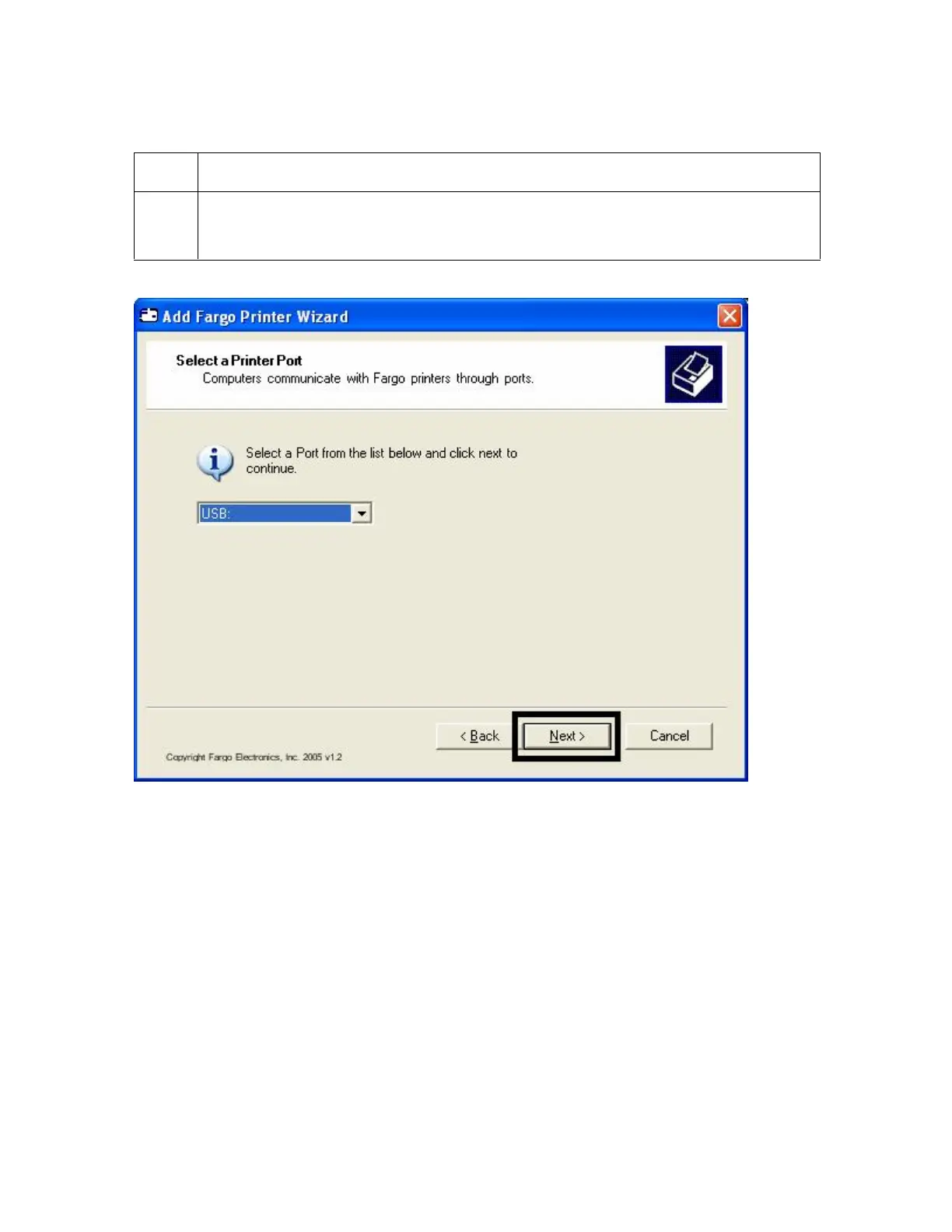
a. Verify that USB is selected from the Port list.
b. Click the Next button.
Continued on the next page



 To Next Page