RESTRICTED USE ONLY Fargo Electronics, Inc.
DTC400 Card Printer/Encoder User Guide (Rev. 2.2)
4-13
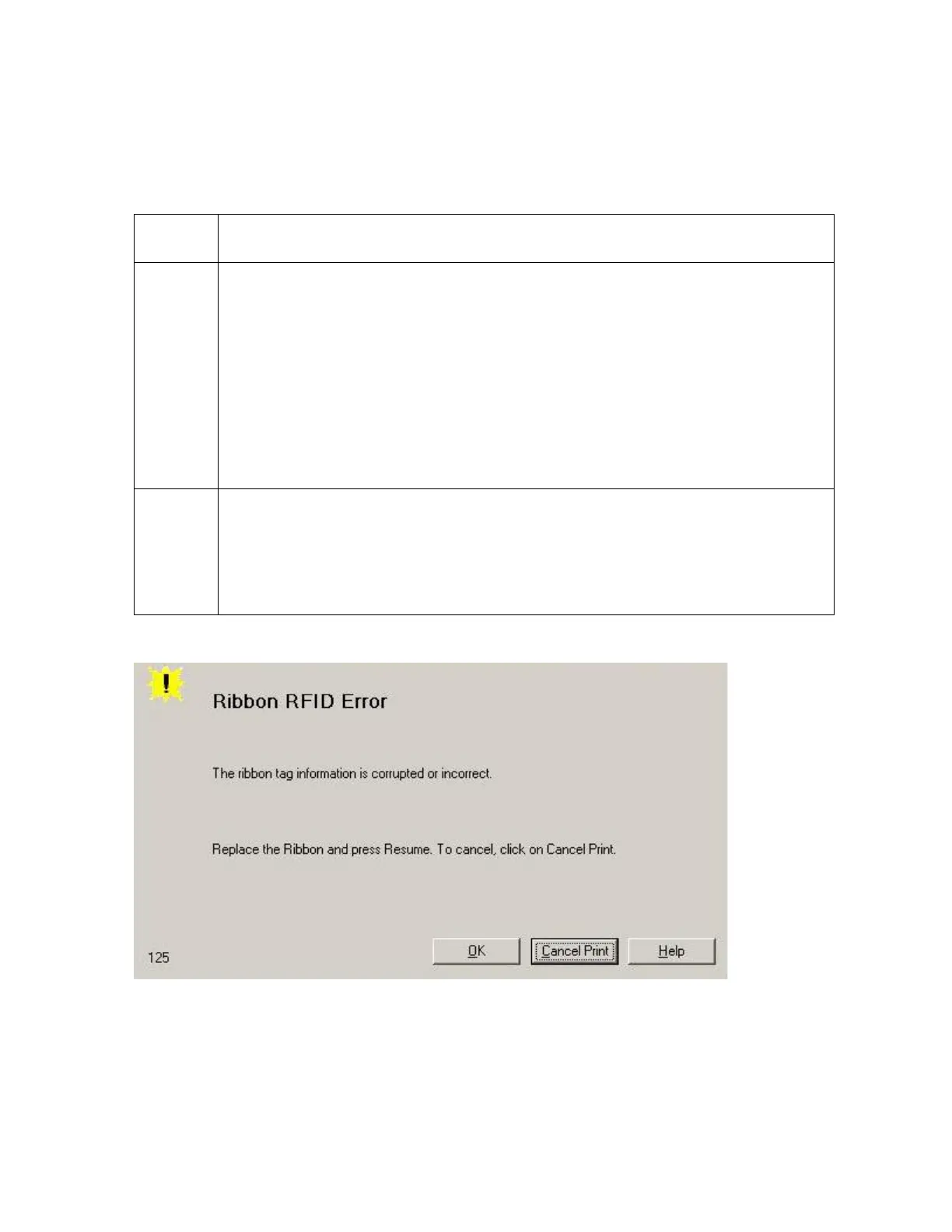
Resolving a Ribbon RFID Error (Ribbon RFID Sensor is Corrupted)
All Troubleshooting procedures assume that only factory-authorized supplies are in use in
the Printer.
Step Procedure
1 Review the following information.
Symptom: Printer RFID Sensor does not detect a recognizable signal from
the Ribbon.
Printer Error State: The Ribbon tag information is corrupted or incorrect.
LCD Error Display: Ribbon RFID Error
Driver Monitor Error Display: Ribbon RFID Error
2 Replace the Print Ribbon RFID Sensor.
a. Replace the Print Ribbon RFID Sensor.
b. Press on the Resume button.
c. If the error continues, replace the Printer Main Board.



 To Next Page