FARO
®
Laser Scanner Manual
131
Chapter 8: Special Scanning Modes
7. When you have selected all the targets you want, click Add Scans to
Group. The scanner will begin to make the detail scans. The scanner
screen will keep you informed about the progress.
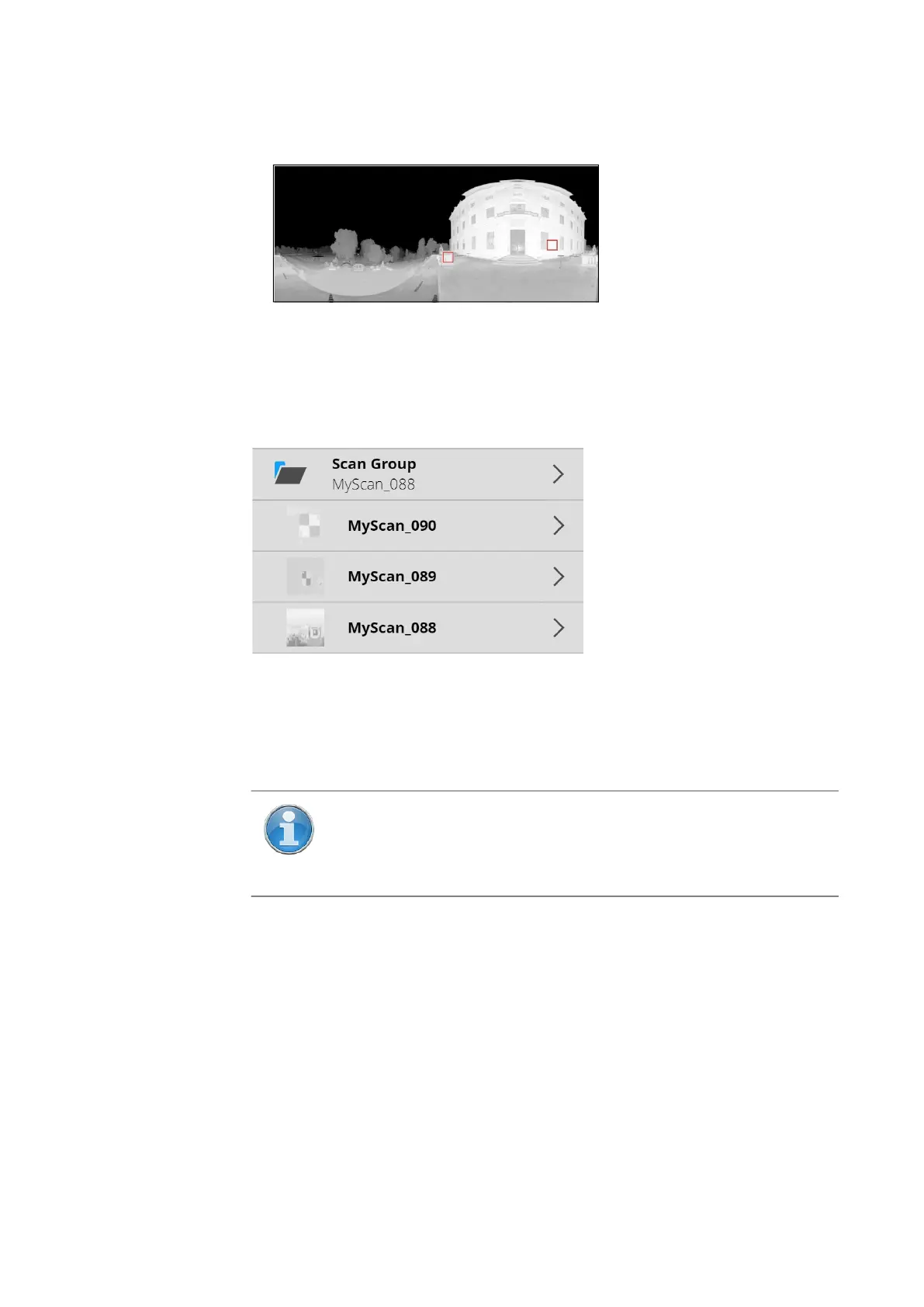
When all the detail scans are complete, the preview image of the primary scan
is displayed. The positions of the completed detail scans appear as red
squares. If you want to make more detail scans, repeat the procedure above.
Remember to make all the detail scans you need before moving the scanner
or making a new primary scan.
You can see the scan groups on the SD card by returning to the scanner’s
start page and clicking the Scans button. All scans that belong to a scan
group are shown indented below the caption Scan Group and the scan
group’s name (which is always the name of the primary scan).
8.5 Retaking Pictures
When making color scans, photographs are used to colorize the points
recorded by the laser. If a person or vehicle or other object moves into the
camera’s field of vision after scanning, but while pictures are being taken, it
can result in scan points with incorrect colors. If you have set the scanner to
allow pictures to be retaken, you can check the pictures on the scanner
Figure 8-16: Detail scans completed
Figure 8-17: Scan group
NOTE: Scan groups are supported by SCENE 2018 and later. If
you import scan groups into an older version of SCENE, the detail
scans will be treated as if they were normal scans, but are likely to
have limited use for registration.



 To Next Page