FARO
®
Laser Scanner Manual
84
Chapter 7: Controller Software
7.4.4 Sensors
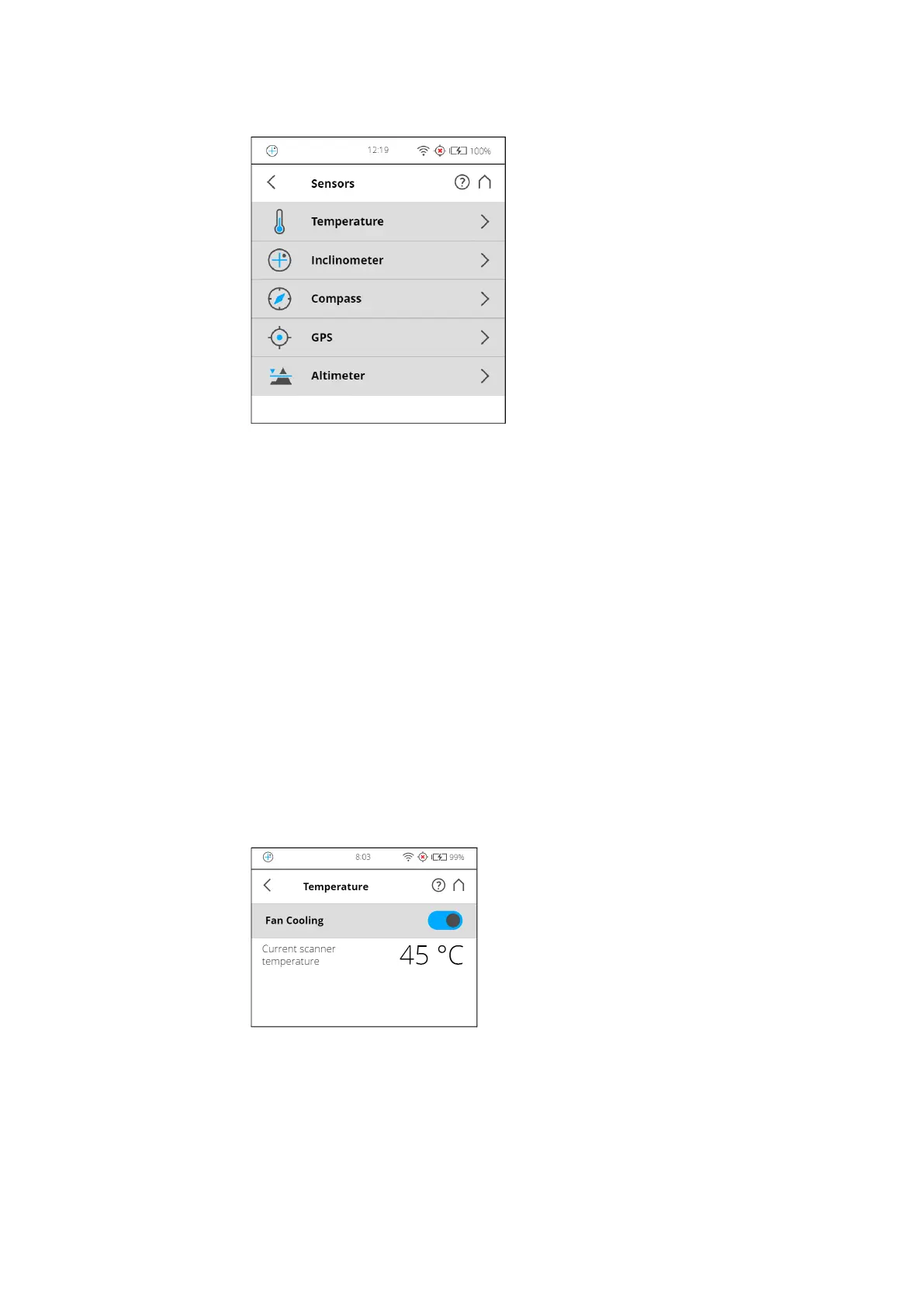
Figure 7-25: Sensors
Temperature - Tap to view the current scanner temperature and to switch the
scanner's fan on or off. See Temperature Sensors on page 84.
Inclinometer - Tap to level the scanner. See Inclinometer (Dual Axis
Compensator) on page 85.
Compass - Tap to view the orientation of the scanner. See Compass on
page 87
.
GPS - Tap to view details about the current GPS position and accuracy. See
GPS on page 88
.
Altimeter - Tap to view the currently measured altitude of the scanner’s
position and to sync the altimeter with a reference height. See Altimeter on
page 89
.
Scan Localizer - Tap to view details about the current scanner position and
accuracy through Scan Localizer. See Scan Localizer on page 90
.
Temperature Sensors
Figure 7-26: Temperature Sensors
The scanner has several integrated temperature sensors that measure the
temperature at different positions inside the scanner. This screen shows the
temperature of the sensor with the currently most critical value.
If a sensor is outside of the recommended operating temperature, but not yet
critical, the temperature display will be highlighted in yellow. Scanning will still



 To Next Page