FARO
®
Laser Scanner Manual
72
Chapter 7: Controller Software
situations. However, enabling the night mode will increase the scan duration
significantly if the
Scan with Color option is switched on.
7.4 Manage
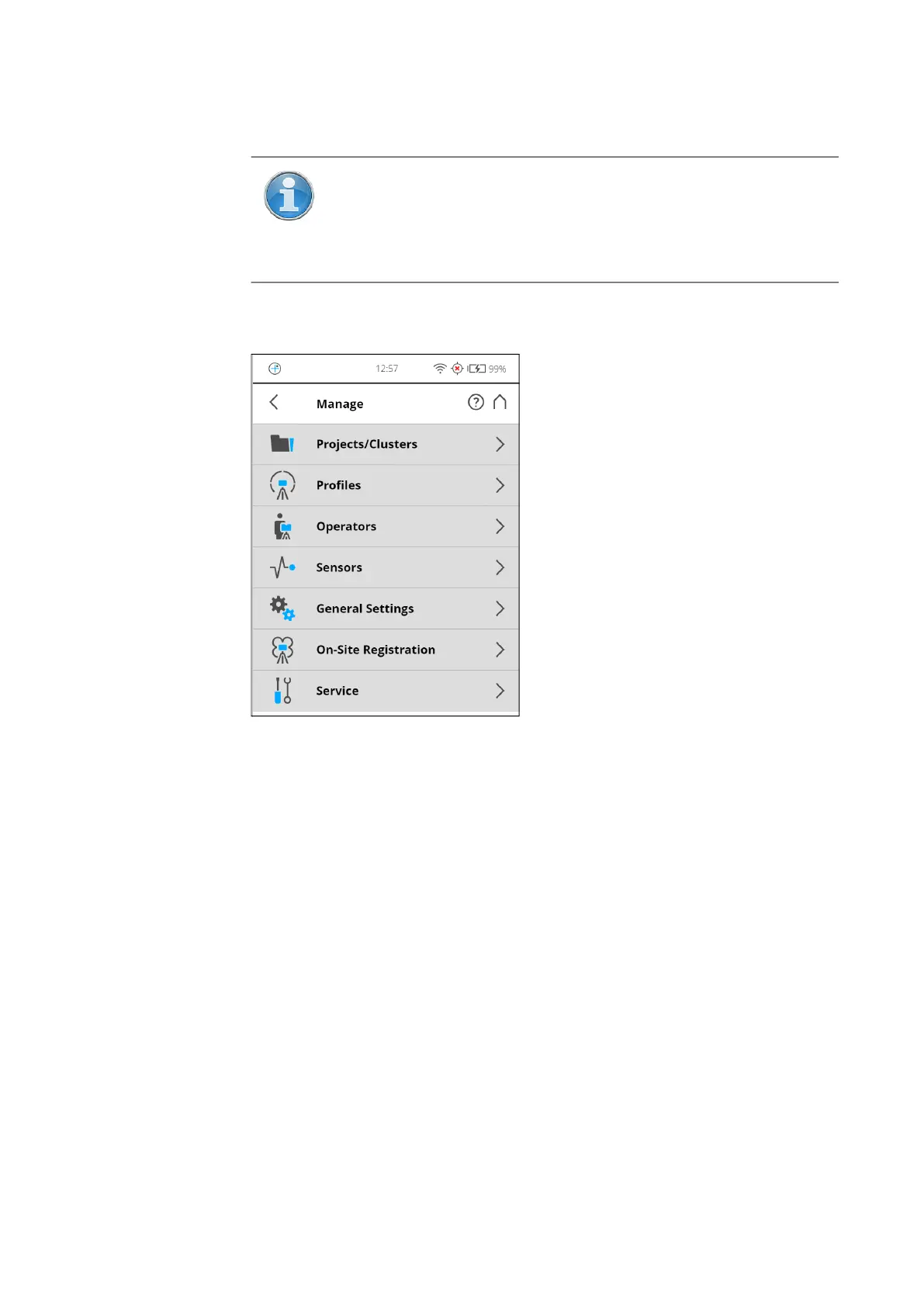
Figure 7-16: Manage
Projects/Clusters Select the current scan project, add new or edit existing projects. Tap to get a
list of all available projects.
See Scan Projects and Clusters on page 73 for additional information
Profiles Select the current scan profile, create new or edit existing scan profiles.
See Scan Profiles on page 78.
Operators Select the current scanner operator, create new or edit existing operators.
See Operators on page 82.
Sensors See Sensors on page 84.
General Settings Opens the menu of the general scanner settings.
See General Settings on page 91.
On-Site Registration See On-Site Registration on page 104.
Service Opens the menu for scanner services, like firmware updates, backups or
viewing errors and warnings.
NOTE: The best scanning results can be achieved if Night Mode is
enabled along with
Horizon Weighted Metering or Zenith Weighted
Metering
. However, very dark lighting conditions may lead to a
poor picture quality even if night mode is activated. This can lead
to grainy images and other artifacts.



 To Next Page