FARO
®
Laser Scanner Manual
64
Chapter 7: Controller Software
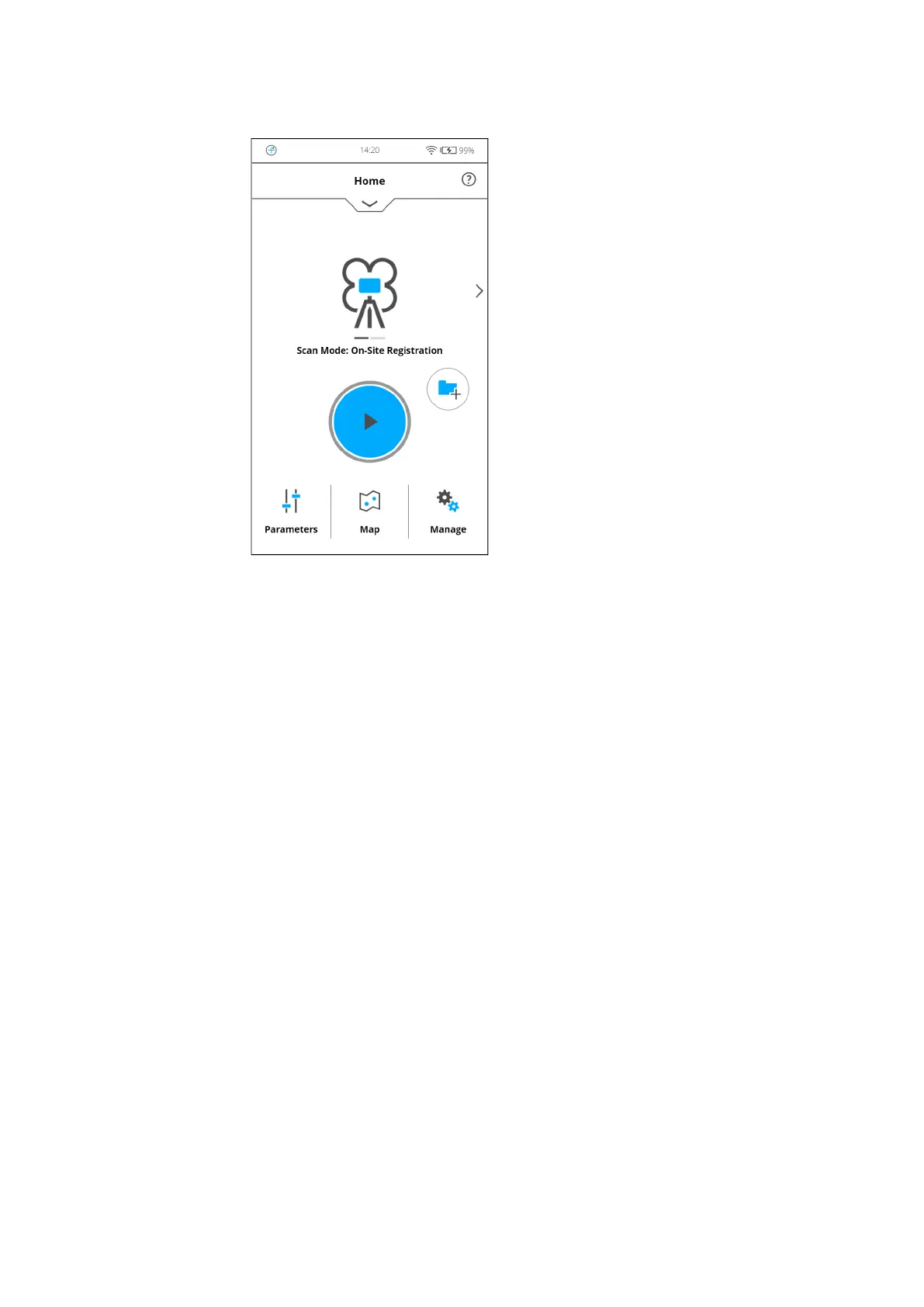
Scan Mode button - Tap or swipe to access the on-site registration scan
mode.
Figure 7-5: On-Site Registration home screen
7.3 Scan parameters
Scanning parameters like resolution, quality or the scanning angles are the
parameters used by the scanner for recording the scan data.
There are two ways to set the scanning parameters:
• by changing them manually
• by selecting a scan profile which is a predefined set of scanning
parameters.



 To Next Page