FARO
®
Laser Scanner Manual
68
Chapter 7: Controller Software
Opens the screen to enable or disable the automatic use of the data of the
built-in sensors and external Scan Localizer for the scan registration in
SCENE.
7.3.5 Scan with Color
Switch colored scan recording on or off. If switched on, the scanner will also
take color photos of the scanned environment with the integrated color
camera. These photos will be taken immediately after the laser scan and will
be used in the point cloud processing software SCENE to automatically
colorize the recorded scan data.
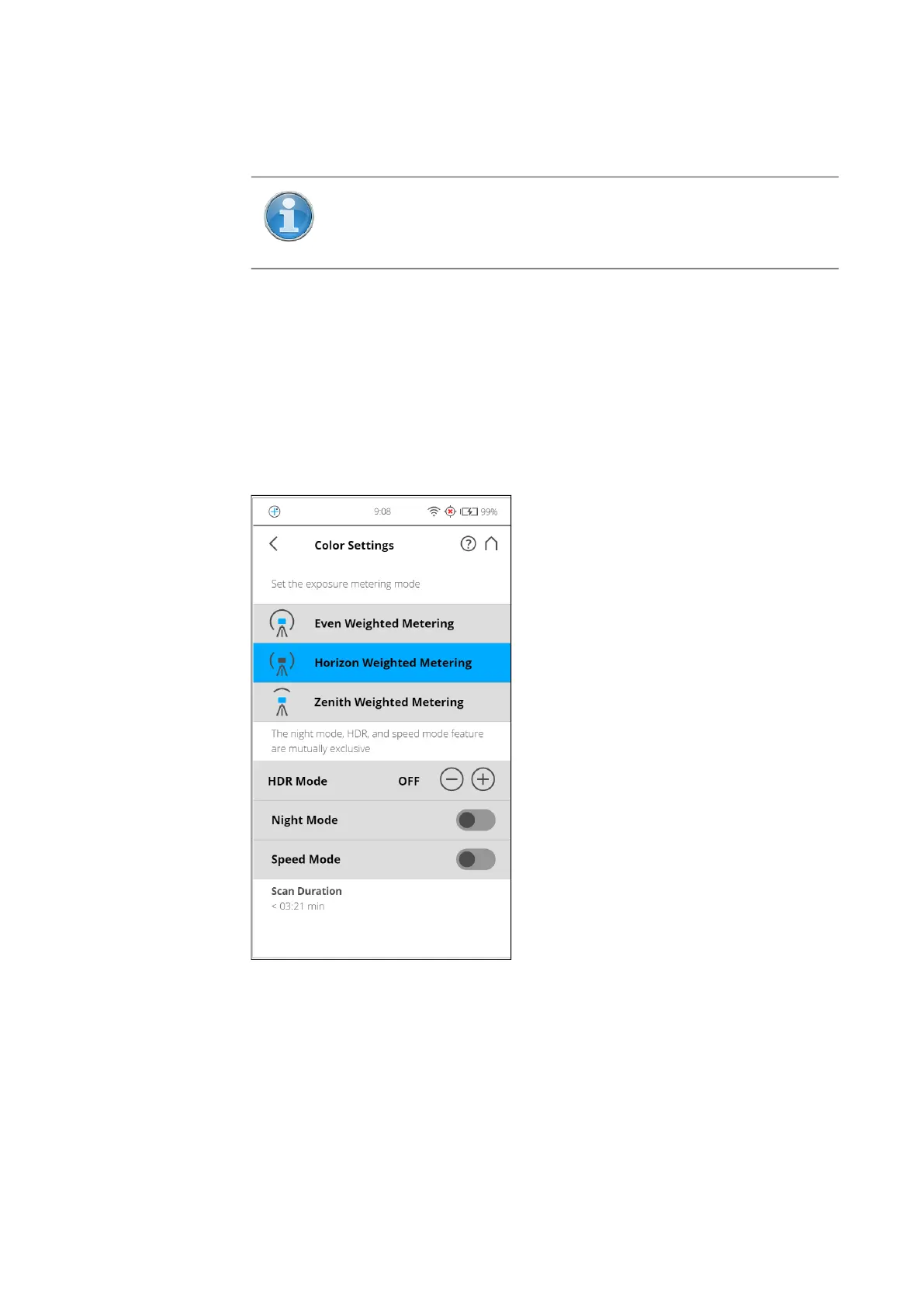
7.3.6 Color Settings
Figure 7-10: Scan Parameters, Color Settings
Set the exposure metering mode - Sets the way in which the integrated
color camera determines the exposure for taking the color photos (if colored
scan recording is switched on). Select between three exposure metering
modes to meet the requirements of the current lighting conditions and to get
best possible results for the area of interest.
Even Weighted Metering - To determine the exposure settings, the camera
will use the light information coming from the entire scene and averages
NOTE: When Scan Localizer option is enabled, the GPS option
must be disabled and vice versa.



 To Next Page