FARO
®
Laser Scanner Manual
29
Chapter 6: Getting Started
6.1.1 Charging the Battery in the FARO Laser Scanner
1. Open the scanner's battery compartment cover.
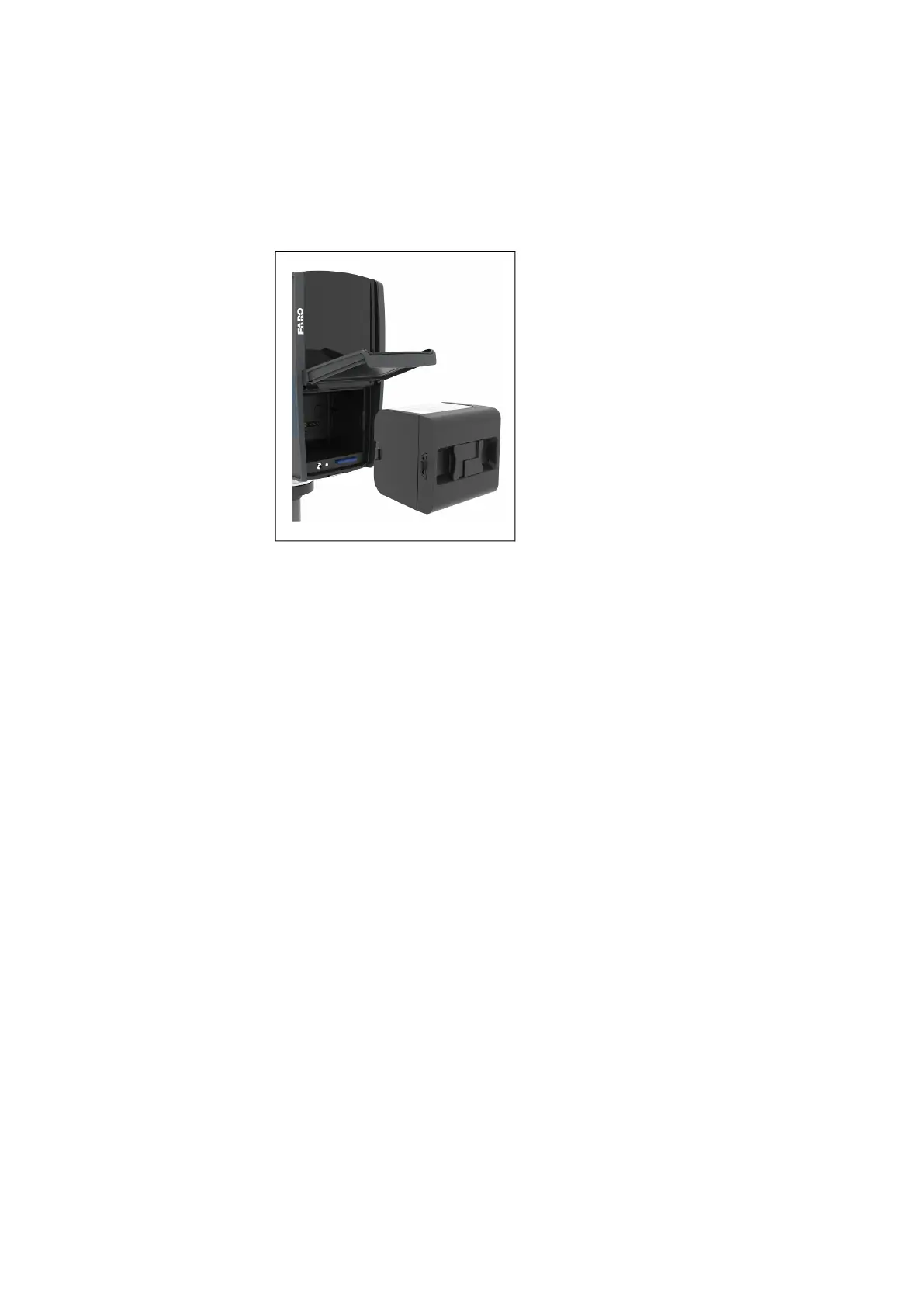
2. Turn the battery so that its type label is directed upwards, point the battery
contacts to the scanner, push the battery straight in, and slide it downward
into the battery compartment until the fastener clicks into position.
Figure 6-1: FARO Laser Scanner with Battery
3. Connect the cable of the power supply unit to the power socket of the
FARO Laser Scanner. If you forcibly insert the plug in a wrong direction, the
plug and the FARO Laser Scanner can be damaged.
4. Connect the AC power cable to the power supply unit as well as to a power
outlet. Check the input voltage on the type label before connecting.
5. If the FARO Laser Scanner is turned off, the LEDs of the scanner will start
blinking blue while charging. The LEDs will stop blinking and will illuminate
to constant blue when the battery is fully charged.
6. If the FARO Laser Scanner is turned on, you can check the charging state
of the battery in the scanner's user interface under
Home > Manage >
General Settings > Power Management. For more information, see Power
Management on page 93.



 To Next Page