FARO
®
Laser Scanner Manual
31
Chapter 6: Getting Started
6.1.2 Charging the Battery with the Power Dock Battery Charger
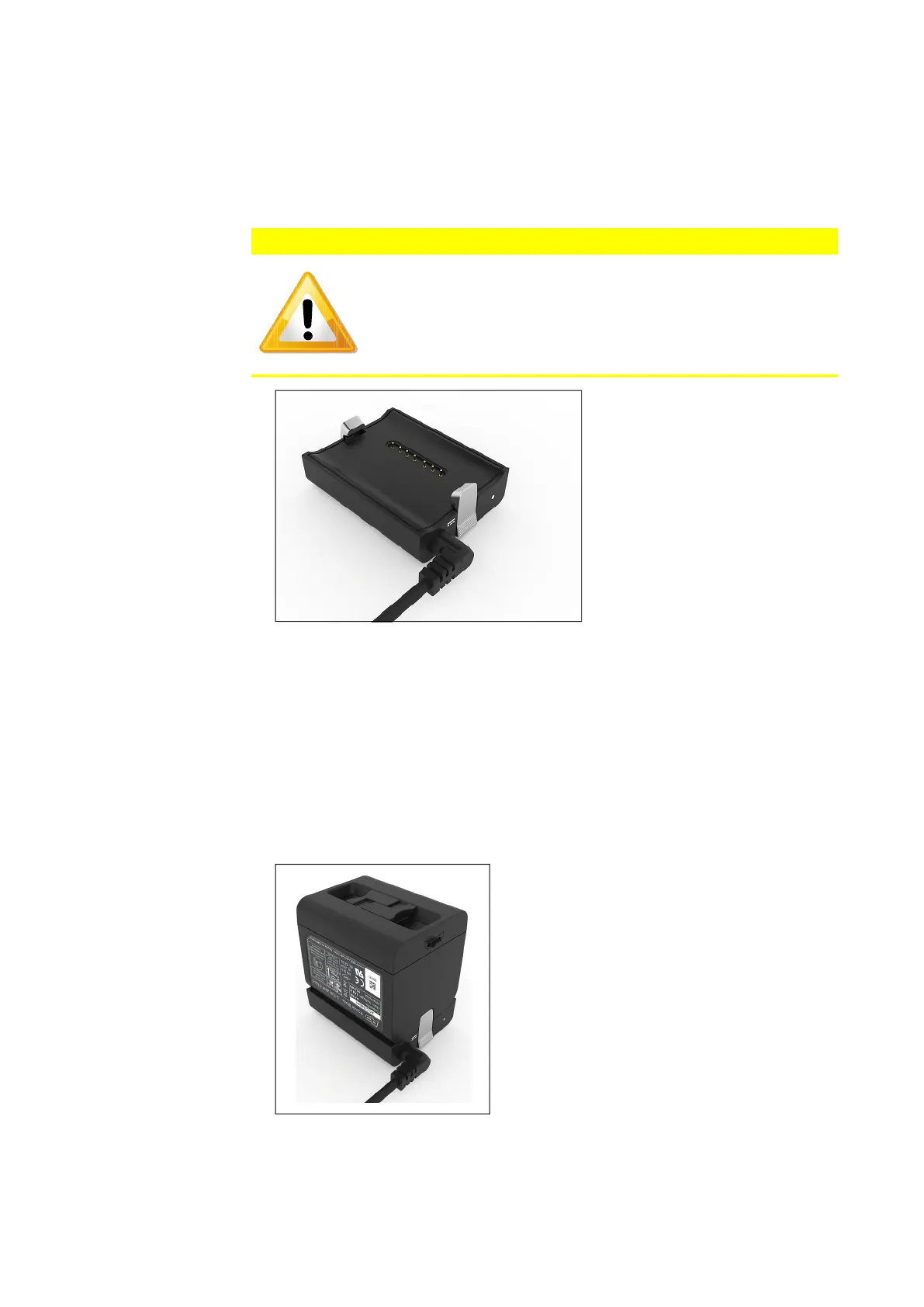
1. Connect the cable of the power supply unit to the power socket of the
FARO Power Dock battery charger. If you forcibly insert the plug in a wrong
direction, the plug and the Power Dock battery charger can be damaged.
Figure 6-3: Power Dock battery charger with connected power cable
2. Connect the AC power cable to the power supply unit as well as to a power
outlet. Check the input voltage on the type label before connecting.
3. The LED of the Power Dock battery charger illuminates blue when power is
connected correctly.
4. Place the battery on top of the Power Dock battery charger. Ensure that the
battery terminals are aligned correctly with the pins of the charger. Let the
battery snap into place.
Figure 6-4: Placing the battery on the Power Dock battery charger
CAUTION
Place the FARO Power Dock battery charger on a flat, non-slip
surface. Ensure that the cable is positioned so that it cannot be
accidentally pulled by anything that passes by it.



 To Next Page