FARO
®
Laser Scanner Manual
91
Chapter 7: Controller Software
7.4.5 General Settings
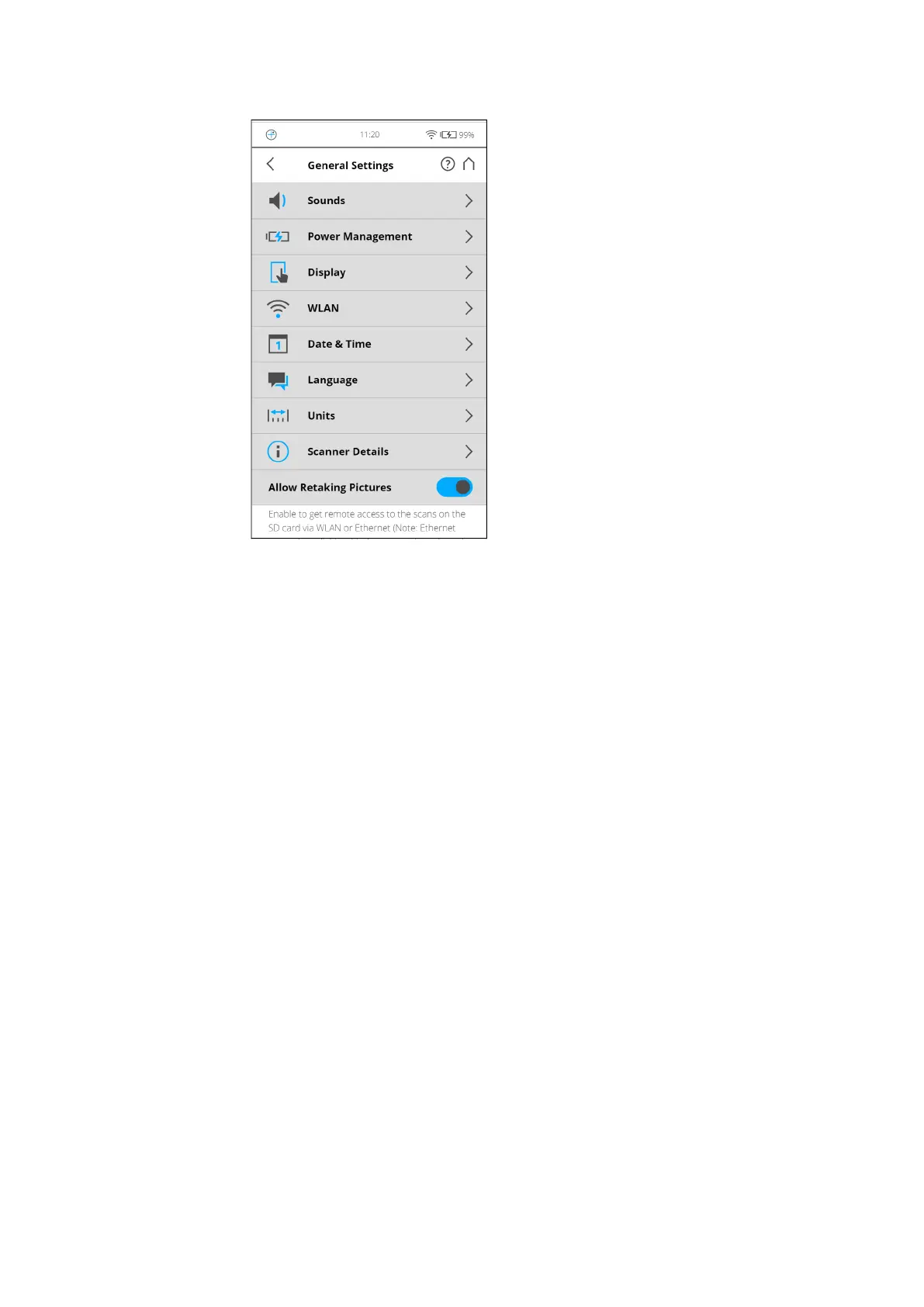
Figure 7-31: General Settings
Sounds - Change the volume of the scanner sounds, enable or disable
scanner sounds.
See Sounds on page 92
.
Power Management - View detailed settings regarding the administration of
power like the battery charge level; enable or disable start on power; modify
display settings to optimize power usage.
See Power Management on page 93
.
Display - Set the brightness of the screen or change the theme of the Home
screen to Dark or Bright.
See Display on page 93
.
Date & Time - Change the displayed time and date format and change the
date and time of the scanner.
See Setting the Date and Time on page 41
.
Language - Change the language of the controller software.
See Setting the Interface Language on page 40
.
Units - Change the displayed unit of lengths.
See Setting the Unit of Length and the Temperature Scale on page 43
.
Scanner Details - View and change details of the scanner.
See Scanner Details on page 103
.
Allow Retaking Pictures - Enable the functionality that allows you to retake
any pictures immediately after the scan completes. Note that when this option
is enabled, you must take extra steps to close the scan.



 To Next Page