FARO
®
Laser Scanner Manual
43
Chapter 6: Getting Started
Discard Changes - Tap to discard your changes.
6.7.5 Setting the Unit of Length and the Temperature Scale
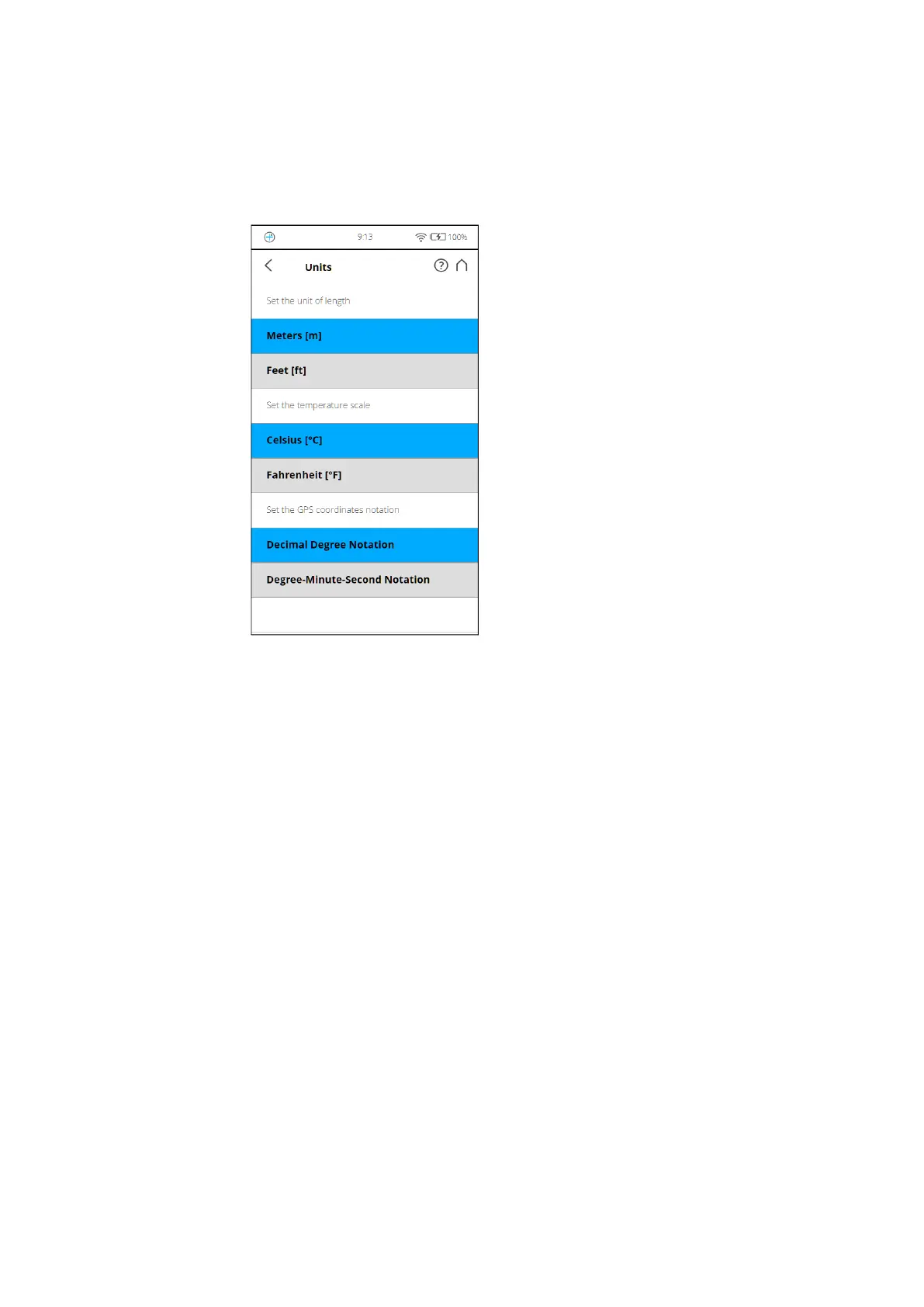
You can change the units scale under Home > Manage > General Settings >
Units.
Figure 6-14: Change Unit of Length
Lengths will be displayed by the controller software either in meters or in feet.
Select the favored unit of length by tapping the corresponding button.
Temperatures will be displayed either in Celsius or in Fahrenheit scale. Select
the favored temperature scale by tapping the corresponding button.
GPS coordinates are either displayed in decimal degree notation (e.g.,
+34.9823450 °E) or in degree-minute-second notation (e.g., 34º 58' 56.44'' E).



 To Next Page