FARO
®
Laser Scanner Manual
35
Chapter 6: Getting Started
achieve full-surface contact even with a flat leg angle. To do this, you must
turn the feet individually by hand.
•
Ensure that the twist-lock sleeves for leg length adjustment, the central wing nut
of
the tripod shoulder, and the tripod head are always tightly screwed together.
• To achieve more grip on hard surfaces, it is advisable to slightly tension the
tripod legs before starting a scan. Tension the legs by holding two of the three
tripod legs as close to the ground as possible with your hands, pulling them
slightly apart from each other and away from the third leg, and then pressing
them into the ground.
• In windy conditions, use sandbags to stabilize each foot of the tripod. You
can also stretch a rope or shock cord between the tripod’s center hook and
a weight, switchable magnetic base, or existing anchor point.
6.4 Mounting and using the quick release
The quick release enables you to quickly and safely attach and remove the
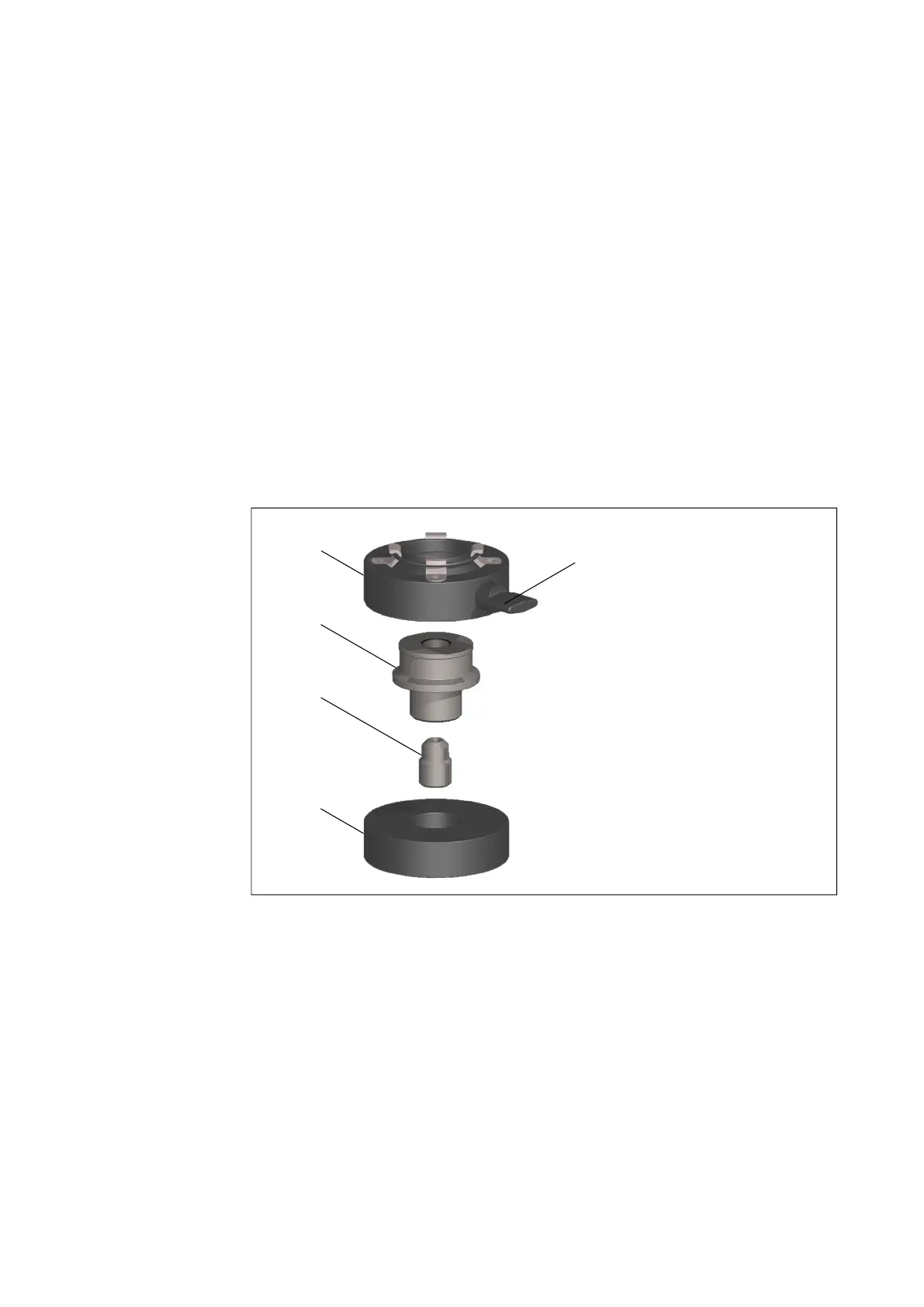
scanner from the tripod. The quick release consists of these parts:
Figure 6-6: Quick release parts
Use the instructions below to mount the quick release.
Prepare the tripod: 1. Extend the tripod legs and place the tripod on a stable surface at a
convenient height. Ensure that all legs of the tripod are secure.
2. Your tripod might be equipped with one or more set screws in the platform.
Ensure that the set screws are recessed below the platform. They must not
stick up out of the surface.
3. Place the tripod plate over the center screw of the tripod.
scanner plate
fixation screw
center spindle
spindle screw
tripod plate



 To Next Page