FARO
®
Laser Scanner Manual
60
Chapter 7: Controller Software
Chapter 7: Controller Software
7.1 General Elements
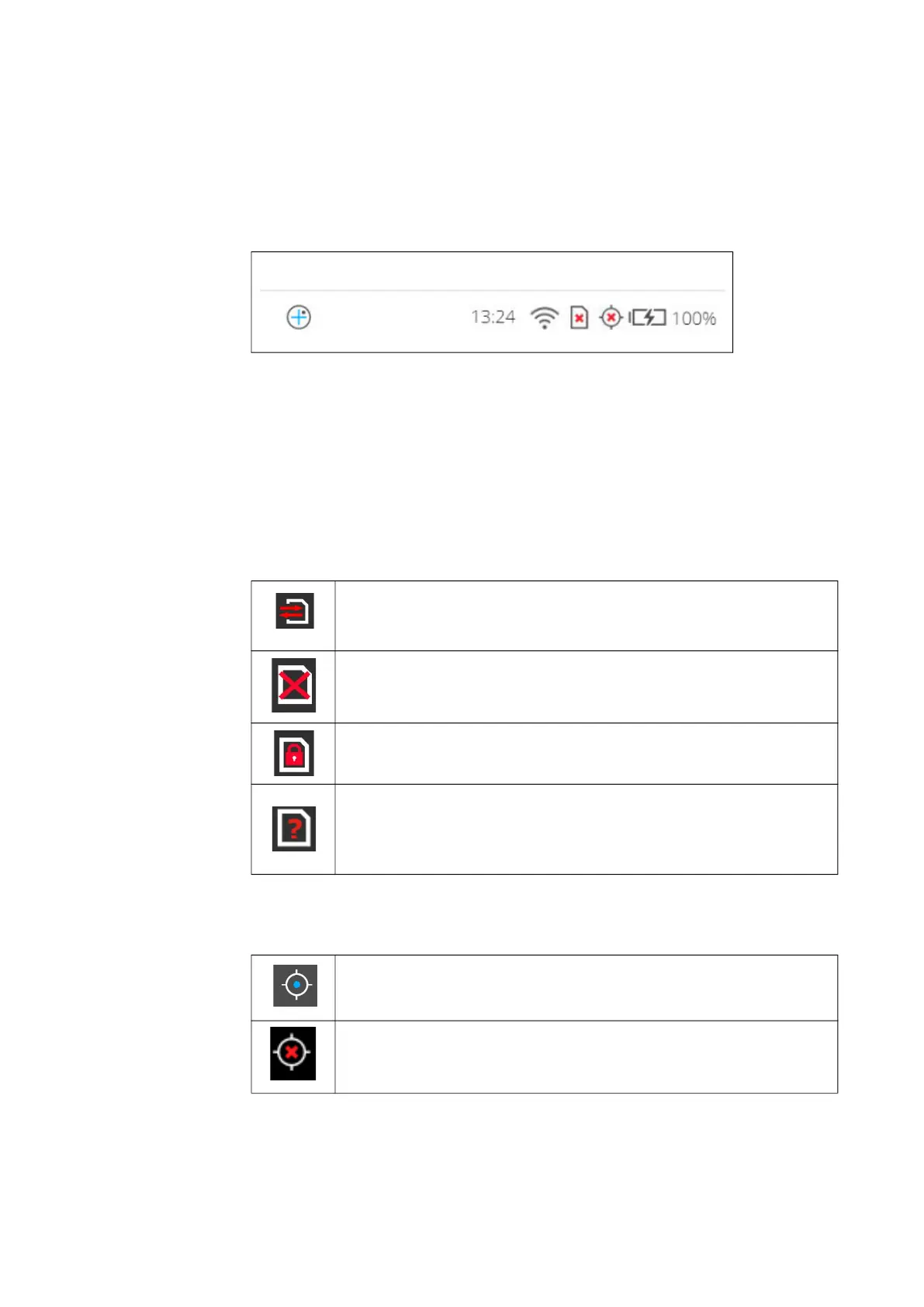
7.1.1 Status Bar
Figure 7-1: Status Bar
Inclinometer shortcut
Clock - shows the current time of the scanner. See Setting the Date and Time
on page 41 for information on how to change the date and time of the
scanner.
WLAN is turned on, and the signal strength is displayed.
SD card status
GPS signal
Battery - shows the status and charge state of the internal battery:
SD card is busy.
Do not remove the SD card from the scanner while it is busy,
otherwise you risk corrupting the data on the card.
No SD card inserted.
SD card is write-protected. Remove write protection to be able to
scan with this card.
Unknown SD card inserted. The card cannot be read. This might
be due to the SD card being formatted in an unsupported file
system. You should format the SD card with the scanner’s format
function. See SD Card on page 107.
GPS signal available.
No GPS signal, or vague position.



 To Next Page