FARO
®
Laser Scanner Manual
52
Chapter 6: Getting Started
• Normal - Select this option to scan most objects.
• Near - Select this option to scan near objects.
• Far Distances - Select this option when scanning outer spaces where
the scan surfaces are located at distances greater than 20 meters from
the scanner position. This setting is not recommended when scanning
indoors.
Recommended Settings - Enables the Clear Contour and Clear Sky filters.
Disables Far Distance Optimization.
6.8.2 Scanning Parameters Overview
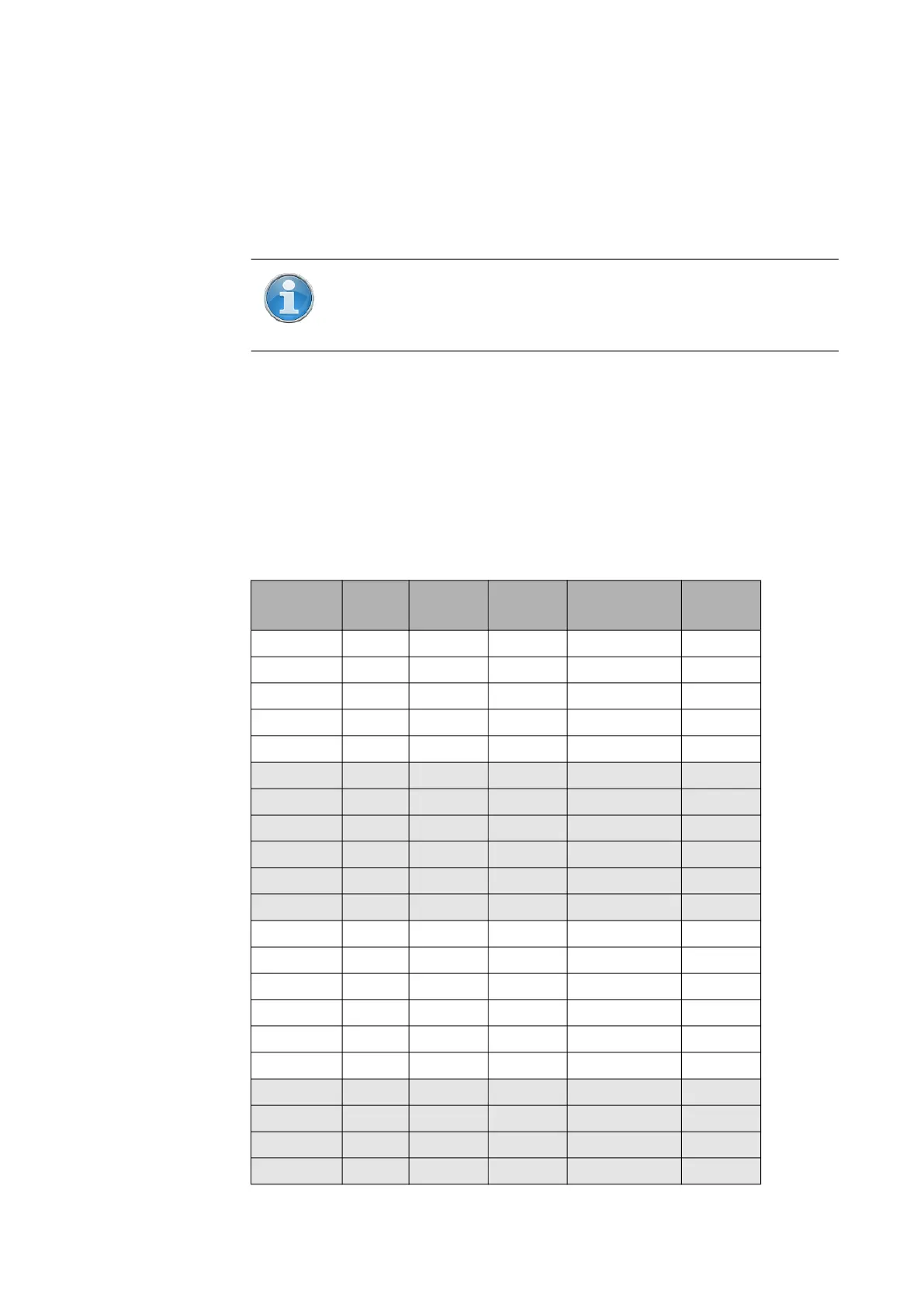
The following table shows the scanning parameters and net scan time for all
the resolution and quality settings that are available.
NOTE: The Far Distances option is not available on all scanner
models. See Differences between the scanners on page 12.
Resolution Quality
Mio. Pts
(full scan)
Net Scan
Time
Point Distance pt/360°
1/1 ½x 699.1 0:07:22 1.5mm/10m 40,960
1/1 1x 699.1 0:14:38 1.5mm/10m 40,960
1/1 2x 699.1 0:29:07 1.5mm/10m 40,960
1/1 3x 699.1 0:58:19 1.5mm/10m 40,960
1/1 4x 699.1 1:57:18 1.5mm/10m 40,960
1/2 ½x 174.8 0:02:02 3.1mm/10m 20,480
1/2 1x 174.8 0:03:49 3.1mm/10m 20,480
1/2 2x 174.8 0:07:23 3.1mm/10m 20,480
1/2 3x 174.8 0:14:36 3.1mm/10m 20,480
1/2 4x 174.8 0:29:07 3.1mm/10m 20,480
1/2 6x 174.8 1:57:18 3.1mm/10m 20,480
1/4 1x 43.7 0:01:15 6.1mm/10m 10,240
1/4 2x 43.7 0:02:01 6.1mm/10m 10,240
1/4 3x 43.7 0:03:45 6.1mm/10m 10,240
1/4 4x 43.7 0:07:21 6.1mm/10m 10,240
1/4 6x 43.7 0:29:06 6.1mm/10m 10,240
1/4 8x 43.7 1:57:18 6.1mm/10m 10,240
1/5 2x 28.0 0:01:24 7.7mm/10m 8,192
1/5 3x 28.0 0:02:29 7.7mm/10m 8,192
1/5 4x 28.0 0:04:46 7.7mm/10m 8,192
1/5 6x 28.0 0:18:40 7.7mm/10m 8,192



 To Next Page