FARO
®
Laser Scanner Manual
53
Chapter 6: Getting Started
6.8.3 Starting a Scan
Remember that the scanner is turning and the mirror unit is rotating with high
speed. Ensure that the scanner can move freely and that no objects can touch
the mirror unit.
Start the scan by tapping on the Start Scan button on the Home screen of the
controller software
If there is not enough space on the SD card, you will be warned and the
scanner will refuse to scan. In this case, remove scan data from the memory
card or insert a new card and try again.
When the scan process starts, the laser of the scanner will be switched ON
and the scanning view will be displayed. The scanner's LEDs blink red as long
as the laser of the scanner is switched ON. During scanning, the scanner
rotates clockwise by 180°. If you are scanning with color, the scanner will
continue to turn 360° to take the pictures.
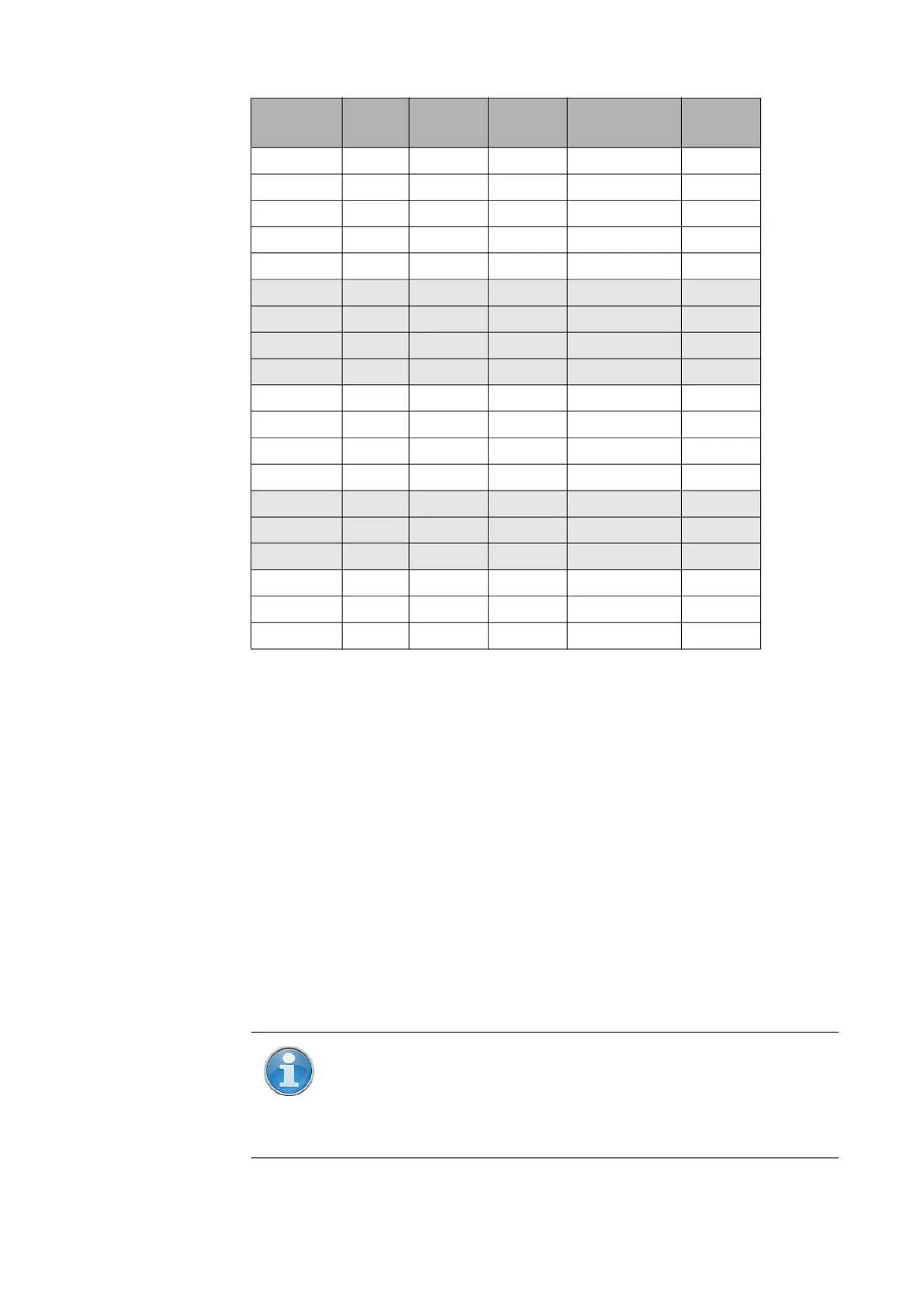
1/8 2x 10.9 0:00:48 12.3mm/10m 5,120
1/8 3x 10.9 0:01:06 12.3mm/10m 5,120
1/8 4x 10.9 0:01:57 12.3mm/10m 5,120
1/8 6x 10.9 0:07:22 12.3mm/10m 5,120
1/8 8x 10.9 0:29:07 12.3mm/10m 5,120
1/10 3x 7.0 0:00:49 15.3mm/10m 4,096
1/10 4x 7.0 0:01:19 15.3mm/10m 4,096
1/10 6x 7.0 0:04:46 15.3mm/10m 4,096
1/10 8x 7.0 0:18:40 15.3mm/10m 4,096
1/16 3x 2.7 0:00:34 24.5mm/10m 2,560
1/16 4x 2.7 0:00:40 24.5mm/10m 2,560
1/16 6x 2.7 0:01:57 24.5mm/10m 2,560
1/16 8x 2.7 0:07:22 24.5mm/10m 2,560
1/20 4x 1.7 0:00:32 30.7mm/10m 2,048
1/20 6x 1.7 0:01:19 30.7mm/10m 2,048
1/20 8x 1.7 0:04:46 30.7mm/10m 2,048
1/32 4x 0.7 0:00:28 49.1mm/10m 1,280
1/32 6x 0.7 0:00:40 49.1mm/10m 1,280
1/32 8x 0.7 0:01:57 49.1mm/10m 1,280
Resolution Quality
Mio. Pts
(full scan)
Net Scan
Time
Point Distance pt/360°
NOTE: If pictures are taken that include objects that were not
scanned by the laser (e.g., if a person or vehicle moves into the
camera’s field of view at the wrong time, you can retake those
pictures if this feature is enabled before scanning. For more
information, see Retaking Pictures on page 131.



 To Next Page